




















A working dash cam captures what's going on around and inside (when available). However, footage quality depends on several technical details. Dash cam bit rate is one important detail to keep in mind.
It's how much video data your camera records each second. A higher dash cam bit rate keeps more detail in each frame. It also fills your memory card faster. That trade-off sits behind almost every storage question drivers ask about dash cam bit rate.
This guide explains how dash cam bit rate works, including resolution, frame rate, and compression. You'll learn how to estimate storage needs, what to choose for day, night, and parking, and how to check your camera.
What Is Dash Cam Bit Rate and Why Does It Matter?
Dash cam bit rate is the data your camera uses per second of video, measured in megabits per second (Mbps). It controls both image detail and file size. Two cameras can share one resolution and still produce very different footage.
What Does Bit Rate Mean in Video Recording?
Think of dash cam bit rate as the size of the pipe that carries your video. A wider pipe moves more data each second. So, bitrate is the data recorded per second, measured in Mbps.
A camera with a lower dash cam bit rate compresses each frame more aggressively. Meanwhile, a camera with a higher bit rate squeezes each frame noticeably less.
How Does Bit Rate Affect Dash Cam Footage?
A higher dash cam bit rate means finer detail and fewer blocky patches. A 1080P camera at 15 Mbps looks sharper than the same camera at 8 Mbps. Trees, signs, and passing traffic are hard to compress, so the difference is clear.
Why Does Bit Rate Matter for Accident Evidence?
Dash cam bit rate matters for evidence that depends on small details, like a plate, a brake light, or a lane line. A healthy dash cam bit rate helps keep those details intact in busy scenes.
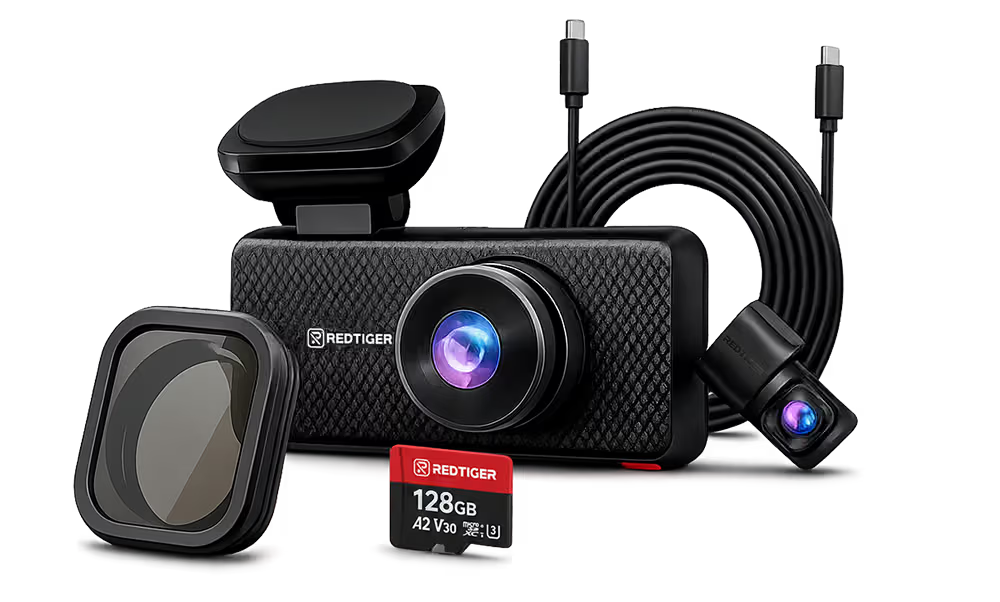
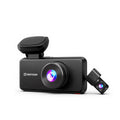
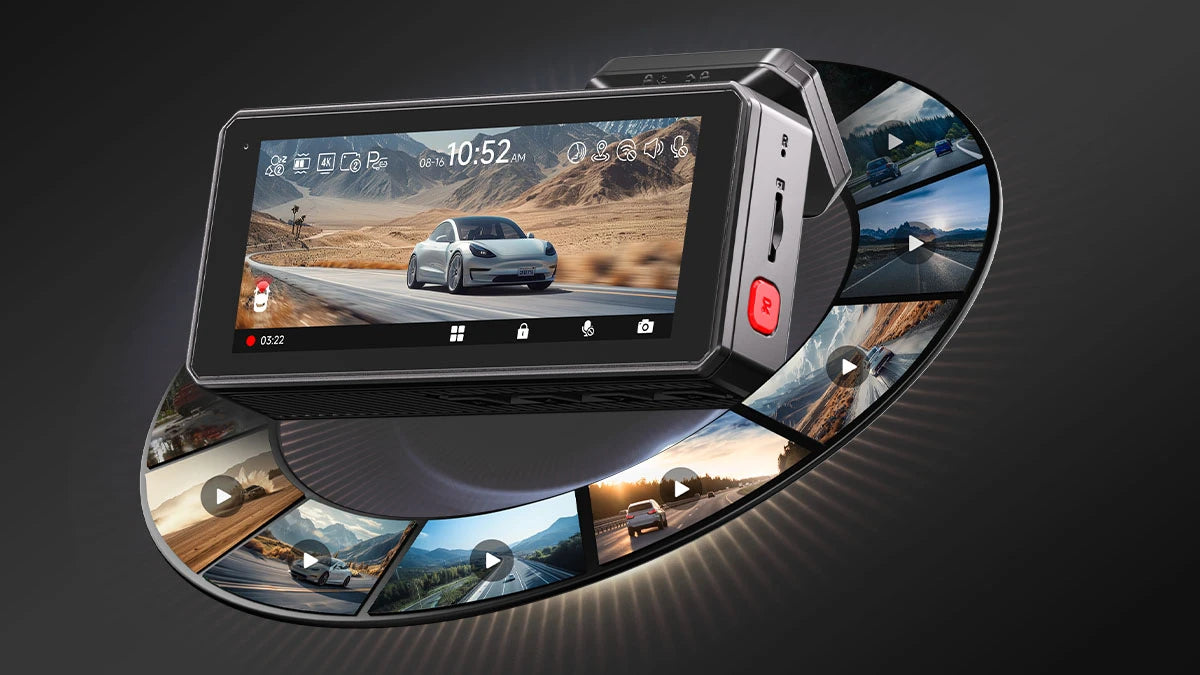
The REDTIGER F7NA's front camera records 4K to capture plates and signs at speed. Still, no camera can promise a readable plate every time. Distance, light, and speed also matter.
Dash Cam Bit Rate vs. Resolution vs. Frame Rate: What's the Difference?
Resolution, frame rate, and bit rate work together. Resolution counts pixels, frame rate counts pictures per second, and bit rate counts data per second.
Dash cam resolution sets how much detail a frame can hold. Bit rate decides how much of that detail survives.
Bit Rate vs. 1080p, 2K, and 4K Resolution
A 4K frame (3840×2160) has four times as many pixels as a 1080P frame (1920×1080). More pixels need more data to describe them. So, a 4K dash cam bit rate is usually higher than a 1080P dash cam bit rate.
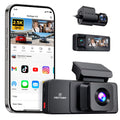
Independent measurements by DashCamTalk show how it plays out. They measured the REDTIGER F77's front 4K camera at about 31 Mbps and its rear 4K camera at about 24 Mbps.
Bit Rate vs. 30 FPS and 60 FPS
Frame rate affects how smooth motion looks and ties directly to dash cam bit rate. Higher frame rates add more frames each second.
That can increase data requirements unless the dash cam bit rate rises to match.
The F77 lets you pick 4K at 30 fps or 2.5K at 60 fps on the front camera. For most drivers, 30 fps is enough for admissible evidence.
How H.264 and H.265 Compression Affect Video Quality
H.264 (AVC) and H.265 (HEVC) are video codecs, the methods cameras use to shrink video. The ITU says H.265 needs about half the bit rate of H.264, and notes that H.264 carried over 80 percent of web video.
H.265 gives more recording time per gigabyte, but not every model offers it. Check your cam settings, because compression changes what a given dash cam bit rate can deliver.
High Bit Rate vs. Low Bit-Rate Dash Cam: Which Is Better?
Neither is always better. A high-bit-rate dash cam keeps more detail in busy scenes. In contrast, a low bit-rate dash cam stores more hours on the same card. The best choice depends on your routes, your card, and what you need to prove.
Benefits of a High Bit Rate Dash Cam
A high-bit-rate dash cam captures more data each second. That helps in complex scenes with leaves, rain, and fast traffic, where compression artifacts often appear.
It also helps with plates, vehicle details, road signs, and sudden moves. However, the sensor still sets the ceiling for any high-bitrate dash cam. A strong sensor like the Sony STARVIS 2 IMX678 gives the bit rate solid ground.
Resolution labels can mislead, too. Some "4K" cameras only stretch a smaller image (even within REDTIGER). So, confirm that the sensor captures native 4K, not upscaled 4K.
When Does a Low Bit-Rate Dash Cam Make Sense?
A low bit-rate dash cam is enough when retention matters more than fine detail. Short city drives at low speeds rarely need 4K.
1080P can capture enough detail for short, low-speed drives while giving you longer recording time, though how far you can read a plate still depends on distance, speed and light. It also suits drivers with small cards.
How to Choose the Right Balance for Your Driving Needs
Match the dash cam bit rate to your routine. Commuters can use a moderate dash cam bit rate. Meanwhile, highway drivers benefit from a higher one. In comparison, rideshare and road-trip drivers need bigger cards.
Summary Comparison: High Bit Rate vs Low Bit Rate in Dash Cam
|
Factor
|
High Bit Rate
|
Low Bit Rate
|
|
Image Detail
|
More detail in busy scenes
|
Softer, more compression
|
|
File Size
|
Larger
|
Smaller
|
|
Retention
|
Fewer hours per card
|
More hours per card
|
|
Best for
|
Highway, rideshare, plate capture
|
Short city trips, small cards
|
|
Memory Card
|
High-endurance, 128GB or more
|
32GB to 64GB may work
|
How Much Storage Does a Dash Cam Need at Different Bit Rates?
Storage depends on the dash cam's bit rate, card size, and number of cameras. A simple rule: multiply Mbps by 0.45 to estimate gigabytes per hour. A card then holds roughly its size divided by that number. Real results run a little lower.
How to Calculate Dash Cam File Size
One Mbps is one million bits per second. Divide by 8 to get megabytes, then multiply by 3,600 seconds to get 0.45 GB per hour per Mbps. At 31 Mbps, that's about 14 GB per hour.
Use the same rule for every camera, then add up. A front cam at 31 Mbps and a rear cam at 24 Mbps equals 55 Mbps, or about 24.75 GB per hour. Let's see what that means for common cards.
How Long Can a 64GB, 128GB, or 256GB Card Record?
|
Bit rate
|
GB per hour
|
64GB
|
128GB
|
256GB
|
|
8 Mbps (basic 1080P)
|
3.6
|
17.8 h
|
35.6 h
|
71.1 h
|
|
15 Mbps (sharper 1080P)
|
6.75
|
9.5 h
|
19.0 h
|
37.9 h
|
|
31 Mbps (one 4K channel)
|
13.95
|
4.6 h
|
9.2 h
|
18.4 h
|
|
55 Mbps (front plus rear 4K)
|
24.75
|
2.6 h
|
5.2 h
|
10.3 h
|
The 55 Mbps row matches a real test. The reviewer measured about 55 Mbps combined on the F77 and calculated about 4.1 hours on its 114GB of usable space. REDTIGER lists 4–6 hours for 4K front plus 1080P rear on 128GB.
How Do Front and Rear Cameras Affect Storage?
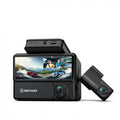
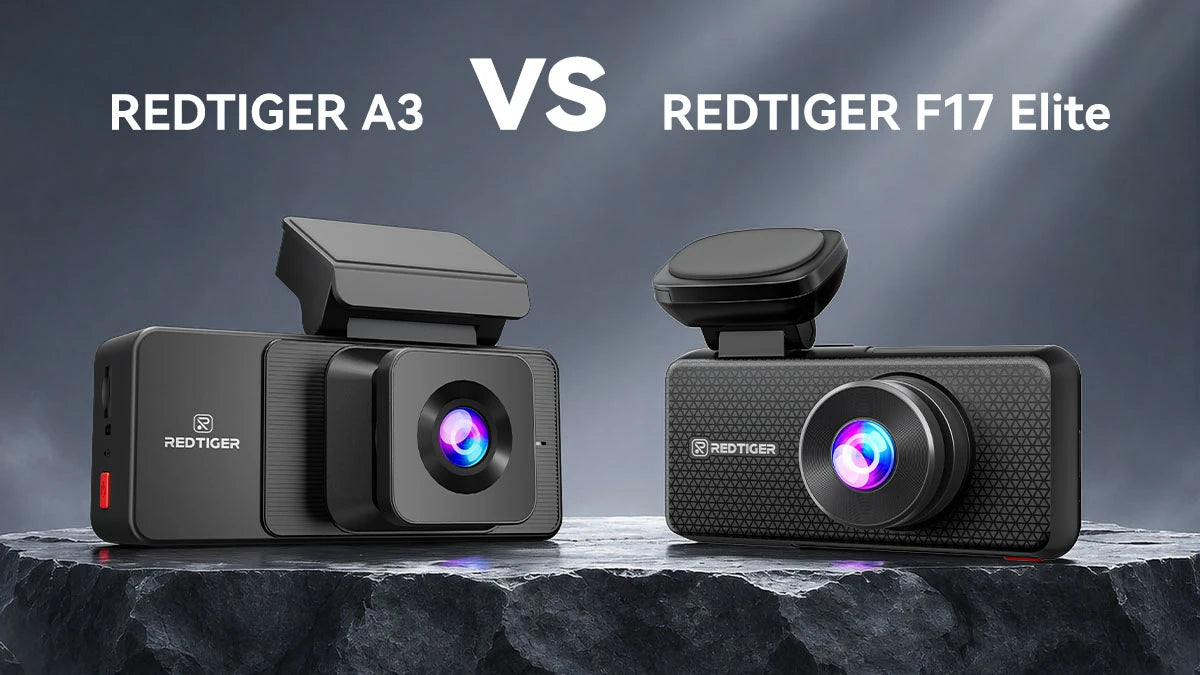
Every camera adds its own stream to your total dash cam bit rate. Each channel multiplies the data rate. Consider a three-channel system with 4K, 2.5K, and 1080P, like the F17 Elite.
The dash cam will consume much more storage than a front-only camera. That's why some brands' estimates quote a single channel. Always ask which setup the number covers.
How Does Loop Recording Manage a Full Memory Card?
Loop recording splits video into short clips and overwrites the oldest unlocked clip when the card is full. REDTIGER's loop recording guide describes 1-, 3- or 5-minute segments, and the available lengths vary by model — the A3 and the F17 Elite both use 1/3/5 minutes, while some other models list different options. The G-sensor locks clips on impact so they aren't overwritten.
Locked files within the microSD can fill the card over time. Save important clips promptly, copy them to your phone or computer, and format the card monthly.
What Is the Best Dash Cam Bit Rate for Daytime, Night Driving, and Parking Mode?
Use a higher bit rate for daytime driving. Night quality depends on the sensor, while parking mode needs to be efficient to save space. So, there's no single best number. The right dash cam bit rate fits the scene and your storage plan.
Best Bit Rate for Daytime and Highway Driving
Fast, busy scenes punish a low bit-rate dash cam. Moving cars, signs, and trees create lots of detail. A dual 4K camera, such as the REDTIGER F77, gives you high-resolution footage. Its rear stream runs at a lower bit rate than the front. So the rear image is slightly less clear.
Best Bit Rate for Night Driving and Low-Light Conditions
A higher dash cam bit rate preserves more details. It can't fix a weak sensor, bad exposure, glare, or motion blur. Sensor quality remains the base; STARVIS 2 sensors are built for low light. The REDTIGER F7NA pairs a STARVIS 2 IMX678 with 4K front recording.
Best Bit Rate for Parking Surveillance and Long Trips
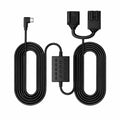
Continuous parking recording uses the same storage as driving. Motion detection, time-lapse, and impact-triggered modes use far less. The F7NA lists time-lapse and impact-triggered parking modes. It needs a hardwire kit to run them — parking mode only appears in the menu once the kit is installed, and the kit's low-voltage protection cuts power 60 seconds after the voltage drops below 11.8V (±0.2), which can end a parking recording before the card fills.
How to Choose the Right Dash Cam Bit Rate for Your Driving Needs
Check the specs, use a fast, high-endurance card, and test your footage. You'll know if your dash cam bit rate suits your drives. These three steps prove a dash cam's trustworthiness.
Check the Dash Cam's Actual Bitrate Specifications
Many product pages list resolution but not bit rate. REDTIGER lists resolution, not an Mbps figure. Look in the user manual or ask support about the dash cam bit rate.
Record a few minutes, then compare the file size to the clip length. A 5-minute clip near 1.2GB works out to roughly 32 Mbps. This simple test shows your dash cam's real bit rate.
Choose a Compatible High-Endurance microSD Card
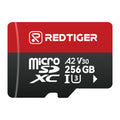
Continuous writing wears out ordinary cards. We recommend Class 10, U3 cards, as high-endurance cards last longer. U3 means a minimum 30MB/s write speed, while Class 10 guarantees only 10MB/s. Bit rates are far below that, but a steady write speed still helps — REDTIGER recommends Class 10, U3-rated microSD and treats 128GB as the practical minimum for 4K dual-channel recording.
Always Test Your Footage Before Relying on It
Record a short drive in daylight and at night. Pause on a plate or sign and zoom in. Check the rear camera too. Then check how many hours your card actually holds, using the 0.45 rule. Adjust resolution or card size if needed.
Conclusion
A good dash cam bit rate balances detail and storage. A higher dash cam bit rate protects fine detail in complex scenes; lower settings stretch your card, and a good sensor sits under both. Estimate storage with Mbps × 0.45, then test your own footage.
That doesn't mean lower bit rate is useless. It has certain shortcomings on busy, detail-filled roads. You can rely on low bit rates for short, test, or deserted rides. Consider the F77 for dual 4K or the F7NA for strong 4K value, paired with a high-endurance card.


Frequently Asked Questions (FAQs)
What bit rate is good for a dash cam?
A good dash cam bit rate depends on resolution. REDTIGER's own buying guide uses a simple illustration to make the point: a 1080P camera recording at 15 Mbps produces sharper footage than the same camera at 8 Mbps. That is a general rule of thumb, not a REDTIGER model specification — REDTIGER publishes resolution, frame rate and storage capacity, but it does not publish a recording bitrate figure in Mbps for its dash cams. An independent test on the REDTIGER F77 measured about 31 Mbps for the 4K front camera and about 24 Mbps for the rear camera, and about 55 Mbps for the two together. Choose a dash cam bit rate your card can store for the hours you need.
Is a higher bit rate always better for dash cam footage?
No. A higher dash cam bit rate adds detail but shortens recording time. It also can't fix a weak sensor, glare, or motion blur. Balance detail, storage, and your driving.
What is the difference between a high bit rate dash cam and a low bit-rate dash cam?
A high-bit-rate dash cam records more data per second. It keeps more detail and uses more storage. A low-bit-rate dash cam saves space but compresses more aggressively.
Does dash cam bit rate affect license plate readability?
It can. A higher dash cam bit rate helps preserve small details in busy scenes. But distance, speed, light, and sensor quality matter too, so no setting guarantees a readable plate.

Leave a comment
All comments are moderated before being published.
This site is protected by hCaptcha and the hCaptcha Privacy Policy and Terms of Service apply.