



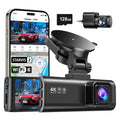


























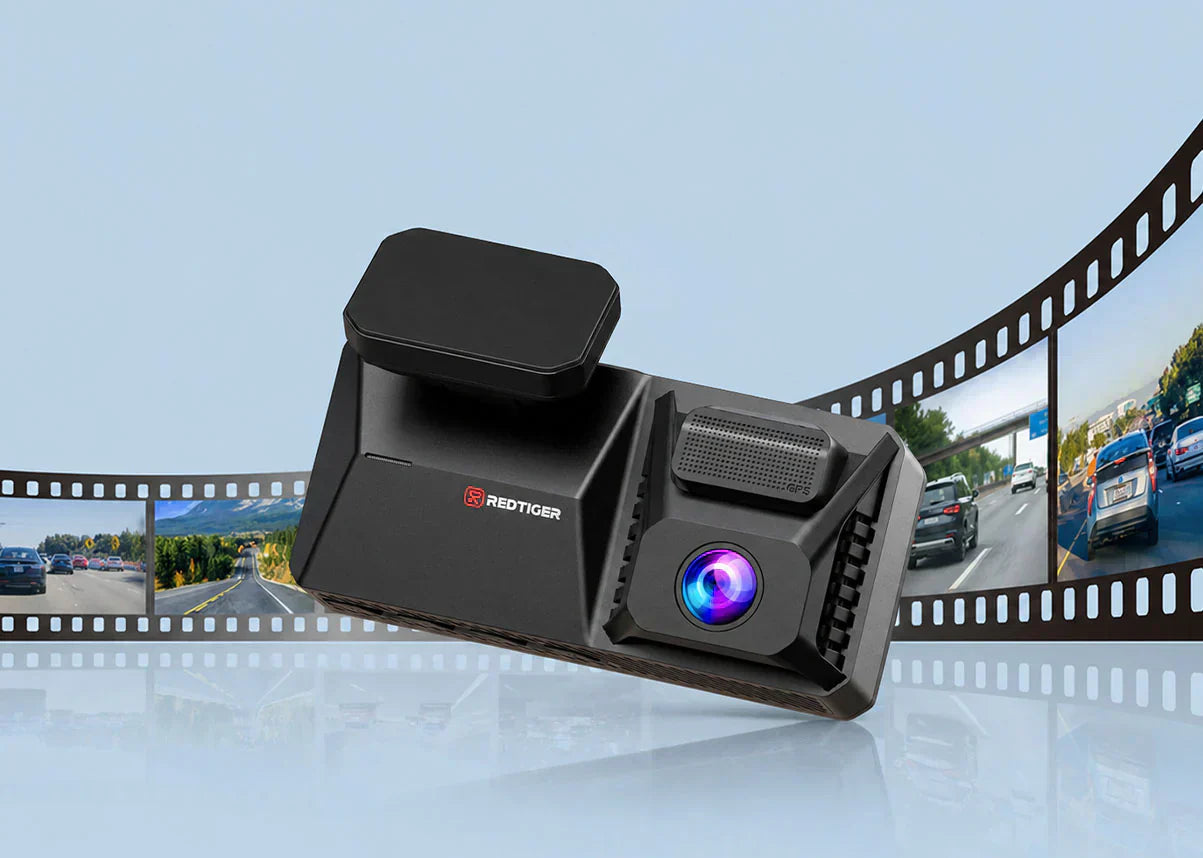
You've pulled into a gas station when someone clipped your bumper while backing out. Check your dash cam with loop recording, and the clip is there, time-stamped and locked. There's no need to press buttons or run out of storage. The camera handled everything on its own.
That outcome is exactly what loop recording is built for. It's the engine behind every always-on dash cam. It's the reason your camera doesn't stop recording, never asks to delete old files, and always has the most recent footage ready.
The feature sounds simple for drivers looking for dash cams with loop recording. And this guide covers how it works under the hood, how it protects the required footage, and how much storage you need.
How Does Loop Recording on a Dash Cam Work?
Loop recording divides a dash cam's storage into a rolling sequence of short video clips, each 1, 3, or 5 minutes long. The camera automatically erases the oldest clip when the storage fills up. The process repeats indefinitely, never stops recording, and requires zero manual management.
The First-In, First-Out System
Loop recording runs on a simple "first-in, first-out" principle. The camera writes clips in sequence: clip 1, clip 2, clip 3, and so on until the card reaches capacity.
At that point, clip 1 gets deleted to make room for the next recording, then clip 2, and the cycle continues. The camera always overwrites the oldest segment to keep the most recent footage available.
You choose the clip length in settings: 1, 3, or 5 minutes per segment on a Redtiger dash cam. Each length marks a practical applicability –
- 1-Minute Clips: Easiest to search. You find the exact clip faster following an incident because each file covers a smaller window of time.
- 3-Minute Clips: The default and most common setting. Balances file count with search convenience for everyday driving.
- 5-Minute Clips: Fewer total files on the card. Seems more useful for long trips where you don't expect to search footage frequently.
Please note that the clip length doesn't affect how much total footage the card holds. It only changes how that footage is divided into searchable files.
How Does the G-Sensor Protect Critical Clips from Being Overwritten?
If you're new to dash cams, you might wonder: What happens if loop recording overwrites my most important footage right after an accident? That's where the G-sensor comes in — it's the safeguard that keeps critical clips safe from the recording cycle.
Every Redtiger dash cam includes a built-in G-sensor. It's a three-axis gravity sensor that continuously monitors the acting forces on the cam. So, the sensor can detect a sudden impact, hard braking, or sharp swerve above a threshold.
In such cases, it immediately locks the current video clip. Locked clips are moved to a separate protected folder that loop recording cannot overwrite. They stay on the card until you manually delete them.
In a collision, you won't have to scramble to press a button or pull the card. The cam preserves the evidence instantly. You can also manually lock a clip any time via the emergency lock button on the cam or through the Redtiger app.
One setting worth calibrating: G-sensor sensitivity. Set too high, the sensor locks the clips constantly, eventually stopping the loop. Set too low, a collision may not trigger the lock. Medium sensitivity works well for most.
How Much Storage Do You Need for Loop Recording to Work Well?
64GB gives you around eight hours of footage before the loop begins for a single-channel 1080P dash cam. 128GB is the practical starting point for a dual-channel 4K system, such as any Redtiger front-and-rear model. 256GB or higher makes sense when you park overnight and want parking mode coverage.
Storage Size Guide by Resolution and Recording Channel Count
64GB: Approximately 6–8 hours of single-channel 1080P recording, or 3–4 hours of dual-channel 4K+1080P. Enough for a daily commuter who drives less than two hours per day.
128GB: The standard for dual-channel 4K systems. Covers 6–8 hours of front-and-rear recording. Redtiger includes 128GB with the F17 Elite and VC70 for exactly this reason.
256GB: Right for longer daily mileage, rideshare drivers, or anyone who wants 12+ hours of coverage before the loop begins overwriting.
512GB: Best for road trips, delivery drivers, or three-channel 4K setups where combined bitrate is highest. The F77 supports up to 512GB for maximum retention.
One consistent recommendation across all Redtiger models: get a Class 10, U3-rated microSD card. The demands of loop recording wear out standard cards fast. Format the card monthly to clear fragmented files.
eMMC vs SD Card: Which Storage Type Is Better for Loop Recording?
SD cards are removable, affordable, and easy to replace. Also, they're the most common failure point in a dash cam with loop recording. A card may vibrate loosely on a rough road, or one can degrade from constant write cycles. Either way, it can cause the loop to fail silently.
eMMC storage in the Redtiger F77 remains soldered directly into the camera body. It can't vibrate loose. It handles continuous write cycles better, runs faster, and requires no insertion or maintenance. But the storage is fixed at the built-in capacity (128GB or 256GB) with no option to expand.
eMMC is the more dependable foundation, preventing the loop from failing silently. Many drivers want flexible storage expansion or the ability to pull a card and view footage on a laptop. For those, an SD-based cam system like the VC70 or F17 Elite makes more practical sense.
What's the Difference Between Loop Recording and Parking Mode?
Loop recording and parking mode are related but separate systems. Loop recording runs while you drive and automatically manages storage. Parking mode is a different recording state that activates when the car is off and unattended.
Loop Recording While Driving: What's Happening in the Background
From the moment you start the engine, your Redtiger cam powers on to start recording. It writes clips at the length you've set, fills the storage, and begins overwriting from the oldest clip.
This runs silently in the background. You never need to manually delete or format anything. The storage cycle is self-managing: old footage makes room for new footage, so the cam never stops recording.
When you shut off the engine, the cam saves the final clip and powers down while preserving file integrity. Redtiger's supercapacitor design supports reliable operation across a wide temperature range from -4°F to 158°F, ensuring the recording loop keeps running whether you're driving through a summer heatwave or a winter cold snap.
Parking Mode Recording: Time-Lapse and G-Sensor
All Redtiger models support parking mode when connected via a hardwire kit. Redtiger's parking mode combines time-lapse recording and G-sensor collision detection run together for complete coverage.
The camera captures a time-lapse video of the entire parking period, condensing hours into a short, watchable clip — one frame every few seconds. While that runs, the G-sensor stays active in the background, monitoring for any impacts. If a collision or bump occurs, the corresponding moment is immediately flagged and locked, ensuring the critical event is preserved within the continuous time-lapse stream.
Top Redtiger Dash Cams with Loop Recording
Every Redtiger model includes loop recording as a core feature. The differences come down to resolution, channel count, storage type, and additional features.
1. Redtiger ViewClear 70 (VC70): Best for Night-Shift Drivers and Low-Light Commuters
The dual-channel model records footage that's actually useful after dark. Most loop recordings captured at night are grainy, overexposed, or miss details.
The front camera uses a Sony STARVIS 2 IMX678 sensor with NiteGuard Hyper Night Clarity for full-color video in low-light conditions. The rear camera pairs the OmniVision OS04J10 sensor with Noctura™ technology and Wondrix™ pixel enhancement.
The 1/1.88-inch sensor maintains color accuracy and detail in near-total darkness without boosting noise. Therefore, your loop recording footage –
- 4K front and 2.5K rear resolution across every recorded clip, day or night.
- Dual HDR on both channels balances headlight glare and shadow detail in each frame.
- Loop Recording plus Collision Lock in parking mode – two surveillance layers even while parked.
- 5.8GHz Wi-Fi 6 at up to 30MB/s download transfers even 4K clips to your phone in seconds.
- 128GB SD card included; 170° wide-angle front lens captures the full width of the road.
Many drivers log night hours (rideshare operators, shift workers, or anyone commuting before sunrise or after sunset). And the VC70's loop recording captures footage that's usable as evidence.
When RedTiger launched the VC70, Digitalmore (April 2025) reported that the camera "employs advanced night vision technology to provide peace of mind for driving in low-light conditions"—validating exactly the use case that defines night-shift loop recording.

2. Redtiger F77: Best for Drivers Who Want Zero Storage Management
The F77 removes storage management from the picture. Built-in 128GB eMMC storage means there's no card to insert, format, replace, or vibrate loosely. Power the cam on and the loop recording begins immediately. That's the entire setup.
Both front and rear cameras use Sony STARVIS 2 IMX678 sensors, making it the only Redtiger model with identical high-spec sensors on both channels. Every clip in the loop is captured at true dual 4K@30fps with HDR night vision.
- Built-in 128GB eMMC with no SD card needed, ever (V2 model: 256GB).
- Dual 4K@30fps – both channels record at the same resolution and frame rate.
- 12 voice commands let you manually lock a clip hands-free while driving.
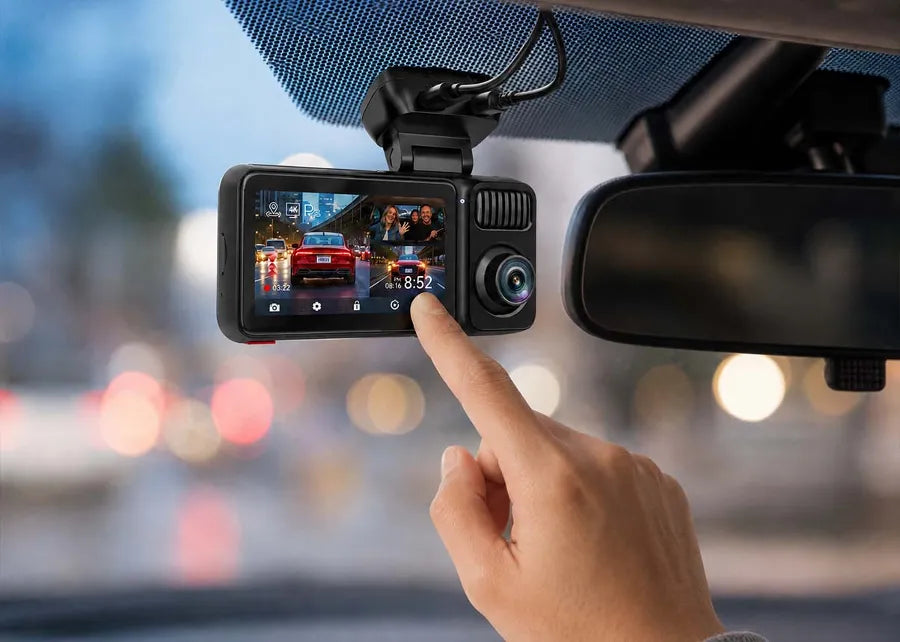
- 4-inch touchscreen for reviewing and navigating footage without the app.
- 5.8GHz Wi-Fi-6 transfers a 4K clip to your phone in approximately 30 seconds.
- Supercapacitor rated -4°F to 158°F; no battery degradation in summer heat or winter cold.
Redtiger's F77 is the right choice when you want the loop to run perfectly every time without thinking about it.
That reliability holds up under independent review. TechRadar tested the F77 and concluded that "this 4K dash cam with two ultra-wide lenses shoots some of the sharpest video I've seen"—a verdict that reflects both the dual Sony STARVIS 2 sensors and the stability that eMMC storage brings to continuous loop recording.

3. Redtiger F17 Elite: Best for Complete Three-Channel Loop Recording Coverage
The F17 Elite records three channels simultaneously – 4K front, 2.5K rear, and 1080P interior. When the G-sensor locks a clip, all three channels save simultaneously. You get the road ahead, the road behind, and the interior of the vehicle.
That third channel matters most in specific situations. The F17 Elite's interior camera records in full color even in low ambient light. It's not black-and-white night vision, but true-color footage that shows faces, clothing, and cabin details clearly.
- Three-channel simultaneous loop recording: 4K front (150°) + 2.5K rear (155°) + 1080P interior (160°).
- Sony STARVIS 2 IMX678 front sensor and IMX675 rear sensor for high-quality dual-channel imaging.
- Full-color interior night recording – no IR switch-over, no black-and-white loss of detail.
- 128GB SD card included; supports expansion for extended recording retention.
- 5GHz Wi-Fi 6 with up to 30MB/s download speeds for fast clip retrieval via the Redtiger app.
- Voice control and 4-inch touchscreen for hands-free clip locking and footage navigation.
With three channels looping simultaneously, the F17 Elite gives you the most comprehensive driving record of any Redtiger model.
That coverage is exactly what rideshare drivers need most. AutoGuide (June 2025) found that "the interior camera should be the most important feature that rideshare drivers should be aware of," because dash cams "provide video proof of your passenger's behavior as well as your own." With three channels looping simultaneously, the F17 Elite delivers that protection around the clock.

Conclusion
A dash cam with loop recording isn't convenient; it's what makes the cam useful when something happens. Otherwise, you'd need to monitor storage, manually delete old footage, and hope the card wasn't full during an accident. In contrast, the cam handles everything automatically without asking anything of you.
Redtiger's VC70, F77, and F17 Elite elevate the system's capabilities. You'll get night clarity, storage-free eMMC reliability, and/or three-channel coverage. All three run loop recordings, supported by a durable supercapacitor and the Redtiger app. Check Redtiger dash cams to compare and find the best model.
Frequently Asked Questions (FAQs)
1. Will the loop recording delete footage I need?
Only if the G-sensor doesn't lock first and you don't manually lock it. Redtiger's G-sensor locks a collision clip automatically before overwriting it. For non-collision events, you can press the emergency lock button or use a voice command.
2. Why did my loop recording stop working?
Three things cause loop recording to stop. First: the feature may be turned off (open the menu to confirm it's enabled). Second: the protected folder may be full of locked clips (format the card to clear unwanted files). Third: the SD card may fail or be inserted incorrectly (use a Class 10, U3 card rated for 4K video).
3. How often should I format my SD card?
Once a month is the standard recommendation for dash cams with loop recording. Continuous writing fragments can slow writing speeds and eventually lead to gaps. Formatting takes less than a minute through the settings.
4. Does loop recording work differently at 4K compared to 1080P?
The process is identical to the cam writes clips, fills storage, and overwrites the oldest files. The difference is file size. A one-minute 4K clip takes up significantly more space, meaning a given card fills faster, and the loop overwrites sooner at 4K.

Leave a comment
All comments are moderated before being published.
This site is protected by hCaptcha and the hCaptcha Privacy Policy and Terms of Service apply.