































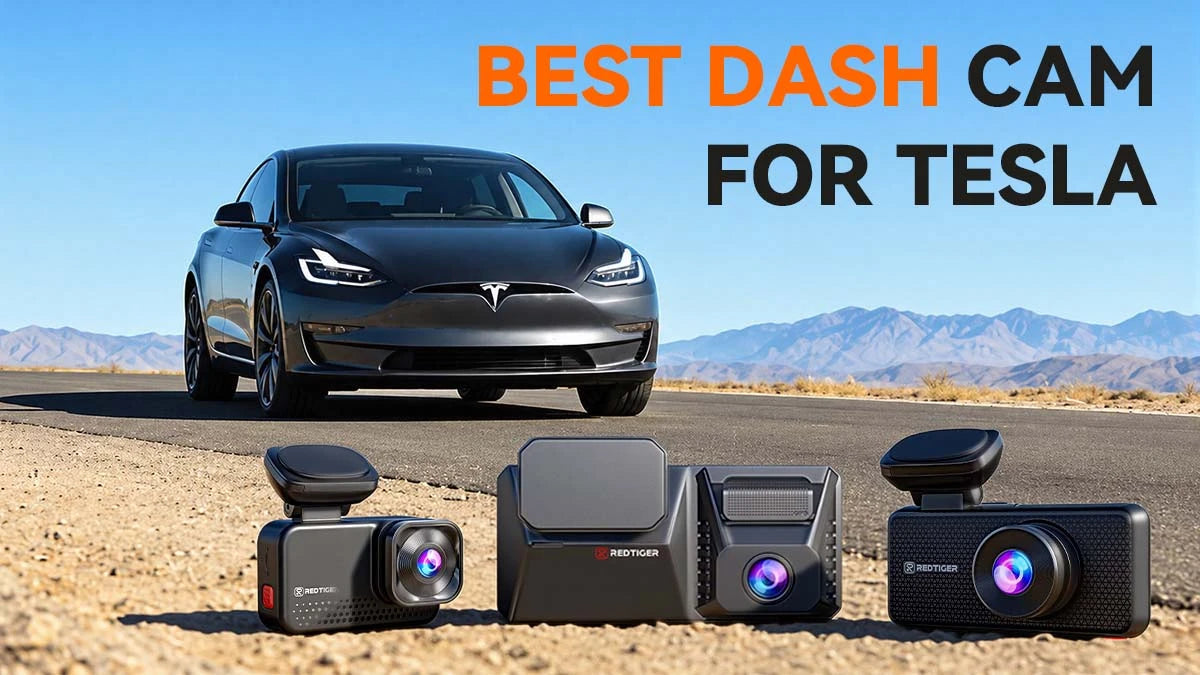
Tesla's built-in cameras are satisfactorily smart. However, they aren't exactly the perfect replacement for a full-time dash cam. An aftermarket dash cam for Tesla adds sharper 4K video, extra angles, and parking protection.
This guide shows how to pick the best dash cam for Tesla. You'll see how parking mode works and how to avoid battery drains. We've also picked three REDTIGER models for Tesla to compare with Wolfbox and Garmin.
Do You Need an Aftermarket Dash Cam for Your Tesla?
Yes, for most. Adding a dash cam to your Tesla seems like a smart move, even if your vehicle has a built-in device. Your car cams are mostly for Autopilot, not for evidence.
Only an aftermarket (third-party) dash cam for Tesla can add extra camera angles, sharper video detail, and features like audio and GPS speed data.
Tesla's Dashcam and Sentry Mode save footage to a USB drive that you supply. Sentry Mode records from up to four cameras and skips the cabin camera. The system can't record audio.
Still, you don't have to choose one or the other. The best dash cam for Tesla works alongside Tesla features. Many owners keep Tesla's features and add a dash cam for Tesla on top.
Can an Aftermarket Dash Cam Protect a Parked Tesla?
Yes. A dash cam for Tesla can record while the car is parked. But it needs constant power from a hardwire kit. Tesla Sentry Mode does something similar. Many owners run both.
Tesla Sentry Mode vs. a Third-Party Dash Cam for Tesla
Sentry Mode is built in, while a tesla dashcam gives you more control.
Sentry Mode records from one front camera, both fender cameras, and the rear camera. The car's computer stays awake. So it costs about 1 mile of range per hour. Tesla also turns it off automatically when the charge runs low.
A Tesla dash cam works separately. Time-lapse parking mode captures fewer frames, so it uses less storage and battery. A G-sensor also detects impacts and saves the video, whether you are driving or parked.
What Does a Dash Cam for Tesla Need for Parking Mode to Work?
Any dash cam dashboard camera for Tesla needs a hardwire kit to work in parking mode. Parking monitoring doesn't work without one.
A plug-in 12V outlet can't support parking mode, and some EVs cut power to it when the car is off. You have three common power options –
-
A fuse-box hardwire kit with an adjustable low-voltage cutoff.
-
An OBD-II power adapter for plug-and-play installs.
-
An external dash cam battery pack that isolates the camera from the car.
Check your owner's manual before you choose a dash cam for Tesla, because EV electrical systems vary by model. Also pick a high-endurance memory card, since loop recording wears out standard cards faster.
Does a Dash Cam for Tesla Drain the Battery?
A dash cam for Tesla runs on the 12V auxiliary battery, which is smaller than the main pack. Nonstop recording can drain it faster.
The fix is simple. With any dash cam for Tesla, use time-lapse parking mode and set a low-voltage cutoff. The camera shuts off before the battery gets low.
REDTIGER's guide adds that a hardwire kit includes this cutoff protection. The real risk comes from leaving parking mode on with no shutoff.
How Can You Keep Parking Footage Available?
Save and back up clips quickly, no matter which dash cam for Tesla you choose. Loop recording overwrites old footage, while the G-sensor locks important events so they stay put. The F77 adds a card slot for backups beside its built-in storage.
Use Wi-Fi to move clips to your phone. The F17 Elite uses 5.8GHz Wi-Fi 6 with the REDTIGER app for quick review and sharing. On Tesla's side, format your USB drive as exFAT and keep a TeslaCam folder. Tesla deletes the oldest Sentry clips when space runs short.
Which Dash Cam for Tesla Features Matter Most?
Four features matter most –
-
4K detail
-
Channel count
-
HDR with night vision
-
Connectivity
Match each to your driving and parking habits. A good dash cam for Tesla should fit your routine, not just look good on a spec sheet. Let's begin with image quality, the first thing every dash cam for Tesla is judged on.
4K Resolution and License Plate Readability
Native 4K means the sensor captures 3840×2160 pixels. More pixels help when you zoom in on a license plate (REDTIGER). The F17 Elite uses a Sony STARVIS 2 IMX678 sensor for its front camera. Even so, no dash cam for Tesla can promise a readable plate in every situation.
Dual-Channel vs. 3-Channel Recording
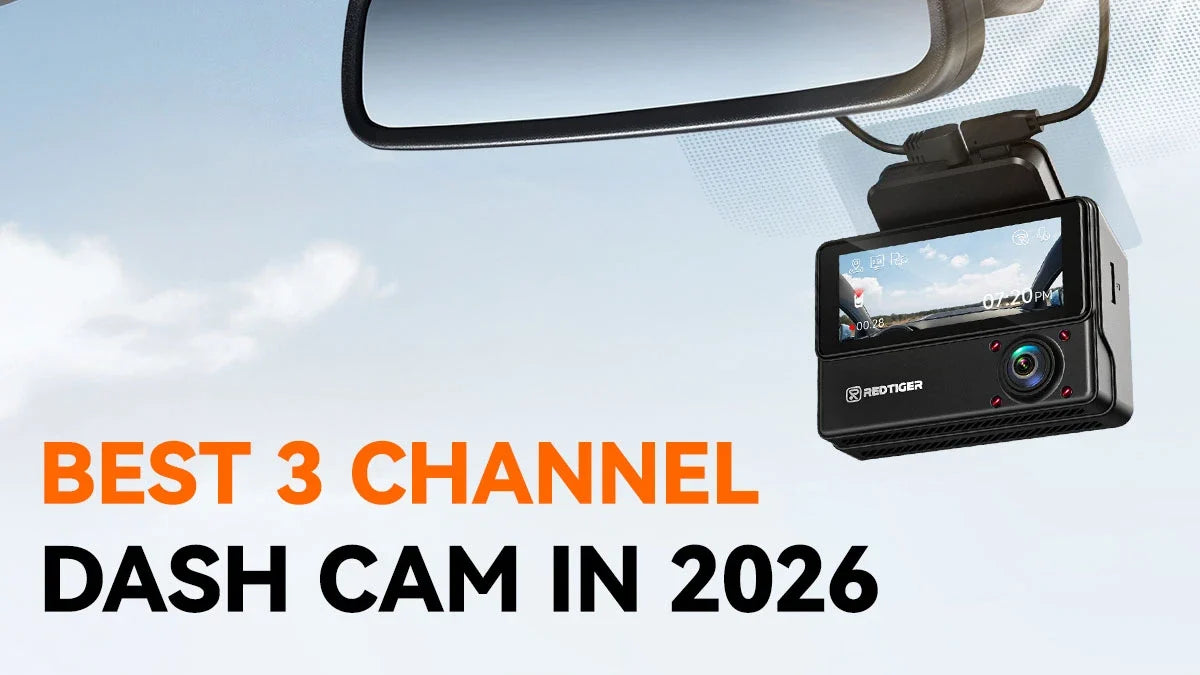
A dual-channel dash cam for Tesla records front and rear. A 3-channel dash cam for Tesla adds a cabin camera. That matters because Sentry Mode does not record the cabin. Rideshare drivers and families often want that extra view.
HDR and Night Vision for Low-Light Driving
HDR keeps bright and dark areas readable in the same frame, which helps at tunnel exits and in headlight glare. STARVIS 2 sensors are built for low light.
Night tech varies by camera on each dash cam for Tesla. REDTIGER splits it clearly. The F17 Elite's front camera uses NiteGuard for low-light parking, and only the cabin camera records in full color. That clear split helps you set real expectations.
Wi-Fi, GPS, Voice Control, and Video Transfer
Fast transfer saves time after an incident, so check for it on any Tesla dash cam. The F17 Elite lists Wi-Fi 6 at up to 30Mb/s. It also offers GPS route tracking and voice commands such as "Turn on the rear camera." Tesla's own footage, by contrast, comes off a USB drive by hand.
What Is the Best Dash Cam for Tesla?
The best dash cam for Tesla depends on your priorities. The REDTIGER F17 Elite suits owners who want cabin coverage. The F77 suits those who want 4K on both ends.
The ViewClear 70 balances night performance and price. Wolfbox and Garmin offer different trade-offs. Every best dash cam for Tesla needs constant power for parking mode.
Summary Comparison: Top Tesla Dash Cams
|
Model
|
Channels
|
Video
|
Parking Mode
|
Standout Feature
|
|
REDTIGER F77
|
2 (front, rear)
|
4K + 4K
|
24H; hardwire kit included
|
Built-in 128/256GB storage
|
|
REDTIGER F17 Elite
|
3 (front, rear, cabin)
|
4K + 2.5K + 1080P
|
NiteGuard; hardwire kit
|
Full-color cabin night view
|
|
REDTIGER View Clear 70
|
2 (front, rear)
|
4K + 2.5K
|
NiteGuard
|
Front and rear HDR
|
|
Wolfbox G900 Pro
|
2 (front, rear)
|
4K + 2.5K
|
Hardwire kit needed
|
Mirror-style screen
|
|
Wolfbox G900 TriPro
|
3 (incl. bumper)
|
8MP + 4MP
|
Hardwire kit needed
|
Adds a bumper camera
|
|
Garmin X310
|
1 (front)
|
4K at 30fps
|
Parking Guard: Vault plan, Wi-Fi, constant power
|
Compact, polarizer lens
|
F17 Elite vs. F77 vs. ViewClear 70: Which Dash Cam to Choose?
Pick based on one priority. Choose the F77 for dual 4K recording, the F17 Elite for 3-channel coverage, or the ViewClear 70 for dual-channel HDR.
All three work as a hardwired Tesla dash cam. So, the choice comes down to features. Let's take the three REDTIGER cams one at a time.
REDTIGER F17 Elite
As a dash cam for Tesla, the F17 Elite records 4K in front, 2.5K in the rear, and 1080P inside the cabin. It adds NiteGuard for low-light parking, but that mode only works on the front camera.
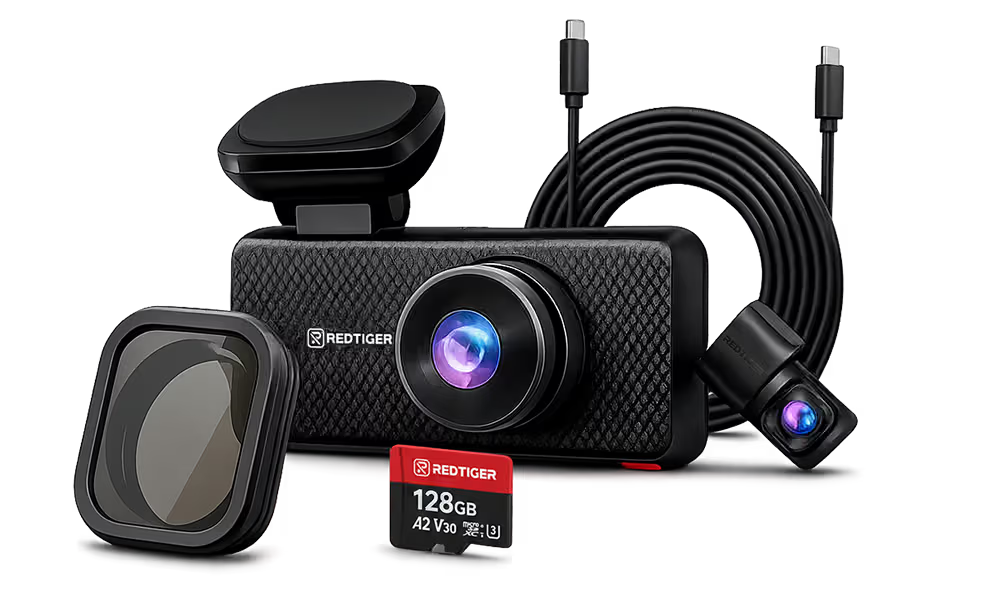
Wi-Fi 6 reaches 30Mb/s, and the card slot supports up to 512GB. The base bundle ships with the hardwire kit; the 128GB microSD card is a separate bundle option, so check the variant you pick before you assume a card is in the box. The rear camera mounts inside against the rear windshield, so no wiring runs outside the car.
REDTIGER F77
The F77 is a Tesla dash cam that records 4K from both cameras using two Sony IMX678 sensors. It comes with built-in storage, a free hardwire kit, and a 4-inch touchscreen.
Its Wi-Fi speed is listed at 8 Mb/s, which is slower than the F17 Elite. The rear camera isn't waterproof, so mount it inside the vehicle. The model costs less than the F17 Elite.
REDTIGER ViewClear 70
The ViewClear 70 dash cam for Tesla pairs a 4K front with a 2.5K rear camera. Both cameras offer HDR. It supports NiteGuard parking mode, voice control, and a 3-inch touchscreen.
Wi-Fi 6 reaches up to 30Mb/s on 5.8GHz, so app transfers stay quick even with 4K front files. The price is about the same on the official website.
It suits owners who want a dash cam for Tesla with strong night footage and no third camera.
Which REDTIGER Dash Cam for Tesla Offers the Right Fit for You?
|
Priority
|
Best Pick
|
Why It Fits
|
|
Cabin view for rideshare or family
|
F17 Elite
|
Third camera with full-color night view
|
|
Sharpest rear footage
|
F77
|
4K on both front and rear cameras
|
|
Night parking on a mid-range budget
|
ViewClear 70
|
NiteGuard Plus front and rear HDR
|
|
Fastest video transfer
|
F17 Elite
|
Wi-Fi 6 up to 30Mb/s
|
|
No memory card to manage
|
F77
|
Built-in storage with a backup card slot
|
How to Install a Dash Cam for Tesla Without Cluttering the Interior
For any dash cam for Tesla, plan your cable route first. Then mount the camera behind the mirror and tuck the wires into the trim.
Always test before you drive off. A tidy install keeps your view clear and your cabin clean. REDTIGER's Tesla guide follows the same basic flow.
Step #01: Gather Your Tools
Gather your Tesla dash cam, power cable, trim removal tool, and a formatted microSD card. For parking mode, add a hardwire kit or OBD-II adapter.
Have your owner's manual handy for trim and fuse details. A trim tool also protects Tesla's interior panels from scratches. With tools ready, pick the spot.
Step #02: Choose the Location
Mount the front camera of your dash cam for Tesla behind the rearview mirror. That placement keeps the camera discreet and your view clear. See the road ahead with the edge of the hood in frame.
Step #03: Mount the Dash Cam
Clean the glass, then press the dash cam onto Tesla's dedicated adhesive mount. Mount the rear camera inside the rear window. Check your state's rules on windshield mounting. Also, test the angle before you peel the adhesive backing.
Step #04: Route the Cables
Route the dash cam power cable along the headliner and down the A-pillar. Keep cables away from high-voltage lines. Use extra care in tight interiors like the Model Y. Larger vehicles may require a 33-foot rear cable.
Step #05: Test the Dash Cam
Power on your dash cam for Tesla and format the card in the camera menu. Then set loop recording, G-sensor sensitivity, and parking mode. Take a short drive and review the clip for angle and clarity.
Then check that the rear and cabin views appear on the screen. If you hardwired it, switch on parking mode only after confirming power. That wraps up the install, so let's finish with the key takeaways.
Conclusion
A good dash cam for Tesla adds sharper video, extra angles, and parking protection. The factory camera can't do all of this. Choose the F77 for dual 4K, the F17 Elite for cabin coverage, or the ViewClear 70 for balanced night recording.
Whichever dash cam for Tesla you pick, wire it with a low-voltage cutoff. It may not seem straightforward, but the installation is careful. Once you invest your time, money, and effort, your dash cam becomes the watchdog for your parked Tesla.
Frequently Asked Questions (FAQs)

Leave a comment
All comments are moderated before being published.
This site is protected by hCaptcha and the hCaptcha Privacy Policy and Terms of Service apply.