






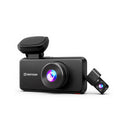
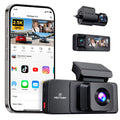

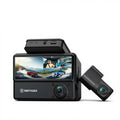














A Clear Upgrade Beyond the Built-In System
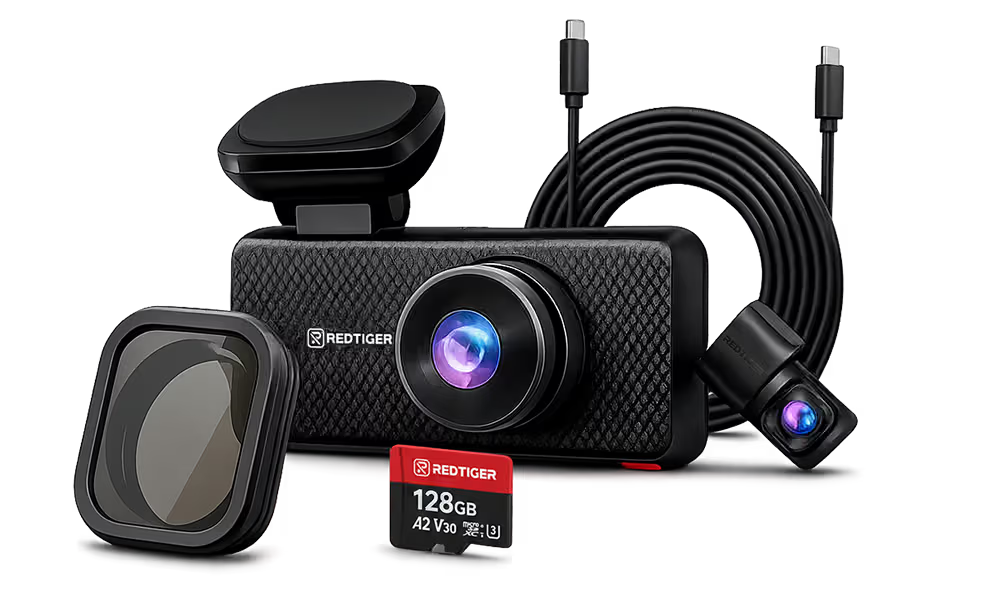
Many Tesla owners rely on the built-in dash cam, but some face challenges such as limited low-light performance, storage constraints, and restricted settings. Redtiger dash cams provide enhanced night vision, independent storage, expanded recording angles, and flexible app control—delivering clearer footage, continuous monitoring, and greater recording reliability for Tesla drivers.
Upgrade your Tesla dashcam for enhanced night vision, full coverage, and reliable recording, with Redtiger helping deliver clearer footage and greater peace of mind.
Filters
4 products
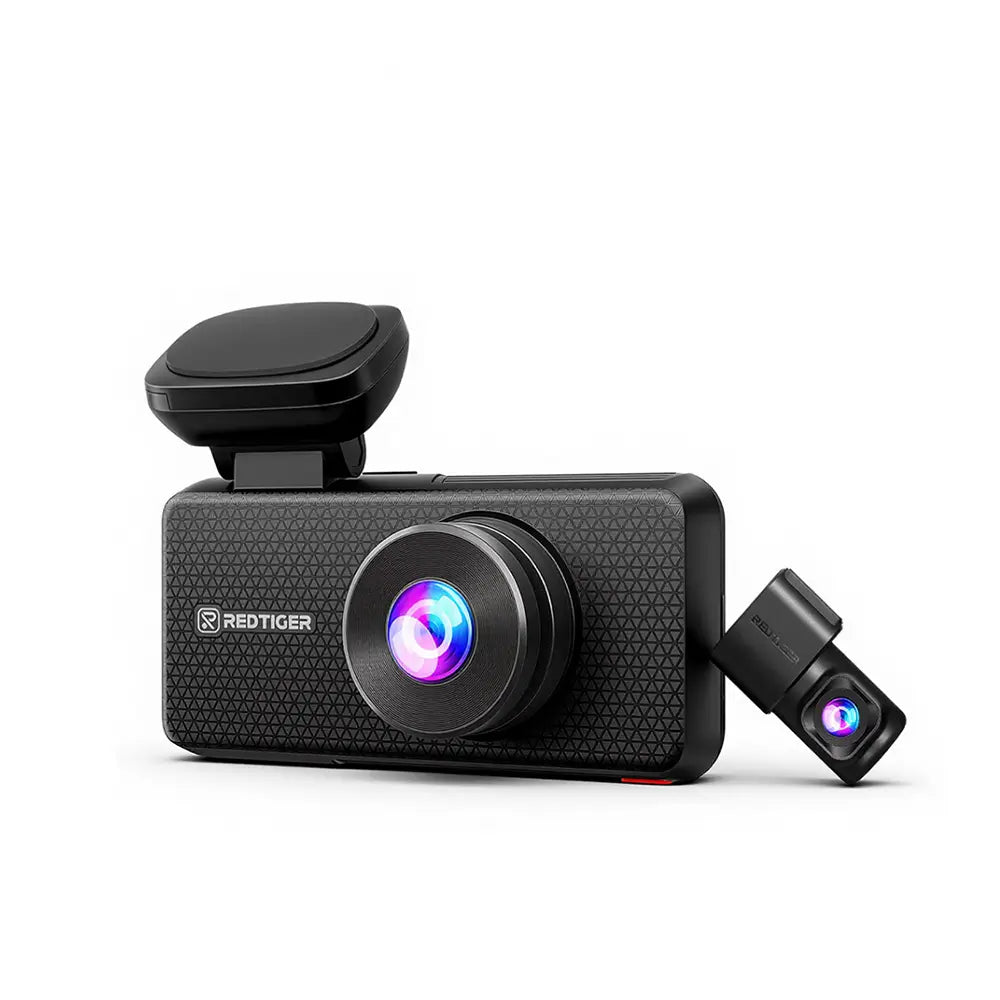
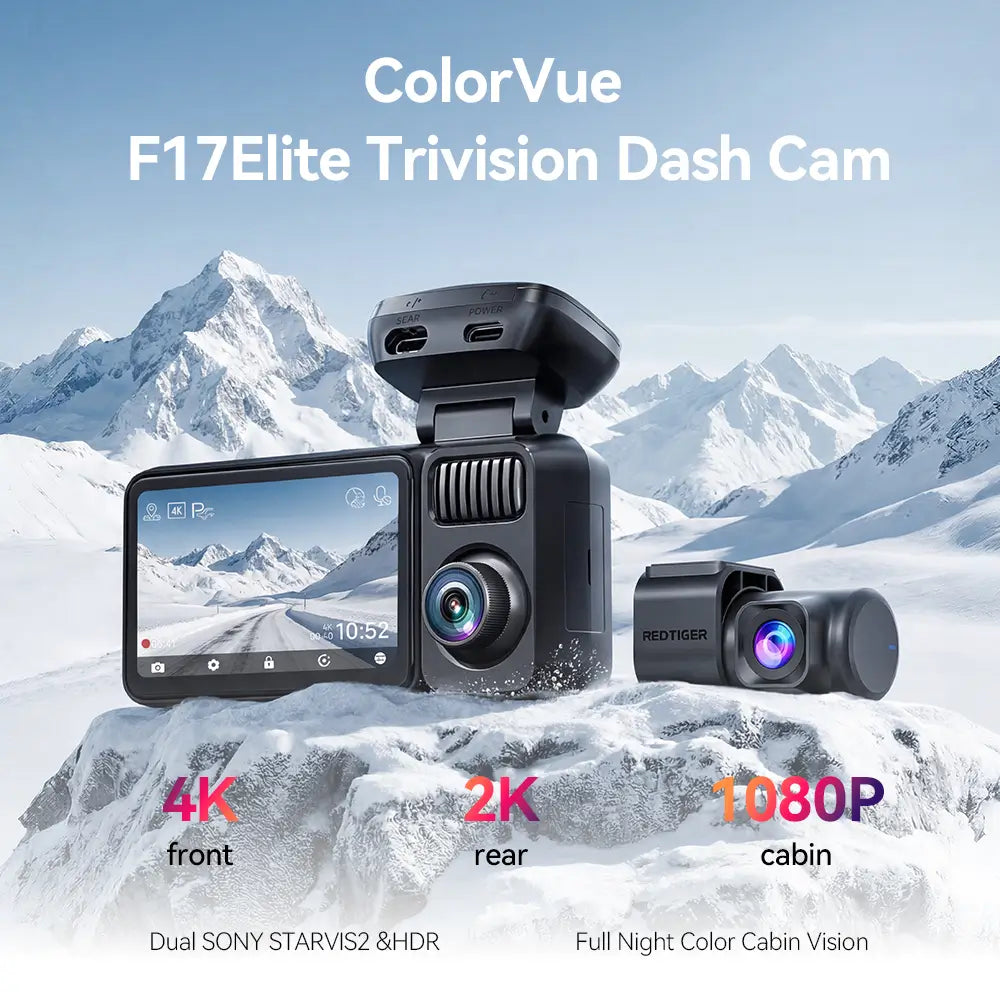


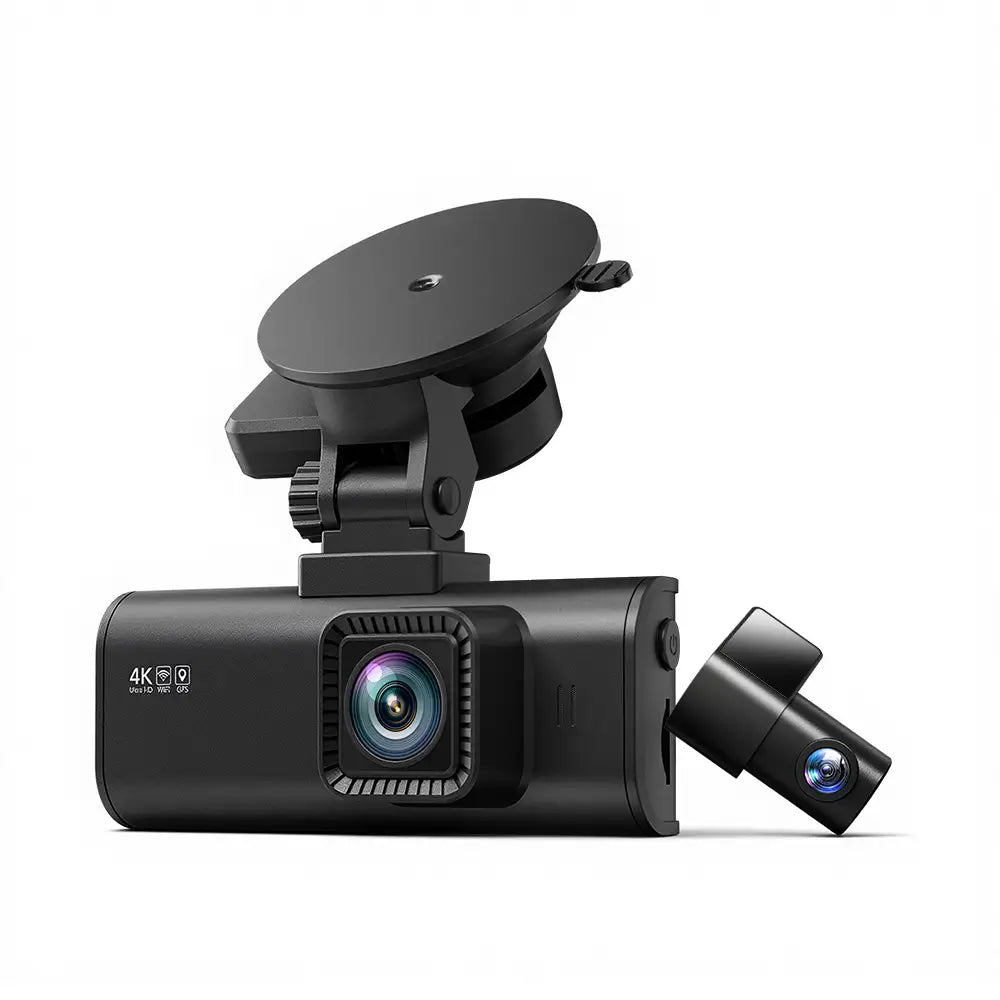
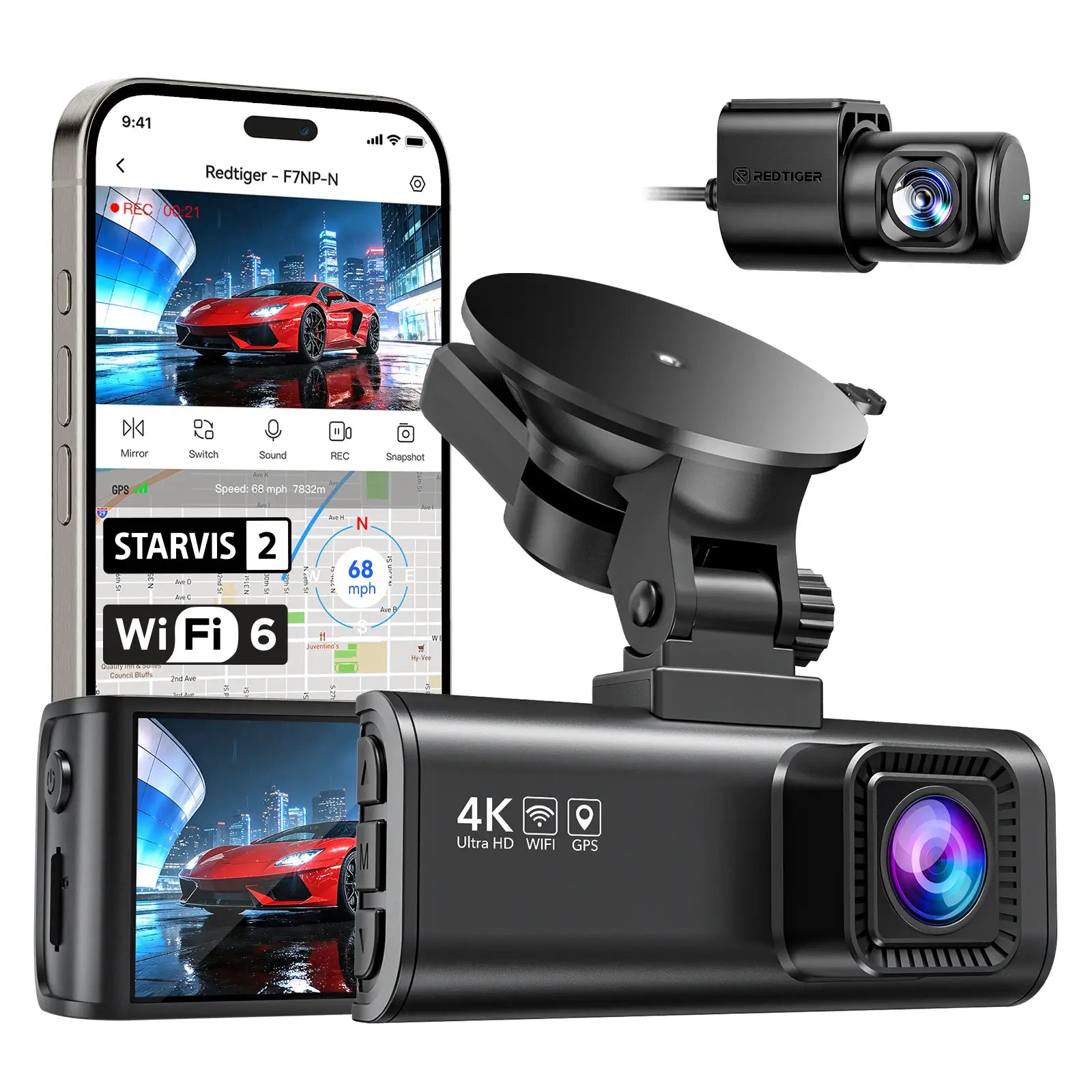
Why You Should Upgrade Your Tesla Dashcam
Move Beyond Basic Recording
Get More Confidence When It Matters
Enjoy Greater Independence from the Vehicle System
Upgrade for Long-Term Ownership Value
Why Upgrade Your Tesla Dashcam with Redtiger
4K Ultra-Clear Recording
Low-Light Enhancement
Smart App Control
Heat-Resistant Structure
Compare Tesla Dashcam with Redtiger Dashcam
Tesla Built-In Dash Cam
Redtiger Dash Cam
Front, rear, and side views, but relatively narrow coverage
Front, rear, and side with wider coverage to reduce blind spots
Standard recording; low-light details may be limited
4K Ultra HD, enhanced low-light performance for clearer details
May lose detail in dark or low-light conditions; license plates may be unclear
Full-color night vision, capturing more details and reducing missed events
Not supported
Available on select models, can be enabled or disabled
USB drive with loop recording; old clips overwritten automatically
Large-capacity storage, high-endurance SD cards, flexible file management
Limited settings
Adjustable resolution, recording length, motion sensitivity; app control for easy management
Built-in, no extra installation needed
Easy installation with hidden wiring, keeps interior clean
Everyday basic recording
High-demand scenarios: night driving, long-term parking, accident documentation
For Different Driving Needs: Redtiger Models for Tesla
Considerations for Choosing a Dash Cam for Tesla
Ease of Installation
Stable Performance in Daily Driving
Flexible Settings and Storage Options
Essential Tips for Stable and Clear Recording
Confirm Power Requirements
Choose High-Endurance SD Cards
Adjust Lens Position Carefully
FAQs
Before purchasing, most users have similar doubts — here are the most frequently asked questions.
Does Tesla have a dashcam?
Yes, Tesla vehicles, including Model Y, have built-in recording through Autopilot cameras. It covers basic needs but has angle and power limitations.
For a detailed explanation of Tesla’s dashcam features and limitations, check out our full guide here.
Does Tesla dashcam record all the time?
Tesla dashcam records while driving, but parking footage depends on Sentry Mode and power. Continuous coverage may be limited, especially during long parking sessions or cold weather.
How Does the Tesla Dashcam Record Footage and Audio?
Tesla’s built-in dashcam automatically records while driving and uses Sentry Mode for parking, but recording can be interrupted if the USB drive is missing, corrupted, or full, or if battery-saving modes activate.
The built-in system does not capture cabin audio. Optional external devices like the Redtiger F17E can add audio recording and more consistent coverage, especially with hardwiring kits or external batteries.
Is a second dashcam necessary for Tesla?
A second dashcam is optional. Many drivers use it for wider angles, clearer footage, better night performance, independent power, and longer storage for improved parking monitoring and incident documentation.
Will installing a dashcam affect Tesla warranty?
Non-intrusive installations that do not damage factory wiring typically do not void the warranty. Professional installation is recommended for peace of mind.
Does a dashcam drain the battery faster?
Parking mode consumes some energy, but power kits and proper settings can control usage. Actual draw depends on parking duration and setup.