































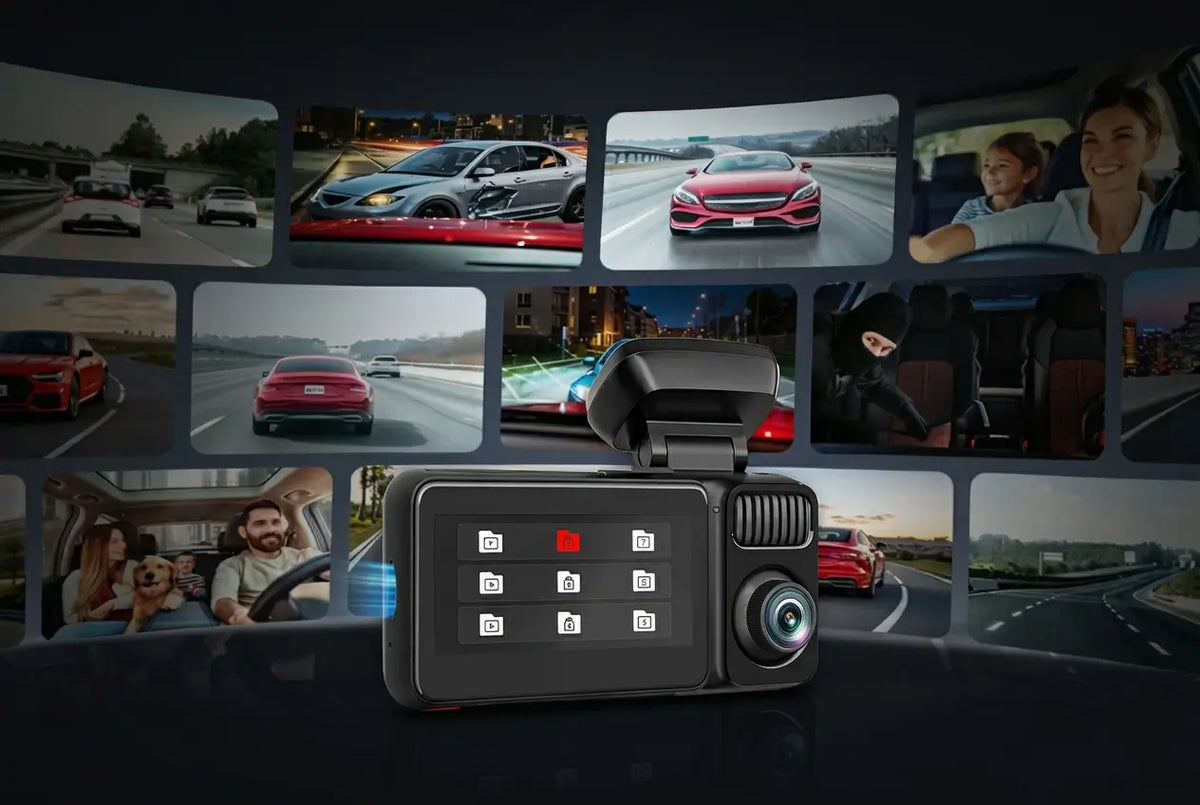
Your dash cam doesn't have to clock out the second you turn off the engine. A security camera for car while parked is a key feature of a good dash cam. Enable the parking mode, and you can watch over your vehicle in parking lots, driveways, parking garages, and along the street.
There's no need to buy a separate security system. You may run into a hit-and-run in a shopping center lot or want peace of mind while your car sits outside overnight. The best security dash cam for parked car preserves evidence of whatever's going on.
Understanding the best security camera for a car while parked options can help you choose the right one. This guide explains what parking mode means and how to protect your car battery from draining. We'll also look into which REDTIGER dash cam fits your specific parking situation.
What "Parking Mode" Means in Dash Cams
Parking mode doesn't make your dash cam record nonstop for hours on end. Instead, it's a low-power standby state that wakes up and records only when something actually happens.
Understanding the distinction should change your expectations of a dash cam with parking mode. It explains why your camera isn't filling up its SD card with hours of an empty parking spot.
The AAA found that 15% of all police-reported crashes in 2023 involved a fleeing driver. It's the highest recorded in recent years. Many of those incidents happen while a vehicle is parked and unattended.
How Dash Cam Parking Mode Works
Once the vehicle is off, the camera drops into a low-power standby state instead of shutting down. A G-sensor, essentially a gravity sensor, continuously watches for sudden impacts or nearby movements.
When the sensor detects something around the vehicle, the camera immediately wakes up. It records the event and locks that clip so normal loop recording can't overwrite it.
What "24H Parking Monitor" Means
A full-frame recording burns through even a large-capacity SD card and the battery in a few hours. REDTIGER's 24H Parking Mode combines two things –
It's not 24/7 full-frame video, as some people assume. That's why parking mode can run for a full day or more on the same SD card and battery draw.
Why a Hardwire Kit Is Important
Most parking mode features activate only when the camera is connected through a hardwire kit. It has little to do with a standard USB charger or any safeguard.
For example, REDTIGER's NiteGuard™ low-light parking mode requires a hardwire kit to run on the F17 Elite dash cam.
A hardwire kit taps into the vehicle's fuse box and includes built-in voltage protection. It allows the cam to draw power safely while parked without pulling from a live circuit.
Battery Protection: Feature That Determines Whether Your Car Starts in the Morning
The most common complaint about parking mode dash cams is a dead battery, not false alerts. That almost always traces back to a missing or misconfigured voltage cutoff.
The right battery protection defines a useful security camera for car while parked. You won't have to remain stranded in the morning with seemingly problematic engine starts.
How Voltage Protection Works
A proper hardwire kit includes a voltage monitor that continuously tracks your car battery's charge level. The voltage may eventually drop below a set threshold, which is usually configurable.
Once it does, the kit automatically and immediately cuts power to the dash cam. It stops the drain before the battery goes deep enough to prevent your engine from starting.
Time-Lapse vs Impact Detection: Power Consumption Difference
Time-lapse recording captures continuously. It uses more power but misses nothing that happens while the car is parked.
Impact detection only records when the G-sensor is triggered. That feature consumes far less power and lasts much longer per charge. By nature, it can miss the moments leading up to an incident.
A hybrid setting involves time-lapse recording with impact-lock. It balances cam coverage with battery life for most drivers.
Long-Term Parking (Over 48 Hours) Advice
Sometimes, your car may have to sit for more than 48 hours. Consider setting an auto-shutdown timer on your hardwire kit or add an external battery pack. It's better than relying on the car battery alone.
Don't leave standard parking mode running indefinitely on a car battery without a correctly specified cutoff safeguard. Otherwise, it'll become the root cause behind the "parking mode killed my battery."
Dash Cam Coverage While Parked: Front Only, Front + Rear, or Full Surround?
More channels mean more coverage. But it also means extra cost and a slightly more installation effort. The right parking mode dash cam choice depends on where your car actually spends time parked.
Front Only: Most Economical but Highly Limited
A single front-facing camera is the cheapest way to add parking protection. It still documents anything that happens directly ahead, like a car backing into your bumper in a parking lot.
The cam's clear limitation is its inability to record what happens behind or beside the vehicle. That rules out many parking-lot incidents from angles where people need a dash cam.
Front + Rear: The Practical Baseline for Parking Mode
Front and rear coverage marks the realistic starting point for most parking situations. The two-channel setup catches the two directions most parking-lot dings, hit-and-runs, and door dings come from.
Many drivers park across the street in parking lots and shopping centers. For them, it usually provides sufficient coverage. You won't have to worry about missing out on almost 90% of parking lot incidents.
Front + Rear + Cabin: When to Upgrade Further
Adding a cabin-facing camera becomes useful if you're a rideshare driver. Even regular drivers may carry or leave valuables visible inside the car, or want a complete record of the interior to help with break-ins.
It's the difference between knowing something happened to your car and having a full picture of exactly what happened. The three-channel setup should clearly show the culprit(s) involved in the wrongdoing.
REDTIGER Parking Mode Lineup: Which Model Fits Your Parking Situation?
The mighty REDTIGER lineup comes with multiple parking-mode models. They span a clear range, from an affordable front-and-rear starter option up to full 360-degree surround coverage. The table below compares their core specs; individual write-ups follow.
|
Model
|
Channels
|
Resolution & Sensor
|
Parking Mode Highlight
|
|
REDTIGER F7NA
|
2 (front+rear)
|
4K front (STARVIS 2) + 1080P rear
|
G-sensor + time-lapse, ADAS + Voice + Touch + WiFi-6 20 Mb/s
|
|
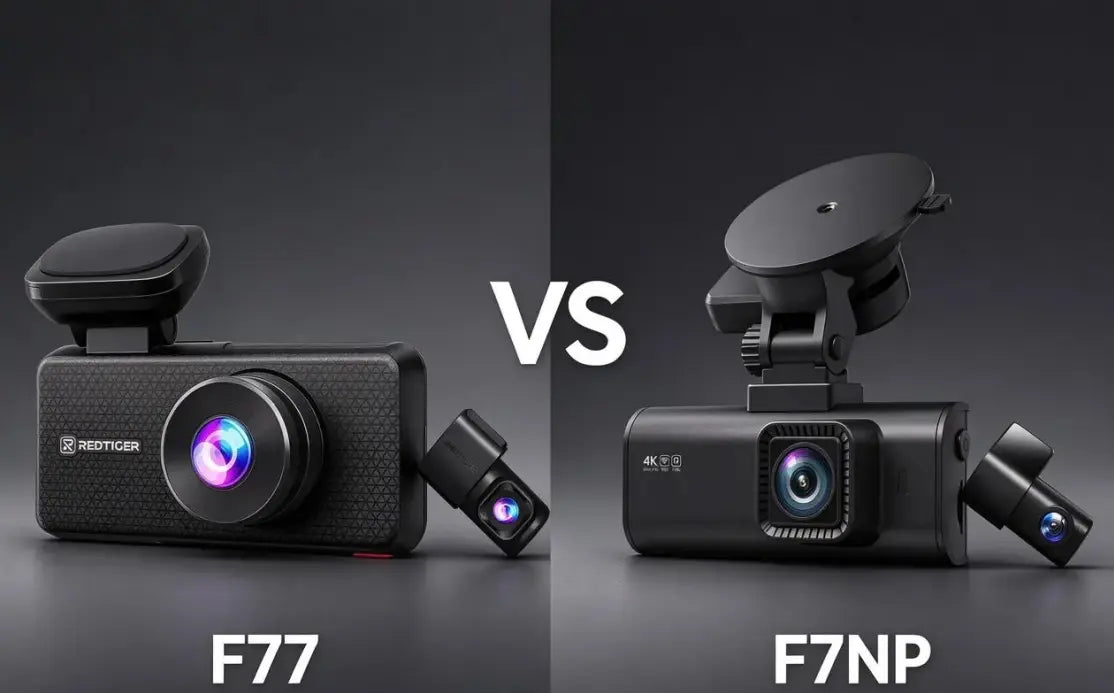
REDTIGER F77
|
2 (front+rear)
|
Dual 4K, Sony IMX678
|
Strong night sensor for after-dark parking
|
|
REDTIGER F17 Elite
|
3 (front+rear+cabin)
|
4K/2.5K/1080P, full Dual STARVIS 2(Front + Rear)+ Sony STARVIS Interior
|
NiteGuard™ front night vision + color cabin
|
|
REDTIGER VisionPano 40
|
4 (front+rear+2 cabin cameras)
|
2.5K front/rear + 1080P sides
|
360° surround parking coverage
|
REDTIGER F7NA: Entry-Level 4K Front + Rear, Great for Daily Parking Surveillance
The F7NA pairs a native 4K front camera on a Sony STARVIS 2 sensor with a 1080P rear camera. It gives daily commuters solid front-and-rear parking coverage without the flagship price tag.
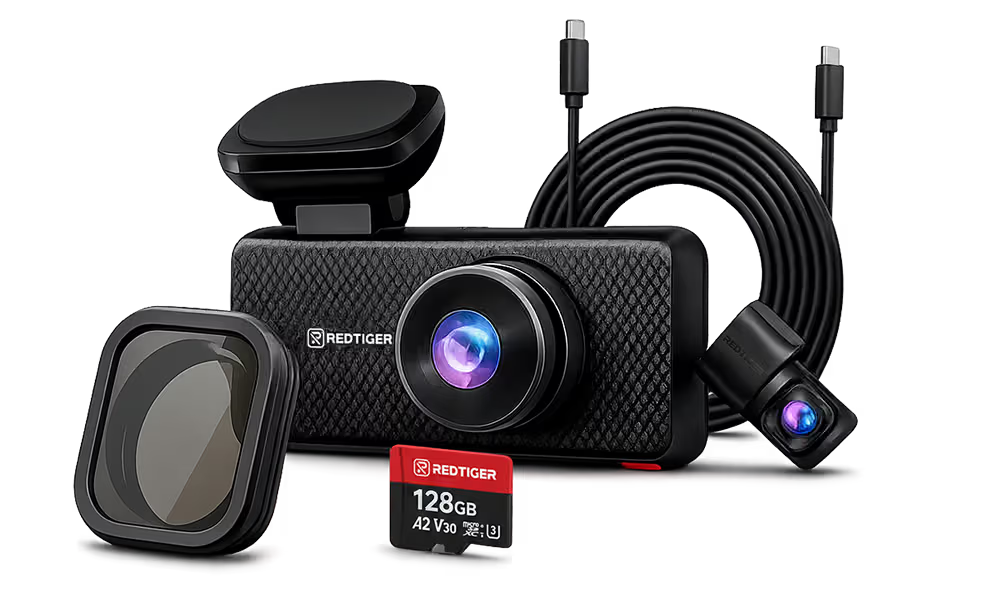
REDTIGER F77: Dual 4K Flagship, The Strong Choice for Night Parking Surveillance
The F77 uses dual Sony IMX678 sensors for genuine 4K on both the front and rear cameras. Anyone who regularly parks overnight on a dim street or in an unlit lot can skip worries about car safety.
REDTIGER F17 Elite: 3-Channel with NiteGuard™ Front Vision + Full-Color Cabin
The F17 Elite adds a third, cabin-facing channel with Full Night Color recording. It also features the NiteGuard™ Technology on the front camera.
A low-light mode enhances parking-mode footage with hardwired and time-lapse recording. It's the complete security dash cam for cars with full front, rear, and interior coverage while parked.
REDTIGER VisionPano 40: 4-Channel 360° Parking Coverage
The VisionPano 40 rotates outward instead of inward, using four adjustable lenses. It features dual STARVIS 2 sensors on the front and rear for 2.5K resolution and 1080P side cameras.
Together, they cover the full perimeter of your vehicle. For anyone parking in a busy shared lot where damage can come from any direction, that 360-degree view becomes useful.
Installation, Storage, and Maintenance: Making Parking Mode Reliable Long-Term
A parking mode dash cam is only as reliable as its installation and upkeep. A few basic habits prevent most common failures. Skipping one can cause a good setup to quietly stop working without anyone noticing.
Correct Installation Sequence for Parking Mode
Install the hardwire kit into a fuse that's switched with the ignition. Connect it to the camera to configure your voltage cutoff and recording mode.
Relying on the system without configuration isn't the right approach. Don't randomly assume that default settings match your specific parking habits.
Memory Card Selection: Parking Mode Demands More
Parking mode writes to the SD card far more than standard driving footage. It remains active around the clock, not when you're behind the wheel.
A high-endurance card rated for continuous recording holds up better under that workload. A standard SD card wears out faster under constant write cycles.
Monthly Maintenance Checklist
- Check that the camera still powers on correctly in parking mode.
- Confirm the SD card isn't nearing its rated write-cycle limit.
- Verify the hardwire kit's voltage cutoff is still triggering appropriately.
- Clear out old locked event files that are no longer needed.
Conclusion
A dash cam with a properly configured parking mode functions as a security camera while your car is parked. You won't have to spend extra cash on a separate system. The parking mode is a smart, reliable, and triggered system, not some nonstop recording.
It protects your battery with a real hardwire kit and voltage cutoff. Match your channel coverage- front-only, front-and-rear, or full surround- to where your car spends time parked. Start with the budget-friendly F7NA or the night-focused F77.
Upgrading to the full-coverage F17 Elite or the 360-degree VisionPano 40 delivers optimal security. The REDTIGER lineup covers every parking situation without forcing a one-size-fits-all setup. Proper setup and battery protection let the dash cam take care of itself.
Frequently Asked Questions (FAQs)
Can a dash cam be used as a security camera while the car is parked?
Yes. Enable parking mode and install a proper hardwire kit. Then, the dash cam functions as a security camera while the car is parked. It uses G-sensor detection and time-lapse recording to monitor the car without a separate security system.
How does parking mode work when the car is turned off?
The camera enters a low-power standby state. The built-in G-sensor detects impacts and wakes up to record. It also locks the clip involving any incidents. Parking mode doesn't record continuously at full quality the entire time.
Does parking mode drain the car battery?
It can, if the dash cam isn't wired correctly. A proper hardwire kit with a voltage cutoff monitors the battery and automatically stops drawing power once it drops below a safe threshold. That safeguard prevents a dead battery by the morning.
Do I need a hardwire kit for parking mode?
Yes, for the full feature set. Most parking mode functions, including REDTIGER's NiteGuard™ low-light mode, only activate once the camera is hardwired with proper voltage protection. Such features don't run off a standard charger.
What is the best dash cam with parking mode?
It depends on your setup. The F7NA covers budget front-and-rear needs, while the F77 suits night parking with its dual 4K sensors. The F17 Elite adds full cabin coverage, whereas the VisionPano 40 delivers complete 360-degree protection.

Leave a comment
All comments are moderated before being published.
This site is protected by hCaptcha and the hCaptcha Privacy Policy and Terms of Service apply.