



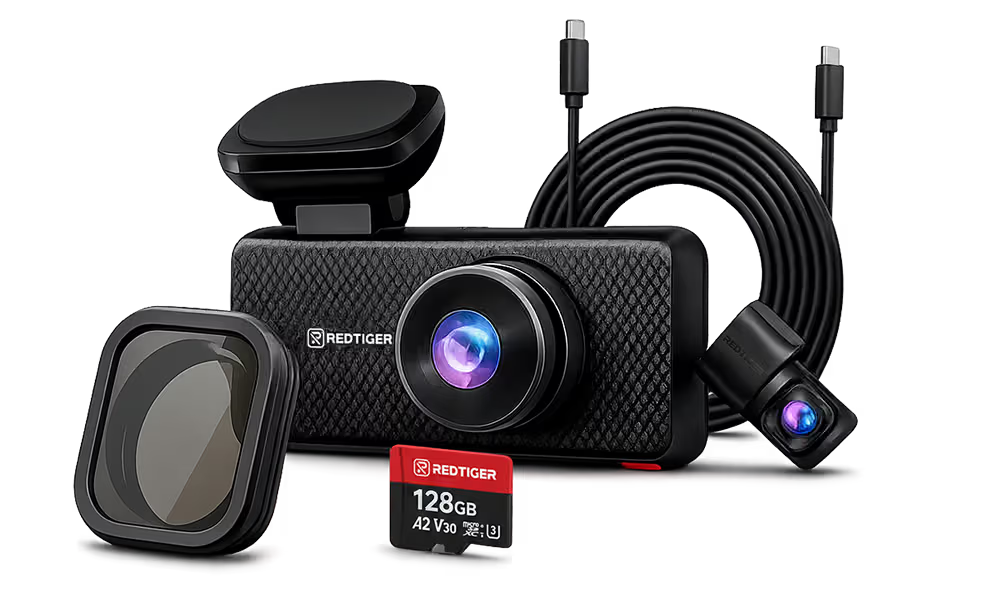




























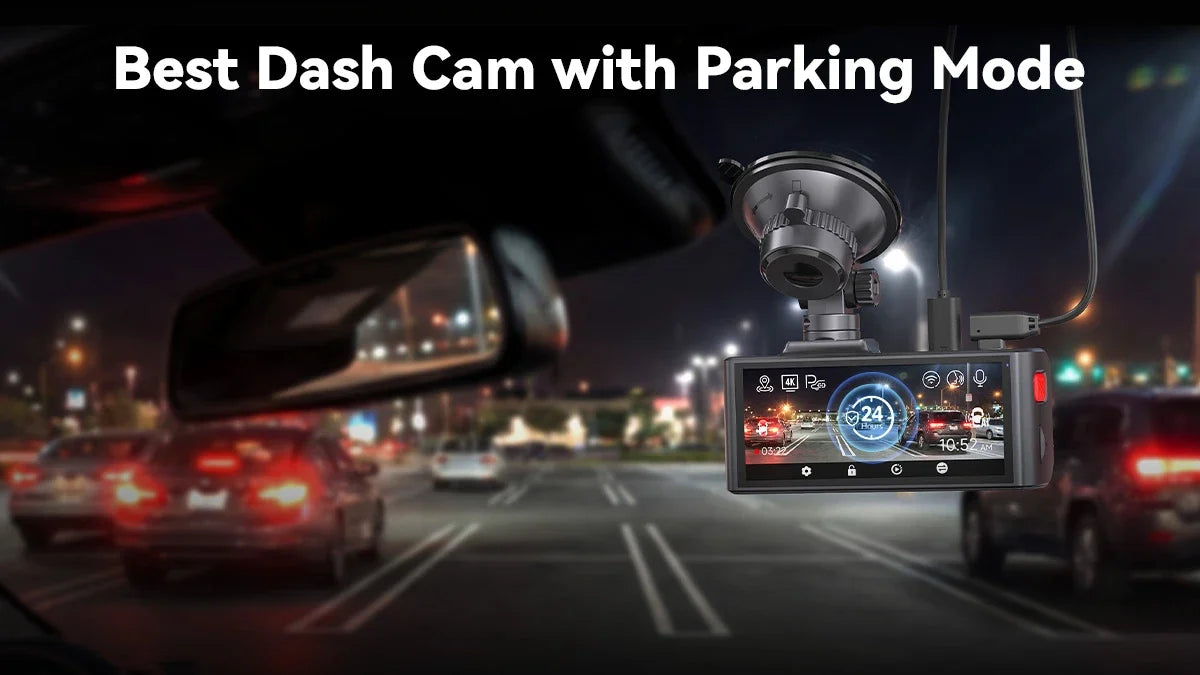
Drivers and car owners are increasingly switching from basic models to dash cams with parking mode. Not everyone can find/afford a high-security parking lot anytime, anywhere. The best dash cam with parking mode helps you avoid worry when you leave your car unattended.
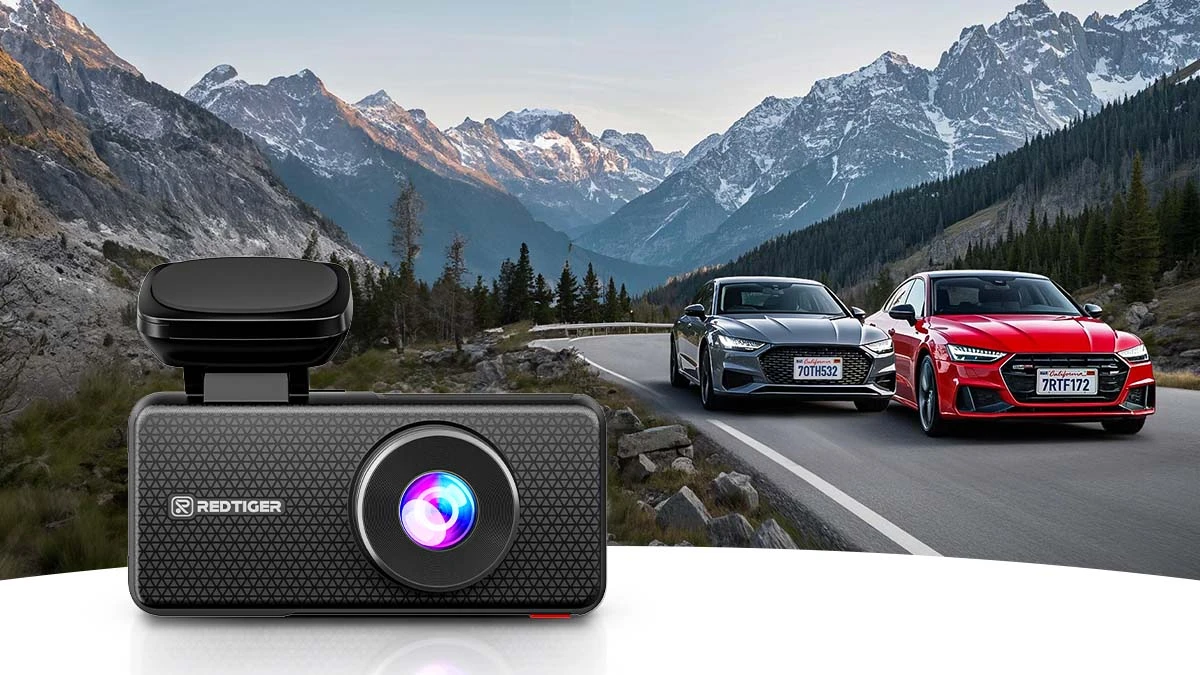
The specific feature pairs a capable image sensor, a reliable trigger system, and a hardwire kit. The trigger system could be G-sensor impact detection or scheduled time-lapse. REDTIGER offers the F77, F7NA, and F17 Elite with such a combination.
However, the right fit depends on how many camera angles you need. This guide explains parking mode, its features, and how to set up everything correctly. We'll also compare the REDTIGER lineup against a few other well-known names so you can see where the trade-offs actually are.
What Is Parking Mode and Why Do You Need It in 2026?
Parking mode is a dash cam feature that keeps the camera watching your vehicle while it's parked and the ignition is off. It doesn't shut down immediately or completely the moment you take the keys out.
What Is Parking Mode?
Parking mode is a dash cam's ability to record while the ignition is off in a parked vehicle. The unit switches to low-power monitoring and returns to full recording when something happens nearby.
How Does Parking Mode Work?
The sequence is straightforward. With the ignition off, the camera switches to parking mode, waits quietly for a triggering event, and then saves and locks the relevant clip.
REDTIGER parking mode relies mainly on G-sensor impact detection combined with scheduled time-lapse recording in 12-, 24-, or 48-hour blocks. It catches real incidents without filling up the SD card.
Why You Need a Dash Cam with Parking Mode
A few real risks make parking mode worth having, not just a nice-to-have extra. The AAA Foundation for Traffic Safety found 15% of all police-reported crashes in 2023 involved a driver who fled the scene, the highest share on record.
Theft and vandalism also skew heavily toward nighttime hours. Industry theft data compiled by the National Insurance Crime Bureau consistently shows vehicle thefts cluster in overnight hours rather than spreading evenly across the day.
Beyond criminal behavior, video footage can become decisive evidence in resolving an insurance claim. You can also enjoy peace of mind knowing your parked car/vehicle is being watched 24/7, whether you're there or not.
Types of Parking Mode Systems: Local SD vs. Cloud Monitoring
Parking mode systems split into two approaches –
- Recording locally to an SD card
- Streaming alerts and footage through a cellular connection
Both affect ongoing costs and how you learn about an incident.
Local SD Storage
Local storage keeps everything on the camera's SD card with no ongoing subscription cost. It works anywhere without cell coverage, and keeps the setup simple.
However, you won't get a real-time alert on your phone when an event happens. So, you risk losing evidence if the camera or card is stolen along with the incident.
4G Cloud Monitoring
Cloud-connected systems push real-time alerts to your phone. It lets you pull up a live view remotely, back up footage off the camera itself, and often include GPS tracking as a bonus.
That convenience comes with ongoing data or subscription costs. It also creates heavy dependence on cellular coverage wherever the car is parked, plus a more complex initial setup.
Where REDTIGER Fits
REDTIGER lineup focuses on high-speed local WiFi, specifically 5.8GHz WiFi 6, for fast downloads. It requires a companion app on the smartphone rather than a cloud subscription model.
That means no recurring fees. Once you're in WiFi range of the camera, transfers become noticeably faster than the older 2.4GHz WiFi still used on many budget dash cams.
Key Features to Look for in the Best Parking Mode Dash Cam
A handful of specs actually determine whether a parking mode camera performs well in practice. The rest is mostly marketing noise.
Image Sensor
Sony's STARVIS 2 lineup is the current benchmark. The IMX678 sensor handles 4K front recording on REDTIGER F77, F7NA, and F17 Elite. The F17 Elite adds IMX675 and IMX662 sensors for dual STARVIS 2 with HDR.
Resolution
Look for at least 4K on the front camera and at least 1080p on the rear. Don't compromise on front footage because it needs to hold up as evidence.
Channels
Choose from single, dual, or triple (front, rear, and interior) channels. It depends on how much of the vehicle you need documented at once.
WiFi Connectivity
5.8GHz or WiFi 6 transfers footage dramatically faster than older 2.4GHz connections. It matters the most when you're trying to pull a clip quickly.
Storage
Check the max SD card size supported (up to 512GB on many current models) or whether the unit has built-in eMMC storage as a backup.
Power Source
A supercapacitor tolerates extreme cabin temperatures far better than a lithium battery. It stores energy electrostatically instead of through a chemical reaction that degrades in heat.
G-Sensor Sensitivity
An adjustable G-sensor lets you tune how much force triggers an event recording. It'll help you avoid false triggers from a nearby car door or a strong gust of wind.
Voice Control
Hands-free operation matters more than it sounds. It enables automatic clip locking or toggling settings while you're still driving.
GPS Logging
A built-in GPS logger timestamps your speed and location alongside the video. Such details add useful context if footage ever needs to support an insurance claim.
Top Best Dash Cams with Parking Mode in 2026
Six models stand out this year across price points and camera counts, from single-channel budget options to full 3-channel setups. The table below compares the core specs side by side.
| Model | Channels | Resolution and Sensor | Parking Mode | Hardwire Kit |
| REDTIGER F77 | Dual (front + rear) | 4K+4K, dual Sony IMX678 | G-sensor + time-lapse | Required, sold separately |
| REDTIGER F7NA | Dual (front + rear) | 4K front (STARVIS 2) + 1080P rear | G-sensor + time-lapse | Required, sold separately |
| REDTIGER F17 Elite | Triple (front + rear + interior) | 4K/2.5K/1080P, full STARVIS 2 | G-sensor + time-lapse, 24/7 support | Required, sold separately |
| Rove R2-4K Pro | Single (front) | 4K, Sony IMX335 | Time-lapse, motion & collision detection | Required, sold separately |
| VIOFO A119 V3 | Single (front) | 2K (2560x1600), Sony IMX335 | Buffered event detection | Required, sold separately |
| Rexing V1-4K Ultra | Single (front) | 4K, 170° wide angle | Vibration-triggered + time-lapse | Required, sold separately |
REDTIGER F77
The F77 pairs dual Sony IMX678 sensors for genuine 4K resolution on both the front and rear cameras. You also get voice control and 5.8GHz WiFi for fast syncing to the REDTIGER app. It's a strong pick for sharp footage on both ends of the vehicle without a third channel.
REDTIGER F7NA
The F7NA offers a native 4K front camera built on a Sony STARVIS 2 sensor paired with a 1080P rear camera. It covers the two angles most incidents actually involve at a more budget-friendly price point than the dual-4K F77.
REDTIGER F17 Elite
The F17 Elite is REDTIGER's flagship 3-channel option. It records full-color night vision across the front, rear, and interior cameras, with WiFi 6 for faster transfers. Plus, you'll have 24/7 parking mode support once hardwired into the vehicle's fuse box.
Rove R2-4K Pro
The R2-4K Pro is a single-channel 4K camera with a 150-degree field of view, GPS, dual-band WiFi, and a configurable G-sensor. The feature enables three parking mode options when paired with a hardwire kit.
VIOFO A119 V3
The A119 V3 records at 2K (2560x1600) using a Sony IMX335 sensor and skips WiFi entirely. So, it relies on direct SD card transfer. Also, its buffered parking mode captures footage from before an event was even detected, not just after.
Rexing V1-4K Ultra
The V1-4K Ultra shoots single-channel 4K with a wide 170-degree lens and built-in WiFi. The brand's supercapacitor is rated for a notably wide temperature range. However, its parking mode isn't as buffered as VIOFO's.
F7NA or F77 or F17 Elite: Which REDTIGER Should You Choose?
The right REDTIGER model comes down to how many angles you need covered, not how many features you want. Most drivers choose strong front-and-rear coverage without paying for a third channel. The F7NA's native 4K front camera covers daily commuting and highway driving well at a lower price point.
Drivers who want the sharpest footage on both ends, without an interior view, are better served by the F77's dual-4K setup. And if you drive rideshare, have kids in the back seat, or simply want a complete record of the cabin along with the road, the F17 Elite's 3-channel design seems built for that job.
How to Set Up Parking Mode on Your Dash Cam
Getting parking mode working correctly takes a bit more than plugging the camera into a cigarette lighter socket. Nonetheless, it's manageable enough to become a weekend project. Follow these six steps to avoid the most common setup mistakes.
Step #01: Verify Your Dash Cam Supports Parking Mode
Check the model's spec sheet, since not every budget camera includes the feature even if it has a G-sensor.
Step #02: Purchase a Compatible Hardwire Kit
Parking mode almost always requires a separate hardwire kit sold apart from the camera. So, confirm it's rated for your specific model.
Step #03: Locate Your Vehicle's Fuse Box
Find a fuse that powers up only when the ignition is on (an "ACC" or accessory-switched fuse). The cam shouldn't draw directly from the always-on battery circuit.
Step #04: Connect the Hardwire Kit
Wire the kit's low-voltage cutoff to the correct fuse slot, following the kit's instructions for fuse tap orientation.
Step #05: Configure Parking Mode Settings
Set your G-sensor sensitivity and choose between time-lapse or impact-only recording in the camera's settings menu.
Step #06: Test Your Installation
Park the car, let the system settle into parking mode. Gently tap the bumper or rock the vehicle to confirm the camera wakes up and records an event clip.
Conclusion
A parking mode dash cam is a practical upgrade for any vehicle you park. Most drivers eventually land on a dash cam with a strong image sensor and a properly wired hardwire kit.
Between the simplicity of local SD storage and the real-time alerts of 4G cloud monitoring, local storage usually wins. That's exactly the combination REDTIGER's F77, F7NA, and F17 Elite are built around.
Whichever model fits your budget and riding needs, the fundamentals stay the same. You should have a reliable G-sensor, enough storage, and a correctly wired low-voltage cutoff to keep your battery alive.
Frequently Asked Questions (FAQs)
- Can any dash cam work as a parking mode dash cam?
No. The camera needs to support parking mode in its firmware. It also needs a compatible hardwire kit to draw power safely while the ignition is off; not every budget dash cam includes both.
- Does parking mode drain my car battery?
Not if it's wired correctly. A hardwire kit with a low-voltage cutoff automatically disconnects the camera. It does so before the battery drops low enough to prevent your car from starting.
- Do I need a hardwire kit for parking mode?
Yes, in almost every case. Parking mode requires continuous low-power draw from the vehicle's electrical system. A hardwire kit with voltage protection is the safest way to provide that.
- How long can a dash cam record in parking mode?
It depends on your SD card size, recording mode, and hardwire kit's cutoff voltage setting. Time-lapse recording in 12-, 24-, or 48-hour blocks, like REDTIGER, stretches coverage across a full day or two.
- Is REDTIGER a good brand for parking mode dash cams?
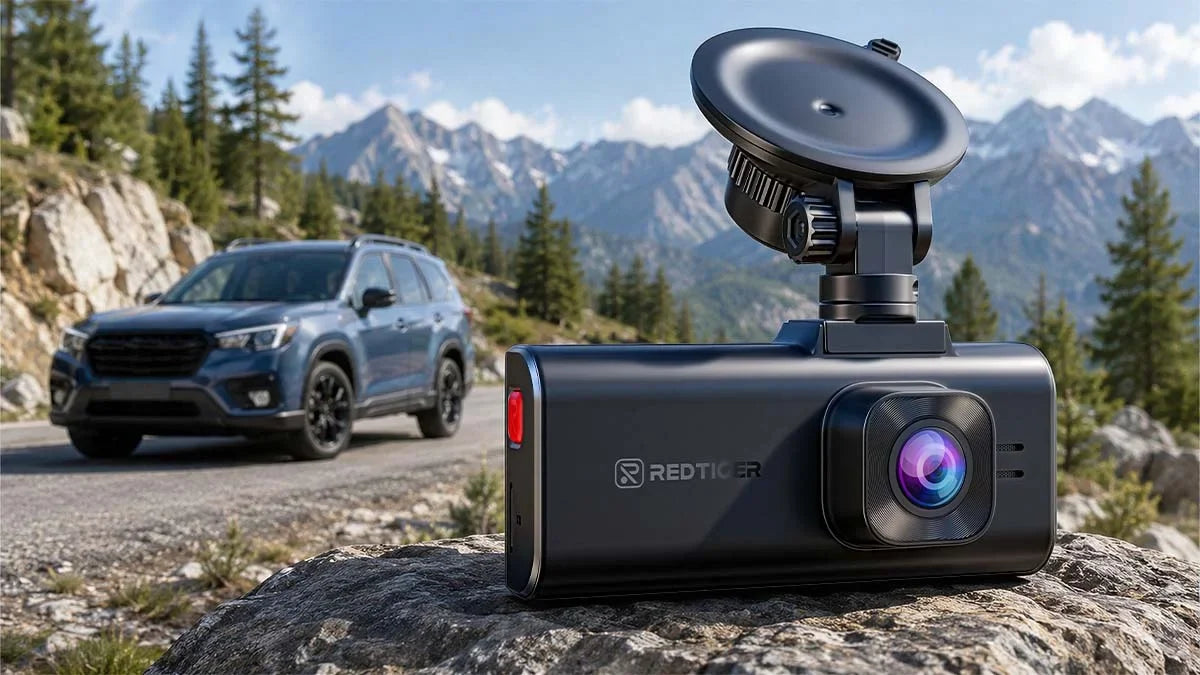
Yes. REDTIGER's F77, F7NA, and F17 Elite use Sony STARVIS 2 sensors, support a G-sensor, and time-lapse parking mode. They have no ongoing subscription costs like cloud-based systems.

Leave a comment
All comments are moderated before being published.
This site is protected by hCaptcha and the hCaptcha Privacy Policy and Terms of Service apply.