



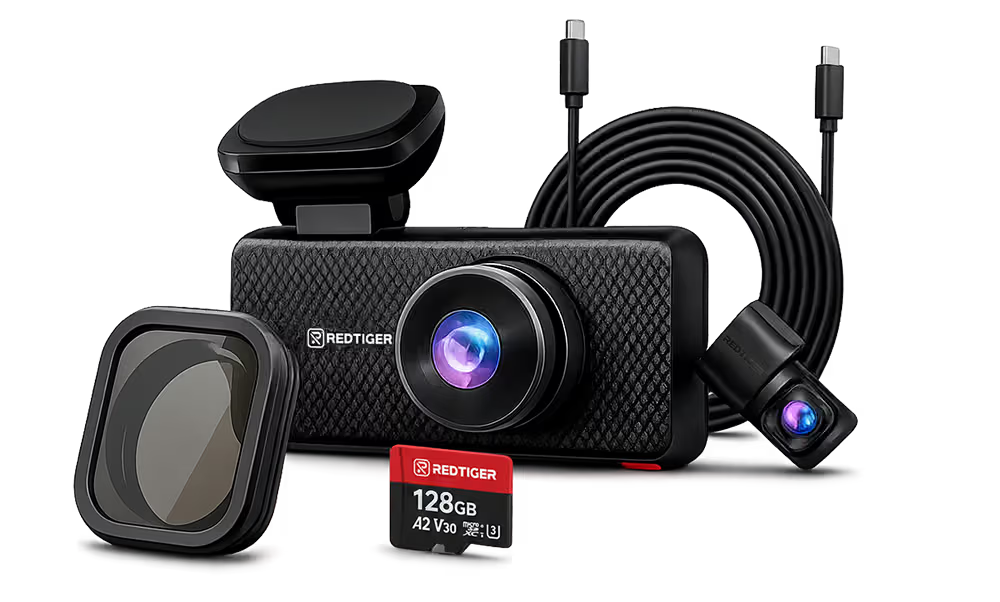



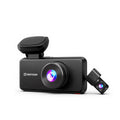
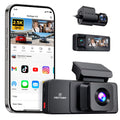

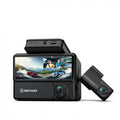











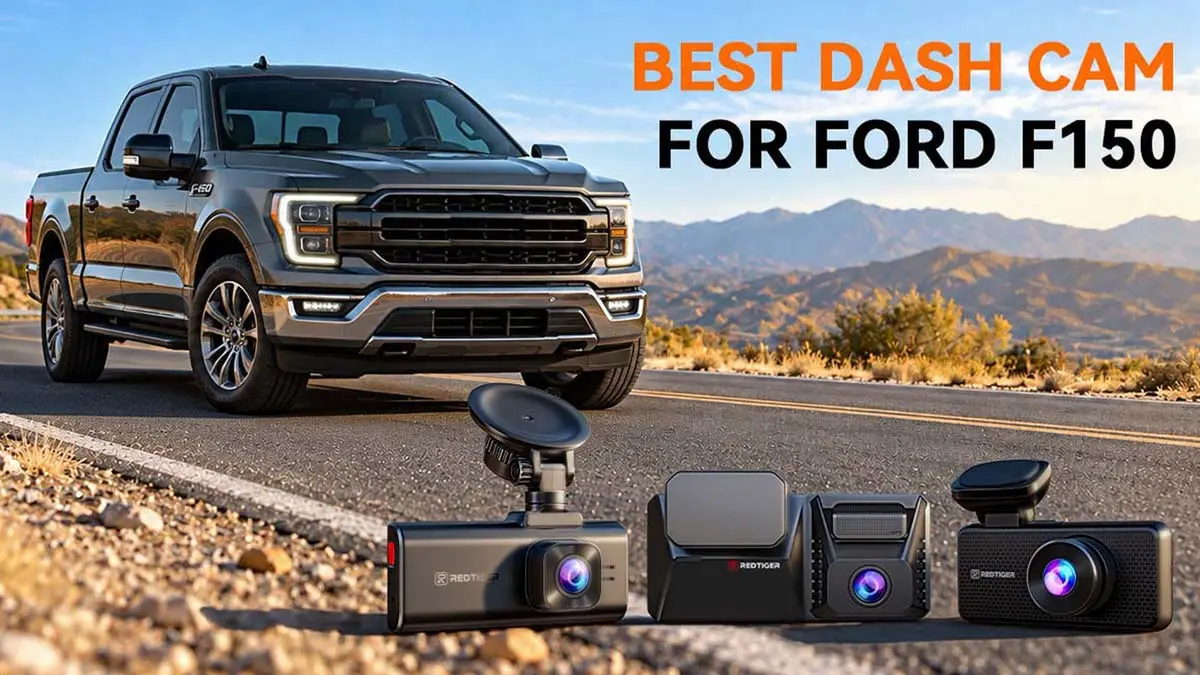
The F-150 is a big truck with lots of glass, long highway miles, and a high profile in parking lots. A great dash cam retains proof as a witness while you are driving or even parked. That's where a good dash cam for F-150 becomes a smart upgrade.
Finding the best dash cam for Ford F150 isn't straightforward. It involves factors like video resolution, camera channels, night recording, parking mode, connectivity, and ease of use. Your choice also depends on what you want to record.
A front-only camera covers the road ahead. A front and rear dash cam adds the view behind. A 3-channel dash cam adds the cabin too. We'll compare the top three REDTIGER models against Garmin, Nexar, Thinkware, and Nextbase.
Why Do Ford F-150 Owners Need a Dash Cam in 2026?
The dash cams for trucks like Ford F-150 trucks can protect you in three ways. It documents crashes and collisions, monitors your truck while parked, and records long drives. Having a top F150 dash cam isn't a luxury.
NHTSA estimated an 8.2% drop in US traffic deaths for the first half of 2025. Safe to say, the exact number is far too high for 2025. Meanwhile, the NICB ranked the F-150 seventh on its 2025 most-stolen list.
Document Accidents and Unexpected Road Incidents
Try to imagine the immediate moments after a crash. A clear video can settle arguments fast. A 4K dash cam with built-in GPS can stamp speed and location on the clip. The REDTIGER F77, for example, lists built-in GPS for location and speed tracking.
Protect Your Ford F-150 While It Is Parked
Full-size pickups, including the Ford F-150, are popular targets in parking lots. Automotive parts, aside from your valuables, fetch strong black-market prices.
Parking mode wakes up the camera during a bump or motion. On REDTIGER dash cams, you'll need the hardwire kit to activate parking monitoring.
Record Highway Driving, Work Trips, and Outdoor Adventures
Always consider how you use the truck or, specifically, your driving needs/habits. Job-site runs, towing, and weekend trailheads put you in unfamiliar places.
That means more recording time for a dash cam. The F17 Elite supports memory cards up to 512GB. Meanwhile, the F77 includes 128GB of built-in storage.
What Features Should You Look for in the Best Ford F-150 Dash Cam?
The best Ford F-150 dash cam includes five features: real 4K video, the right number of channels, a strong night sensor, dependable parking mode, and easy WiFi.
4K vs. 2K vs. 1080P: Which Recording Resolution Is Best?
Camera resolution decides how much detail you can zoom into later. 4K means 3840 × 2160 pixels, the full output of Sony's 8.29-megapixel IMX678 sensor. That is roughly four times the pixels of 1080P, and 2K sits in the middle.
License plates and road signs matter most to insurers. So, a 4K dash cam is worth it on the front, at least. The F7NA's IMX678 records native 4K UHD (3840 × 2160). We could not find a published REDTIGER spec that labels any current model as upscaled 4K, so we do not name any here. When you compare two cameras that both say "4K", check the sensor model and ask the seller for the output resolution instead of trusting the label.
Front-Only, Dual-Channel, or Three-Channel Recording?
The number of cameras matters as much as resolution. A simple breakdown would be –
- Single-channel: records only the road ahead.
- Dual-channel: records front and rear. A front-and-rear dash cam shows who hit you from behind.
- Three-channel: records front, rear, and the cabin.
A solo commuter may be happy with front-only recording. Owners who tow or park on busy streets should pick a dual-channel model. You can choose either for occasional drives through lower-traffic areas.
A 3-channel dash cam suits rideshare drivers, small crews, and parents of teen drivers. Many cabin cameras record black-and-white video at night. That said, you can get full-color cabin view with REDTIGER F17 Elite.
Night Vision and Low-Light Recording Performance
Night footage depends on the sensor, lens, and image processing, not just pixel count. Sony says its STARVIS 2 design adds more than 8 dB of dynamic range over the original STARVIS at the same pixel size.
That helps when oncoming headlights wash out a frame. A Sony STARVIS 2 sensor is a good sign for night vision. Still, not every 4K camera performs the same. Compare the documented sensors rather than assuming.
GPS, WiFi, Voice Control, and Cloud Connectivity
Connectivity decides how easy it is to pull a clip. It becomes crucial right after an accident. REDTIGER lists 5.8GHz WiFi 6 on the F7NA at 20 Mb/s, and up to 30 Mb/s on the F17 Elite.
Those are top speeds in interference-free conditions. The F77 offers voice control with 12 commands. Nexar's remote streaming needs a paid plan, and Garmin's Parking Guard needs a paid subscription.
What Are the Best Dash Cams for Ford F-150 in 2026?
You have multiple options to invest in the best dash cam for Ford F150. The F77 is the pick for rear-view detail, whereas the F7NA remains the value pick.
Meanwhile, the F17 Elite is the premium one for cabin coverage. Other rivals add polished apps and cloud tools, but they often cost more or need subscriptions.
REDTIGER F77: Dual 4K Recording for Front and Rear Road Coverage
The F77 pairs two Sony IMX678 sensors for 4K front and 4K rear video at 30fps. It adds a 4-inch touchscreen, built-in GPS, and 5.8GHz WiFi.
The rear cable measures 21.3 feet, which easily suits most wheelbases. Parking mode on the F77 needs the hardwire kit. On its own the F77 box ships with the camera, the in-cab rear camera, the rear cable, a car charger, a 3M pad, static stickers, cable clips, a trim tool, and the printed guides. The hardwire kit is added as a bundle on our store, so check the contents of the bundle before you order.You'll have to endorse the large files, and there's no cabin footage.
REDTIGER F7NA: 4K Front Recording for Everyday Driving
The F7NA records native 4K on the front with a Sony IMX678 and 1080P on the rear. It adds front HDR and WiFi 6. The base box may not include a hardwire kit, so read the bundle first.
REDTIGER also sells a separate hardwire kit. Finishing the installation may take about 20 to 30 minutes. The catch is that the 1080P rear camera gets less detail for tailgater plates.
REDTIGER F17 Elite: Three-Channel Recording for Front, Rear, and Interior Coverage
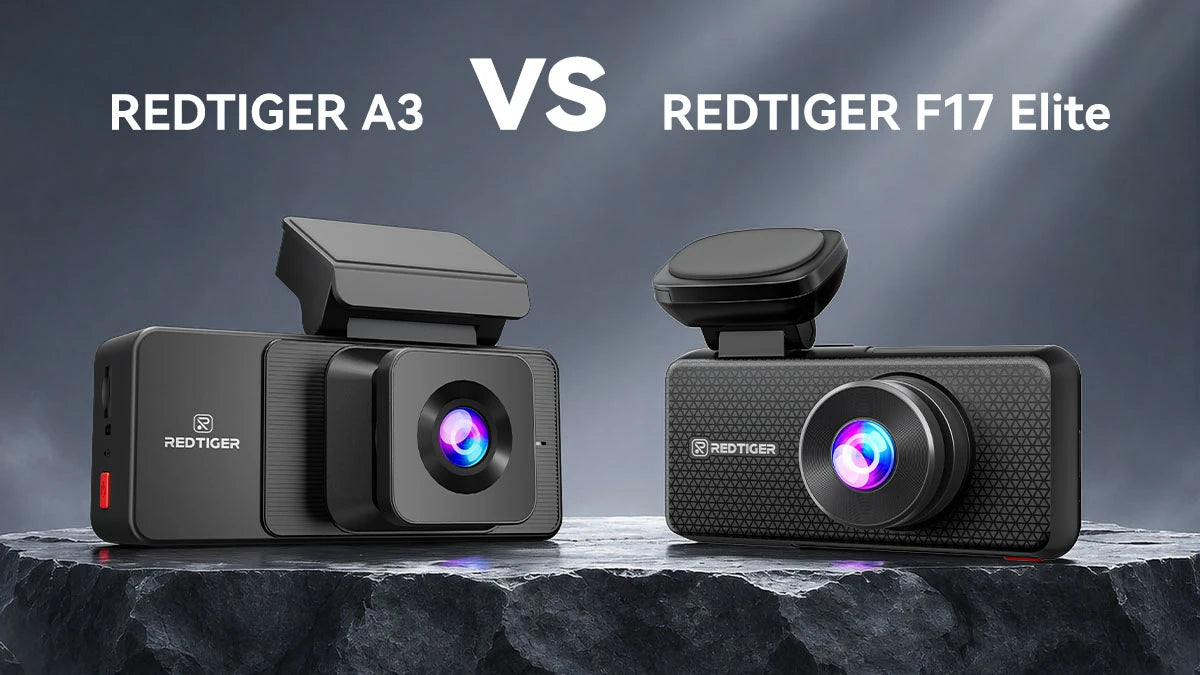
The F17 Elite records 4K up front, 2.5K at the rear, and 1080P inside the cabin. Its sensors are the Sony IMX678 (front), IMX675 (rear), and IMX307 (cabin). The hardwire kit is a prerequisite for its NiteGuard parking monitoring.
It sits at the pinnacle of all-around coverage and quality. A DashCamTalk user reported that REDTIGER doesn't expect the F17 Elite to capture plates at night at higher speeds. Choose it for coverage, not extreme plate reading.
Garmin X310 – A Compact 4K Front-Facing Dash Cam
The Garmin X310 is a single front camera with 4K video, a 140-degree field of view, and voice control. Parking Guard and Live View need a paid Vault subscription, WiFi, and constant power.
Nexar One – A Connected Dash Cam with Cloud Features
Nexar One is another 4K camera built around remote access, with local recording available without a plan. However, live streaming, tracking, and break-in alerts need Nexar Connect after a free month.
Thinkware U3000 Pro and Nextbase 622GW – Additional Premium Alternatives
Two more premium options deserve a look. The Thinkware U3000 records 4K in front and 2K at the rear. Meanwhile, the U3000 PRO features STARVIS 2 sensors on both cameras.
The Nextbase 622GW records 4K at 30fps and adds Emergency SOS and Alexa. However, the built-in SOS service becomes a paid SUBSCRIPTION after the first year.
REDTIGER vs. Other Dash Cam Brands: Which Is Better for an F-150?
|
Model
|
Video
|
Documented sensor
|
Parking and connected features
|
|
REDTIGER F77
|
4K front + 4K rear
|
Sony IMX678 (both)
|
Parking with hardwire kit; 5.8GHz Wi-Fi; GPS
|
|
REDTIGER F7NA
|
4K front + 1080P rear
|
Sony IMX678 (front)
|
Parking with hardwire kit; WiFi 6
|
|
REDTIGER F17 Elite
|
4K + 2.5K rear + 1080P cabin
|
IMX678, IMX675, IMX307
|
NiteGuard parking; hardwire required; Wi-Fi 6
|
|
Garmin X310
|
4K front only
|
Not stated on pages reviewed
|
Parking Guard needs Vault plan and constant power
|
|
Nexar One
|
4K front; rear and cabin add-ons
|
Sony Starvis (generation not stated)
|
LTE streaming and parking alerts need a paid plan
|
|
Thinkware U3000 Pro
|
4K front + 2K rear
|
IMX678, IMX675
|
Radar parking, dual-band Wi-Fi (2.4GHz / 5GHz), 4G LTE module
|
|
Nextbase 622GW
|
4K front + 1080p rear
|
CMOS (undisclosed)
|
Intelligent parking, QuickLink WiFi, SOS
|
Compare Video Resolution and Camera Coverage
The REDTIGER F77 stands out with dual 4K, which is rare in the group. The F7NA, Garmin X310, Cobra SC 400D, Nexar One, Thinkware, and Nextbase all record 4K in front.
Connectivity features (free) vary wildly. Overall, dual 4K gives the most rear detail, 4K front gives great road detail at a lower price, and three channels give cabin proof.
Compare Night Recording and Image Sensor Technology
Sensor names tell part of the story. REDTIGER and Thinkware document Sony STARVIS 2 sensors on at least the front camera. Nexar names a Sony Starvis sensor without the generation.
Garmin highlights Clarity HDR optics and a polarizer instead of a sensor name. A Sony STARVIS 2 4K camera is a solid night vision choice. But real results depend on the lens, tuning, and glare.
Compare Parking Mode and Connected Features
Look at how each brand handles parking and apps. The REDTIGER Cam App lists no monthly plan, but you'll need the hardwire kit for parking mode.
Garmin and Nexar tie remote features to paid plans. Cloud features may need a subscription or extra hardware, so add that cost to the sticker price.
How Do You Install and Hardwire a Dash Cam in a Ford F-150?
Plug-in power takes minutes and works the moment you plug it in. Hardwiring takes longer and is what unlocks parking mode, because a plug-in adapter cannot keep the camera powered after you lock the truck. Always check your owner's manual before touching any fuse.
Plug-In Power vs. Hardwired Installation
Pick your power method first. A cigarette-lighter plug is simple; it doesn't support parking monitoring. A hardwire kit taps the fuse box, enables parking recording, and keeps your 12V socket free.
An accessory shop can usually finish a hardwire job in 30 to 60 minutes.
Use an ACC fuse for ignition-based power and a constant fuse for parking power. On a Lightning or other EV, the 12V battery is usually smaller. So, long parking recording puts more load on it.
How to Route Dash Cam Cables Through the F-150 Cabin
Hide the wires for a clean look. We suggest you run the cable up toward the roof, along the edge, and down the A-pillar toward the fuse box. Use a blunt trim tool and gentle pressure to avoid pinching anything. Attach the ground wire to a bare metal chassis bolt.
How to Install a Rear Camera in a Ford F-150
Then, mount the rear camera inside the cab, high on the rear glass. The front unit powers it through a long cable. The F77 includes a 21.3-foot cable, and you can get a 33-foot replacement for the F17 Elite.
If your truck has a sliding rear window, place the camera on a fixed part of the glass. Then run the cable along the headliner and down a pillar.
What Should You Check After Installation?
Test before you drive off. Mount the front camera near the rearview mirror, but outside the zone around Ford's forward camera. The OEM camera supports Co-Pilot360 features like Pre-Collision Assist.
Confirm your dash shows no new driver-assist warnings. Check your state's placement rules, since California limits windshield mounting to set zones. Then verify the clock, GPS lock, and parking mode.
Is Parking Mode Worth It for a Ford F-150?
Yes, for most owners. Parking mode protects your truck when you are not there, and it is the main reason to hardwire. It exclusively requires the right power setup and storage.
How Does Dash Cam Parking Mode Work?
The camera idles while the truck is off, then wakes to record when it senses impact or motion. You can describe it as a mix of impact detection, motion detection, and time-lapse recording.
REDTIGER models rely on impact detection and time-lapse recording. Parking mode works on any vehicle that can supply constant 12V power through the hardwire kit, and on the F17 Elite the NiteGuard night mode runs on the front camera only. Power has to come from a constant source such as the hardwire kit. Power must come from a constant source such as a hardwire kit.
Why Do Pickup Truck Owners Need Parking Surveillance?
The F-150 is a high-volume truck, and the NICB ranked it seventh among most-stolen vehicles in 2025. Parking footage gives you real evidence for a police report or an insurance claim.
What Accessories Are Needed for Parking Mode?
- A compatible hardwire kit, since REDTIGER's parking monitoring depends on it.
- A large, high-endurance microSD card, or built-in storage like the F77's 128GB.
- An optional battery pack for long parking sessions, which is more like a power option.
- A heat-ready cam, like supercapacitors on the F7NA and a 70°C rating for the F17 Elite.
Conclusion
The best dash cam for Ford F150 depends on your driving needs and on-road conditions. Choose the F77 for dual 4K detail, the F7NA for value, or the F17 Elite for cabin coverage.
Whatever you pick, hardwire it, test parking mode, and keep it clear of Ford's driver-assist camera. Visit the REDTIGER dash cam collections and pick the camera that fits your truck.
Frequently Asked Questions (FAQs)
What is the best dash cam for a Ford F-150 in 2026?
It depends on your needs. The REDTIGER F77 suits owners who want 4K on both ends, the F7NA suits budget buyers, and the F17 Elite suits those who want cabin coverage.
Is a 4K dash cam worth it for a Ford F-150?
Generally, yes, on the front camera. Pair it with a big memory card and a sensor known for night performance, such as Sony STARVIS 2.
Should I choose a dual-channel or 3-channel dash cam for my F-150?
Pick dual-channel if you only need the road ahead and behind. Pick a 3-channel dash cam if people ride in your truck or you drive for work, because the cabin view adds proof.
Can a dash cam interfere with Ford Co-Pilot360?
Yes, if you block the forward camera near the mirror. Mount yours nearby but outside that zone, and check for driver-assist warnings afterward.



Leave a comment
All comments are moderated before being published.
This site is protected by hCaptcha and the hCaptcha Privacy Policy and Terms of Service apply.