































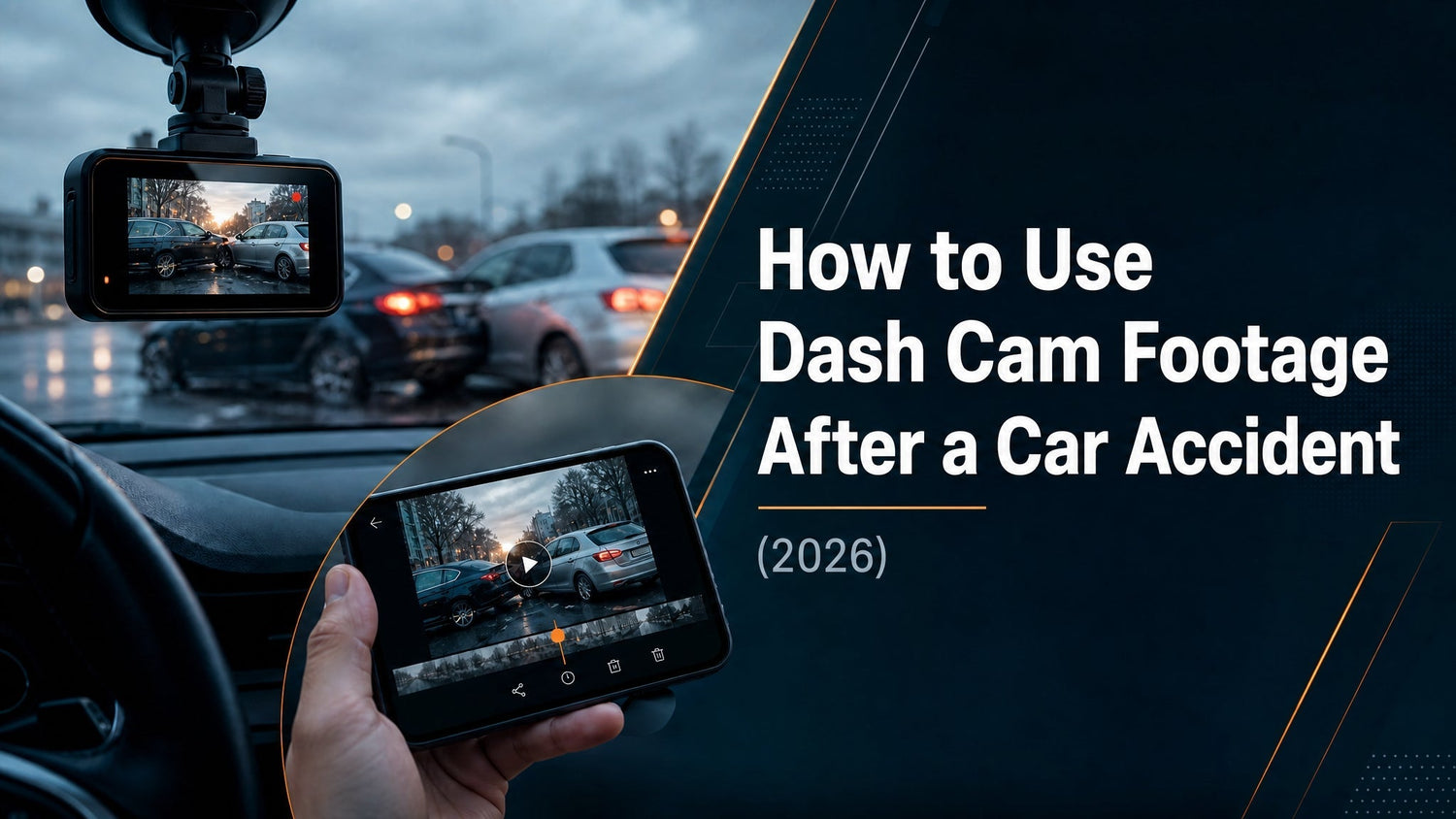
Quick answer: The moment an accident happens, your dash cam has already done its job. What you do in the next five minutes determines whether that footage can be used. This guide covers how to preserve the recording, what to submit to your insurer, how footage holds up as legal evidence, and why the quality of what was captured determines what it can prove.
The 5-Minute Rule: Preserve Before Loop Recording Overwrites
Dash cams use loop recording — they continuously overwrite the oldest footage to make room for new recordings. G-sensor protection covers the impact itself, but there are two ways even protected clips can be lost.
How g-sensor protection works: At the moment of impact, the g-sensor detects the force and direction, triggers an emergency recording, and locks the clip into a protected folder that loop recording cannot overwrite. This file will not be erased by loop recording — but it can still be manually deleted, and it lives on an SD card that can fail.
Two risks to a protected clip:
- Manual deletion — if anyone accesses the SD card or camera settings and deletes files
- SD card corruption — cards degrade over time, especially in high-heat automotive environments
What to do in the first five minutes:
- Before anything else, let the camera finish writing the protected file — do not cut the ignition abruptly
- Open the REDTIGER app on your phone, connect over WiFi, and download the locked clip
- Do not format the SD card — even if prompted after an error. Wait until you have a confirmed backup on a separate device
- Note the clip filename and embedded timestamp before downloading
The REDTIGER F7NA transfers a 5-minute 4K clip in under two minutes at 20 Mb/s over WiFi 6. Once the clip is on your phone, it is no longer at risk from anything that happens to the camera or card.
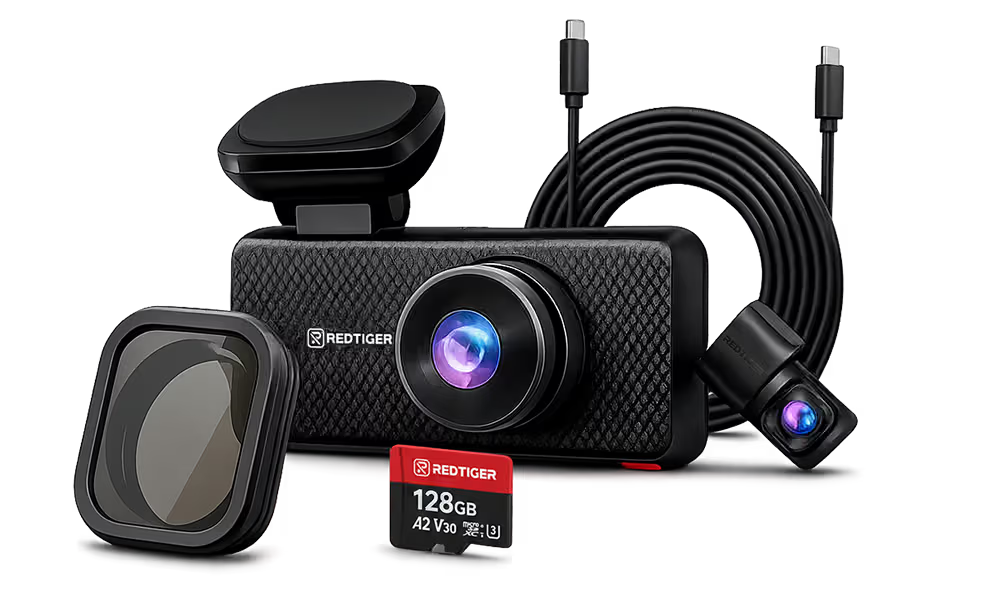
The REDTIGER F77 adds a second layer: built-in eMMC storage (128GB or 256GB, physically soldered to the unit) that cannot be removed and cannot fail from card handling. Clips written to eMMC are protected against the most common cause of post-accident footage loss.
What Your Dash Cam Actually Captured
Most people think dash cam footage is just video. What it records is more useful than that.
Video: The visual record of what happened — lane positions, traffic signals, road conditions, the vehicles involved. At native 4K with a Sony IMX678 STARVIS 2 sensor, license plates are readable at 40–50 feet in most conditions. This is the difference between footage that can identify the other vehicle and footage that cannot.
GPS track: Every second of footage is tagged with GPS coordinates and speed. If there is a dispute about whether you were speeding, the GPS data is objective. If there is a dispute about where exactly the impact occurred, the GPS coordinates place the event on a map with meter-level precision.
Timestamp: Every clip carries a synchronized timestamp. This establishes the sequence of events — which vehicle moved when, who entered the intersection first, whether your account of the timeline matches the recorded data.
G-sensor data: The g-sensor records the force and direction of impact. In a rear-end collision, this data shows that the impact force came from behind — relevant when the at-fault direction is disputed.
Audio: REDTIGER cameras record audio by default. In one-party consent states, this is generally admissible. In two-party or all-party consent states, audio recording of conversations may require consent from all parties. Video and GPS evidence are unaffected by audio consent requirements.
What Insurance Adjusters Need from Dash Cam Footage
When you file a claim supported by dash cam footage, adjusters look for specific things — not just "a video."
The original file, not a copy of a copy. Original files retain embedded metadata: GPS coordinates, timestamp, g-sensor data. If you screen-record your phone playback to submit, you lose the metadata and may lose admissibility in a contested claim. Submit the original MP4 file.
MP4 format. All REDTIGER cameras record in MP4. This format is universally accepted by insurance claims portals and adjusters.
Accurate timestamp. If your camera's clock was not set to the correct time zone, the timestamp will not match the accident report timeline. Verify your camera's time and time zone are correct periodically — not just after an accident. A timestamp mismatch does not invalidate the footage, but it creates an unnecessary reconciliation step.
Coverage of the relevant event. The insurer needs the clip showing the sequence leading to the impact, not just post-accident footage. Confirm the g-sensor-locked clip covers the event before submitting.
How to submit: Most insurers accept footage via their claims portal as an uploaded file. A 5-minute native 4K clip is typically 2–4GB — too large for most email attachments. Use the portal uploader, or upload to a file-sharing service and include the link in your claim. Keep the original file on your phone and a copy on a computer.
Dash Cam Footage as Legal Evidence
Dash cam footage is generally admissible in US civil and criminal proceedings, subject to standard authentication requirements.
This article does not constitute legal advice. Recording consent laws and evidence rules vary by state and by specific circumstances. Consult an attorney for guidance on your situation.
Authentication: To introduce footage as evidence, it typically needs to be authenticated — meaning someone (usually you) testifies that the recording was made by your camera at the time claimed and has not been altered. GPS timestamp data and the camera's original file metadata support this. Provide the original file, not a compressed or re-encoded copy.
Chain of custody: If a claim is contested and footage may eventually be needed in court, document when you accessed the file, how you made copies, and where the original SD card or eMMC device is stored. A timestamped note in your phone's notes app is sufficient for most situations.
Audio consent by state: For video recorded on public roads, consent from other parties is generally not required. For audio, laws vary: one-party consent states permit recording when at least one party (you) has consented; all-party consent states require everyone's consent. In practice, most accident evidence cases turn on video and GPS metadata rather than disputed audio.
In practice: The vast majority of accident cases involving dash cam footage are resolved at the insurance claim stage, not in court. The footage that changes a liability decision is far more common than footage introduced in a courtroom. A clear, timestamped, GPS-tagged original file is generally sufficient at the claims stage.
Why Footage Quality Determines Evidentiary Value
Two cameras at the same accident produce meaningfully different evidence depending on resolution, sensor, and metadata capabilities.
License plate readability: At 1080P, a plate at 40 feet may be readable in ideal conditions — good light, clear weather. At native 4K with a Sony sensor, the same plate is readable in most conditions including overcast light, light rain, and dusk. If the other vehicle left the scene, the difference between these resolution tiers is often the difference between a provably readable plate and footage that cannot be used for identification.
Low-light and night incidents: A significant share of accidents occur in conditions where sensor quality matters: after dark, in rain, at dawn, in tunnels. The Sony IMX678 STARVIS 2 sensor in the F77 and F7NA captures 30% more light than earlier sensor platforms (REDTIGER published data, verified 2026-05-09). In practice: footage that shows lane positions and vehicle identification in conditions where older sensors produce footage with only approximate shapes visible.
Rear incident documentation: When a rear-end collision occurs, the rear camera footage is the primary visual evidence. The REDTIGER F77 captures native 4K on both the front and rear channels using dual Sony STARVIS 2 sensors — the only consumer dual-channel camera in its category where both channels are at native 4K. If the impact comes from behind, the rear footage is as clear as the front.
GPS evidence: GPS data establishes facts the video frame cannot show alone: speed at the moment of impact, exact road segment, whether a lane change was in progress. These data points close arguments that video alone cannot resolve.
REDTIGER F77 and F7NA: What Each Is Built For
F77 — Primary Accident Documentation Camera
The F77 is designed around the scenarios where both front and rear documentation matter: rear-end collisions, intersection impacts, side-swipes from the rear quarter.
| Specification | F77 |
|---|---|
| Front camera | Native 4K / Sony STARVIS 2 |
| Rear camera | Native 4K / Sony STARVIS 2 |
| Storage | eMMC 128GB built-in + SD card slot |
| GPS | Built-in — speed + coordinates on every clip |
| G-sensor | Automatic emergency lock on impact |
| WiFi | 5.8GHz / 8 Mb/s |
| Operating temp | -4°F to 158°F |
The eMMC storage is the F77's most distinctive feature for post-accident documentation: footage is physically written into the unit and cannot be removed, lost, or accidentally formatted. For drivers who may not access their footage immediately after an incident, this removes the most common point of failure.
F7NA — Fastest Post-Incident Transfer
The REDTIGER F7NA ($159.99) prioritizes native 4K front documentation with the fastest footage transfer in REDTIGER's lineup.
| Specification | F7NA |
|---|---|
| Front camera | Native 4K / Sony STARVIS 2 |
| Rear camera | 1080P |
| GPS | Built-in — speed + coordinates on every clip |
| G-sensor | Automatic emergency lock on impact |
| WiFi | WiFi 6 / 5.8GHz / 20 Mb/s |
| Operating temp | -4°F to 158°F |
| Price | $159.99 |
At 20 Mb/s, the F7NA transfers a 5-minute incident clip to your phone in under 2 minutes — faster than any other dual-channel camera in this price range. For drivers whose primary concern is front-facing accident documentation with immediate footage access, the F7NA is the purpose-built choice.
Step-by-Step: From Impact to Insurance Submission
- At the scene: Open the REDTIGER app and confirm the emergency-locked clip is present. Do not cut power or remove the SD card.
- Before leaving: Download the protected clip to your phone over WiFi. Confirm the file is on your phone before closing the app.
- Make a second backup: Transfer the clip from your phone to a computer or cloud storage. Keep the original SD card — do not format it.
- Document the chain of custody: Note the date and time you accessed the file, when you made copies, and where the original card or device is stored.
- File your claim: Upload the original MP4 file to your insurer's claims portal. Include the GPS coordinates and timestamp from the clip in your claim notes.
- Cross-reference timelines: The GPS timestamp in the clip should match your police report, emergency dispatch records, and witness statements. Flag any discrepancy to your adjuster proactively.
Frequently Asked Questions
Is dash cam footage admissible as evidence in court?
Dash cam footage is generally admissible in US civil and criminal proceedings when properly authenticated — meaning you can testify that the recording was made by your camera at the time claimed and has not been altered. GPS timestamp data and the camera's original file metadata support authentication. The video portion of recordings made in public spaces does not typically require consent from other parties; audio recording rules vary by state. This article does not constitute legal advice — consult an attorney for guidance specific to your state and situation.
What should I do immediately after an accident to protect my dash cam footage?
Do not cut ignition power abruptly — let the camera finish writing the g-sensor-locked clip. Open the REDTIGER app and download the protected clip to your phone over WiFi. The F7NA does this in under 2 minutes at 20 Mb/s. Once the clip is on your phone, make a second backup to a computer or cloud storage. Do not format the SD card before confirming the backup.
What information does dash cam footage capture beyond the video?
REDTIGER cameras with GPS record speed and coordinates on every clip — every second of footage is tagged with your exact location and speed. The g-sensor records the force and direction of impact. Every clip carries a synchronized timestamp. These metadata elements — GPS track, speed, g-sensor data, timestamp — are often more useful than the video alone in resolving disputed liability.
Will my insurance company accept dash cam footage?
Major US insurers accept dash cam footage as supporting evidence in claims. Submit the original MP4 file — not a screen recording or re-encoded copy — so that the embedded metadata (GPS, timestamp, g-sensor data) is preserved. Use your insurer's claims portal for files over 25MB. Include the clip's timestamp and GPS coordinates in your claim notes to help the adjuster correlate the footage with your accident report.
Does image resolution affect whether dash cam footage is usable as evidence?
Yes, in practice. The most common evidentiary use of dash cam footage is license plate identification. At 1080P, a plate at 40 feet is readable in good conditions but not reliably in low light or rain. At native 4K with a Sony STARVIS 2 sensor, the same plate is readable in most conditions including dusk, light rain, and overcast light. For a recording to prove who was involved, it needs to show what actually happened in the conditions it was recorded — not only in ideal light.
Built for accident documentation: The REDTIGER F77 — dual native 4K front and rear with Sony IMX678 STARVIS 2, built-in eMMC storage, GPS, and g-sensor. The REDTIGER F7NA ($159.99) — native 4K front, GPS, g-sensor, WiFi 6 at 20 Mb/s for the fastest post-incident footage transfer. See also: does a dash cam lower your insurance premium?

Leave a comment
All comments are moderated before being published.
This site is protected by hCaptcha and the hCaptcha Privacy Policy and Terms of Service apply.