






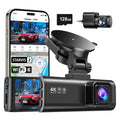


























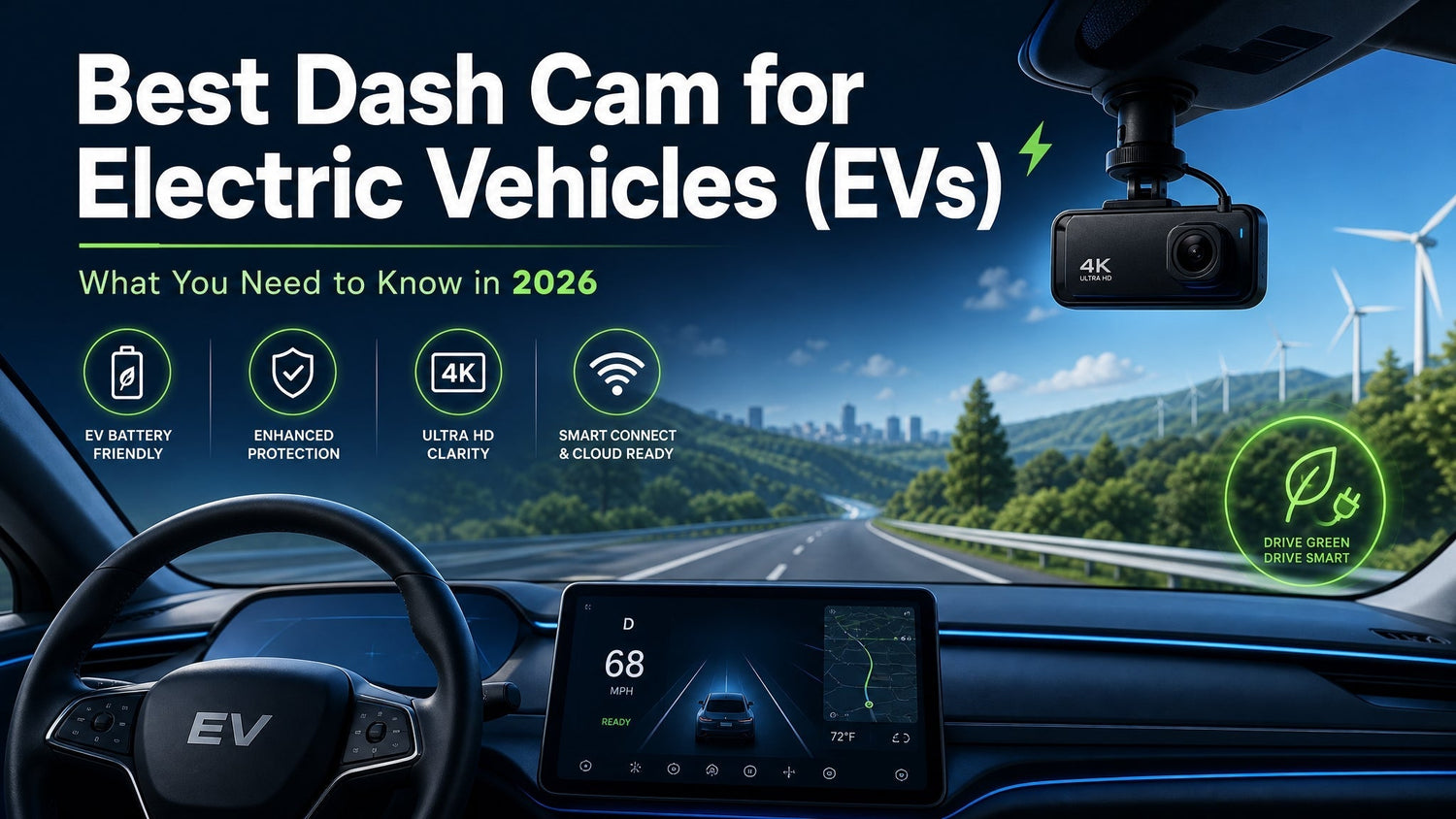
Electric vehicles are parked differently, priced differently, and stolen differently than ICE cars — and a dash cam designed for a gas-powered Honda does not automatically translate to an EV without a few important adjustments. This guide covers the EV-specific installation considerations, which features matter, and what to look for when choosing a dash cam for any electric vehicle in 2026.
Why EV Owners Need a Dash Cam More Than Most
Charging Stations Are High-Incident Zones
When an EV owner plugs in at a public Level 2 or DC fast charger, the vehicle is stationary and unattended for 20 minutes to over an hour. Public charging stations — particularly in urban areas and at retail locations — have significantly higher rates of door dings, hit-and-runs, and deliberate vandalism than standard parking spaces. The vehicle cannot be moved immediately if an incident occurs. A dash cam in parking mode covers the exact window when the car is most exposed.
EVs Are High-Value Targets
The average transaction price for a new electric vehicle in the US in 2025 was approximately $55,000 — well above the market average. Higher vehicle value correlates with higher rates of break-in attempts and targeted vandalism. Parking mode footage provides documentation for insurance claims and police reports on incidents that would otherwise leave no evidence. For how this affects your insurance premium, see our dash cam insurance premium guide.
Tesla Sentry Mode Has Limits — and Other EVs Don't Have It at All
Tesla's built-in Sentry Mode has documented limitations: it draws from the main high-voltage battery pack, which accelerates long-term degradation with extended use; it stores footage on a USB drive that requires manual retrieval; and it does not provide the GPS metadata, g-sensor logging, or portable evidence format of a dedicated dash cam.
More importantly, Sentry Mode is Tesla-exclusive. Drivers of the Ford Mustang Mach-E, Hyundai Ioniq 5, Rivian R1T, Chevy Bolt, or any other EV have no equivalent built-in system.
EV-Specific Installation Considerations
1. The 12V Auxiliary Battery Is Smaller — Set Voltage Cutoff Higher
Every modern EV has a 12V auxiliary battery — separate from the main high-voltage traction pack — that powers 12V accessories including a hardwired dash cam. This auxiliary battery is significantly smaller than the battery in a comparable ICE vehicle (typically 12–20Ah vs. 40–100Ah).
When an EV is off and not plugged in, the 12V aux battery drains at the same rate as any car battery. A dash cam running parking mode draws from this battery continuously. Set the voltage cutoff to 12.2V for an EV (vs. the standard 11.8V recommendation for ICE vehicles) to protect the smaller auxiliary battery from discharging to a level that prevents the car from booting.
2. OBD-II Port Behavior Varies — Use the Fuse Box Instead
In a standard ICE vehicle, the OBD-II port provides a reliable switched power source: on when the car is running, off when it is not. In many EVs, this behavior is inconsistent. Some EVs keep the OBD-II port "always on" even when the vehicle is fully off — which means the dash cam's low-voltage cutoff receives constant power and cannot protect the aux battery the way it is designed to.
Use a fuse box hardwire instead of an OBD-II connection for EV installations. Identify an ignition-switched fuse circuit — one that activates with the vehicle and cuts off when it powers down — and use a fuse tap to connect the hardwire kit's ACC line.
Always consult your vehicle's owner manual and verify fuse box locations before hardwiring any accessory.
3. DC Fast Charging Temperatures — Supercapacitor Is Required
When an EV is connected to a DC fast charger (Level 3, 50–350kW), the closed cabin heats up significantly. In direct sun, windshield interior temperatures can exceed 150°F during a fast-charge session. Dash cams with lithium batteries degrade rapidly above 140°F and can fail permanently in repeated high-heat exposure.
A supercapacitor-based dash cam stores energy electrostatically rather than chemically — no degradation from heat cycles, no failure threshold at elevated temperatures. For EV owners who regularly use DC fast charging, a supercapacitor is not a nice-to-have; it is the specification that determines whether the camera survives its first summer.
Recommended Features for an EV Dash Cam
| Feature | Why It Matters for EVs |
|---|---|
| Supercapacitor | DC fast charging temperatures exceed lithium battery safe range |
| Adjustable voltage cutoff | Smaller 12V aux battery requires higher cutoff (12.2V) to prevent drain |
| Hardwire kit included | Fuse box connection is recommended over OBD-II for EV reliability |
| Parking mode — time-lapse or continuous | Charging station dwell time creates extended unattended exposure |
| GPS logging | Documents incidents at charging stations with exact location and timestamp |
| WiFi transfer | Retrieve footage without removing SD card while parked at a charger |
Step-by-Step EV Installation Guide
Step 1 — Locate an ignition-switched fuse
Use a test light or multimeter to identify a fuse in the fuse box that is live only when the vehicle is powered on. Common candidates: audio system, accessory socket, or interior lighting fuse. Do not use an always-on fuse (memory or clock circuits).
Step 2 — Install the fuse tap
Insert the hardwire kit's ACC wire into the ignition-switched fuse using a fuse tap. Connect the ground wire to a chassis ground bolt near the fuse box.
Step 3 — Set voltage cutoff to 12.2V
In the camera settings or REDTIGER app, adjust the parking mode low-voltage cutoff to 12.2V. This is the threshold at which the camera shuts down to protect the 12V aux battery. Do not leave this at the default 11.8V setting designed for larger ICE batteries.
Step 4 — Route the cable
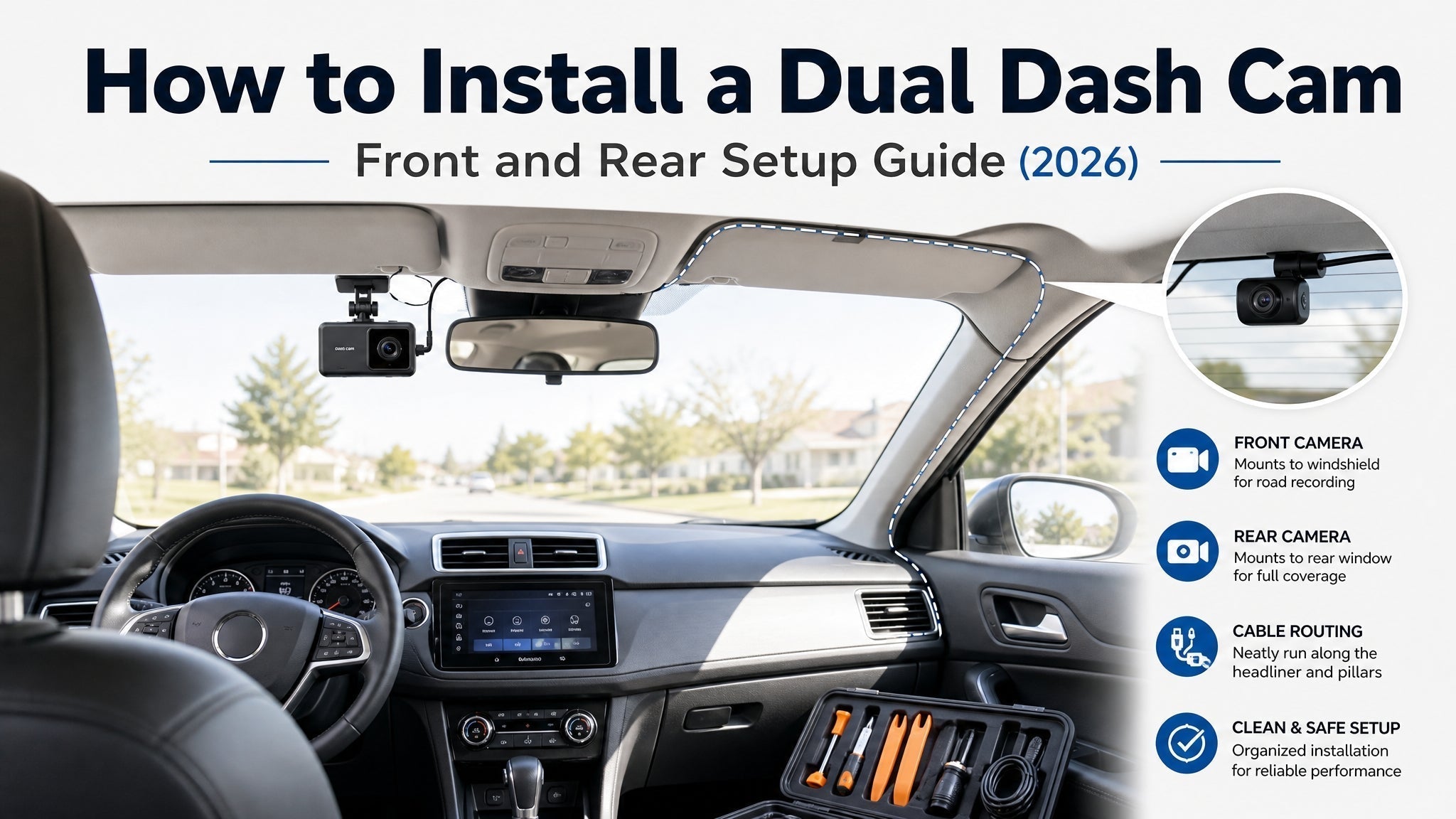
Route the power cable along the A-pillar, headliner, and down to the camera mount behind the rearview mirror. Use the plastic trim tool included in the hardwire kit to tuck the cable cleanly into the trim.
Step 5 — Test parking mode behavior
Power the vehicle on and confirm the camera starts. Power off and confirm the camera enters parking mode. Leave it for 30 minutes and verify it has not drained the aux battery unexpectedly. Check the cutoff triggered correctly on the first overnight test.
EV Model Compatibility
The following table reflects general guidance based on known 12V auxiliary battery behavior and OBD-II port characteristics. Verify against your specific model year — EV electrical architecture changes between model years.
| EV Model | OBD-II for Hardwire | Recommended Method | Notes |
|---|---|---|---|
| Tesla Model 3 / Y / S / X | Not recommended | Fuse box | OBD-II port may remain always-on; behavior varies by software version |
| Ford Mustang Mach-E | Compatible | OBD-II or fuse box | Standard switched OBD-II behavior |
| Ford F-150 Lightning | Compatible | OBD-II or fuse box | Standard switched OBD-II behavior |
| Chevy Bolt EV / EUV | Compatible | OBD-II or fuse box | Standard switched OBD-II behavior |
| Hyundai Ioniq 5 / 6 | Compatible | OBD-II or fuse box | Standard switched OBD-II; verify 2024+ models |
| Rivian R1T / R1S | Not recommended | Fuse box only | Unique electrical architecture; consult Rivian owner community for fuse locations |
This table is general guidance. Always verify fuse box locations in your owner's manual. Electrical architecture varies by model year and trim.
Frequently Asked Questions
Do electric vehicles need a different type of dash cam?
The camera itself does not need to be EV-specific, but the installation does. EVs require a higher voltage cutoff setting (12.2V vs. 11.8V for ICE vehicles) to protect the smaller 12V auxiliary battery, fuse box hardwiring instead of OBD-II in most models, and a supercapacitor-based design to withstand DC fast charging temperatures. A dash cam that meets these three criteria will work reliably in an EV.
Can I use the OBD-II port to hardwire a dash cam in my EV?
In many EVs, the OBD-II port does not behave as a reliable switched power source — it may remain active even when the car is off, which prevents the low-voltage cutoff from protecting the aux battery correctly. Fuse box hardwiring is the recommended method for most EV models. The REDTIGER F7NP hardwire kit includes the necessary components for a fuse box installation.
What voltage cutoff should I set for an EV dash cam?
Set the low-voltage cutoff to 12.2V for EV installations. ICE vehicles use a standard 11.8V threshold, but the 12V auxiliary battery in EVs is typically 12–20Ah — significantly smaller than a comparable ICE battery. Draining this auxiliary battery too deeply can prevent the vehicle's 12V systems from booting until the car is powered on and the DC-DC converter recharges it from the main pack.
Will a lithium battery dash cam work in an electric vehicle?
A lithium battery dash cam may work initially but is at risk during DC fast charging sessions. When an EV is connected to a high-power charger, the closed cabin can reach temperatures above 150°F — above the safe operating range for lithium cells in most consumer dash cams. A supercapacitor-based dash cam is recommended for any EV used regularly with DC fast charging.
Does the REDTIGER F7NP work in electric vehicles?
Yes, with the EV-specific installation adjustments covered in this guide: use fuse box hardwiring (not OBD-II), set the voltage cutoff to 12.2V in the camera settings, and verify the supercapacitor spec before installation. The F7NP includes a hardwire kit in the box — no additional purchase is needed for the wiring hardware. The supercapacitor handles the temperature range created by DC fast charging.
For EV owners: The REDTIGER F7NP ($109.99) — hardwire kit included, supercapacitor, Sony STARVIS 2, parking mode. Use fuse box hardwiring, set voltage cutoff to 12.2V. See also: parking mode battery drain guide | does a dash cam lower your insurance premium?


Leave a comment
All comments are moderated before being published.
This site is protected by hCaptcha and the hCaptcha Privacy Policy and Terms of Service apply.