



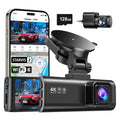
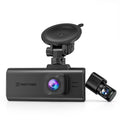

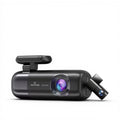
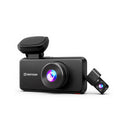
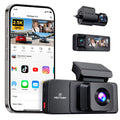

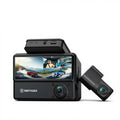











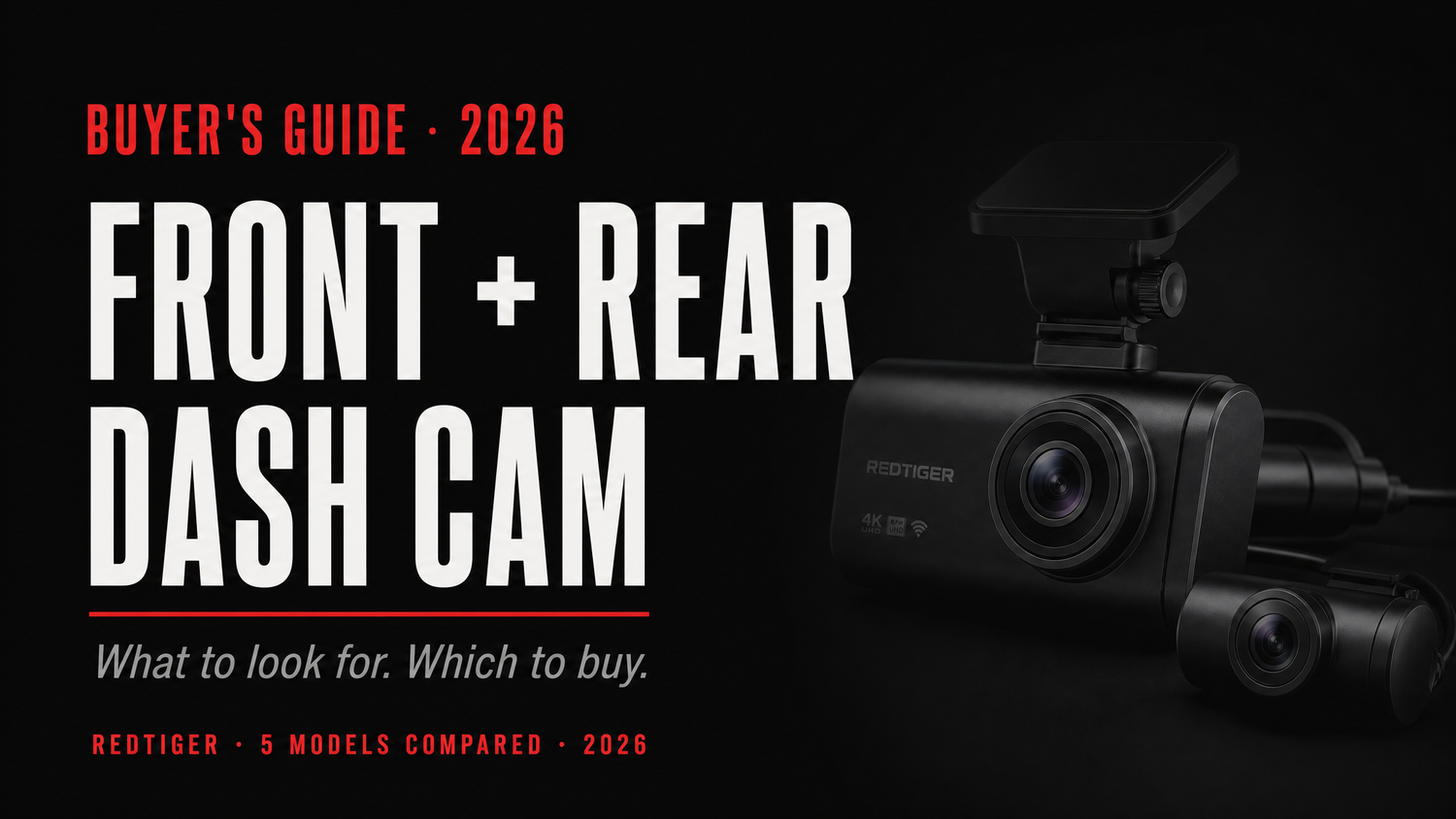
A single dash cam covers what happens in front of you. A front and rear setup covers what happens to you — the tailgater closing fast, the hit-and-run in the parking lot that caught your bumper while you were inside a store.
This guide breaks down what separates a capable dual-channel dash cam from an underwhelming one, and maps REDTIGER's current front-and-rear lineup to the use cases they fit best.
Your front camera protects you when you're at fault for what's ahead. Your rear camera protects you in the scenario you have the least control over: the driver behind you who doesn't stop in time. Rear-end collisions are highly disputed. A rear camera gives you documented evidence that settles the dispute immediately.
Six Things That Separate a Good Dual Dash Cam from a Mediocre One
1. Native 4K vs. Upscaled 4K
"4K" on a dash cam box is not a single standard. Two cameras can both claim 4K output and have meaningfully different picture quality.
Native 4K means the image sensor physically captures at 3840×2160 pixels — every pixel in the recording is real sensor data. Upscaled 4K means the sensor captures at a lower resolution and the output is algorithmically enlarged to fill a 4K container.
The gap shows up where it matters most: reading a license plate at distance. Native 4K preserves fine detail the sensor actually captured. For a deeper explanation, see our Sony STARVIS 2 sensor guide.
2. Rear Camera Resolution
Most dual dash cams pair a premium front sensor with a 1080P rear camera. That's a deliberate trade-off, not a cut corner. The front camera handles most of the evidence workload. 1080P is sufficient for capturing approaching vehicles and plates at close-to-medium range. If you want both cameras running at true 4K, that requires a premium setup like the REDTIGER F77.
3. The Sensor: What Determines Night Quality
Resolution is how many pixels the camera produces. The sensor is what determines whether those pixels are full of real image data or noise. Sony's STARVIS 2 sensors — including the IMX678 used in the REDTIGER F7NA and F77 — are back-illuminated CMOS chips designed specifically for low-light capture, offering a massive improvement over older sensor platforms.
4. WiFi Transfer Speed
If you need to pull 60 seconds of footage to your phone immediately after an incident, transfer speed is a practical concern. Legacy 2.4GHz WiFi can make a short 4K clip feel like a long transfer. WiFi 6 at 5.8GHz, featured in several current REDTIGER models, operates at up to 20 Mb/s — fast enough to get a usable clip to your phone in seconds.
5. Parking Mode Types
"Parking mode" covers several distinct behaviors:
- Collision detection (G-sensor only): Wakes on impact. Misses slow scrapes.
- Time-lapse: Records continuously at a low frame rate (e.g., 1 fps), compressing hours into minutes.
- Super Auto-shield / Combined: Merges collision detection, time-lapse, and loop recording for complete coverage.
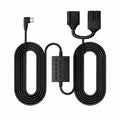
All parking modes require a Hardwire Kit to provide continuous power without draining your battery.
6. Supercapacitor vs. Lithium Battery
A dash cam in a parked car in summer can sit in temperatures well above 140°F. Lithium batteries degrade significantly above that threshold. Supercapacitors are substantially more durable across extreme temperatures. The REDTIGER F7NA is rated to operate from −4°F to 149°F using a supercapacitor.
REDTIGER's 2026 Front and Rear Lineup at a Glance
| Model | Front Resolution | Sensor Tech | WiFi Speed | Parking Mode | Price* |
|---|---|---|---|---|---|
| F7NP | 4K (Upscaled) | STARVIS 2 | WiFi 6 (20 Mb/s) | Time-lapse + Collision | From ~$75 |
| F7N Elite | 4K (Upscaled) | STARVIS 2 | WiFi 6 (20 Mb/s) | Super Auto-shield | $139.99 |
| F7NT | 4K STARVIS 2 | STARVIS 2 | WiFi 6 (20 Mb/s) | 24-hour | From ~$90 |
| F7NA ★ | Native 4K | STARVIS 2 (IMX678) | WiFi 6 (20 Mb/s) | 24-hour | $159.99 |
| F77 | Native 4K (Dual) | Dual STARVIS 2 | 5.8GHz (8 Mb/s) | 24-hour | $225.99 |
*Spring 2026 sale pricing — check each product page for current offers.
"4K" refers to exported video files with a resolution of no less than 3840 × 2160.
Which One Should You Buy?
-
Best Overall
F7NA: The best balance of features. Native 4K + WiFi 6 + 24-hour parking mode at $159.99.
-
Budget Pick
F7NP: Upscaled 4K STARVIS 2 with WiFi 6 from around $75. An honest trade-off for cost-sensitive buyers.
-
Best Parking
F7N Elite: Offers the most complete parking mode coverage under $160 (Super Auto-shield: loop + time-lapse + collision detection).
-
Premium 4K
F77: True native 4K on BOTH front and rear channels, paired with built-in eMMC storage at $225.99.
Frequently Asked Questions
Do I really need a rear camera on my dash cam?
A front-only dash cam covers scenarios where you're involved in what happens ahead. It doesn't protect you when someone hits you from behind. Rear-end collisions are among the most common and most disputed crash types. A rear camera gives you documented evidence that settles the dispute before it becomes a drawn-out insurance claim.
What's the difference between native 4K and upscaled 4K on a dash cam?
Native 4K means the image sensor captures video at 3840×2160 pixels. Upscaled 4K means the sensor captures at a lower resolution and the footage is algorithmically scaled up to fill a 4K file. Reading a license plate three car lengths ahead at 65 mph requires real pixel density, not interpolated pixels.
Can a front and rear dash cam run 24-hour parking mode?
Yes — but it requires a hardwire kit. Your car's 12V accessory port switches off with the ignition. A REDTIGER OBD hardwire kit connects the dash cam directly to a fused circuit that stays active when the car is parked, equipped with low-voltage cutoff to protect your battery.
How much storage do I need for a dual-channel 4K dash cam?
At 4K front plus 1080P rear, a dual-channel system uses roughly 10–12 GB of storage per hour of driving. A 128GB card gives you approximately 10–12 hours of loop coverage. For extended parking-mode sessions, a 256GB or 512GB card preserves more history.
Does the WiFi on a dash cam drain my car's battery?
No. The WiFi radio on a dash cam only activates when you connect via the companion app on your phone. It's not a persistent background connection. Battery drain concerns are managed entirely by the hardwire kit's low-voltage cutoff protection.
Ready to set up a complete front and rear system?
The REDTIGER F7NA covers the most common daily-driver use case — native 4K front, STARVIS 2 night vision, 24-hour parking mode, and WiFi 6 — making it the strongest all-around choice for 2026.
Get the REDTIGER F7NA Setup →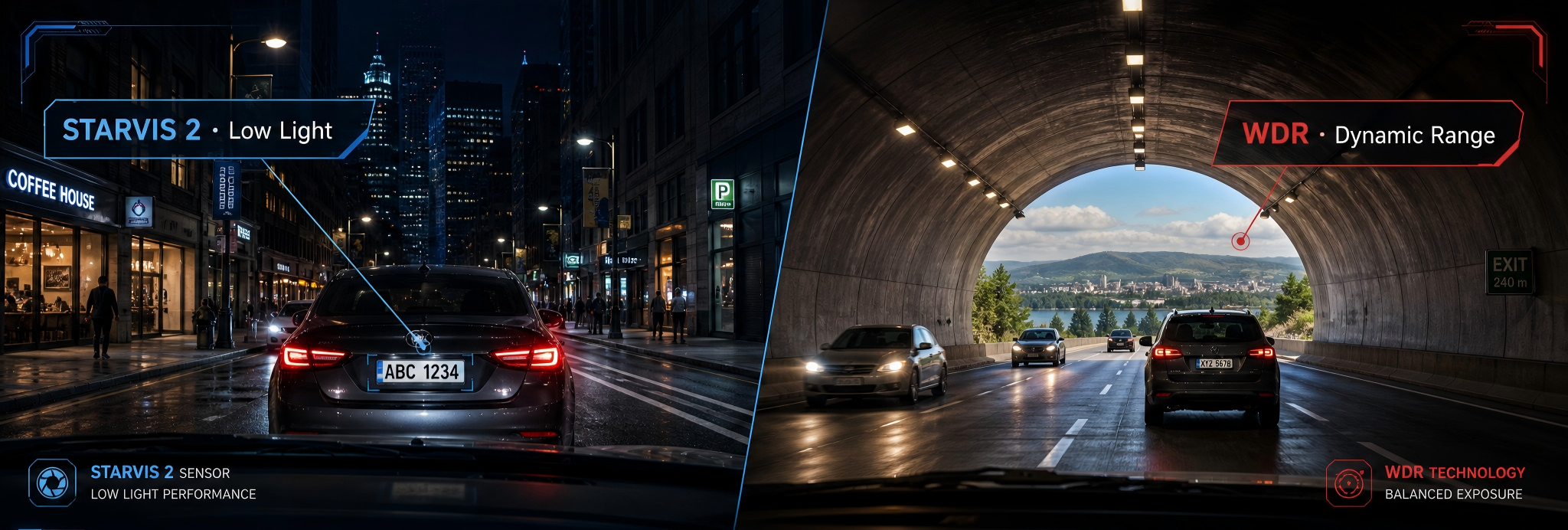

Leave a comment
All comments are moderated before being published.
This site is protected by hCaptcha and the hCaptcha Privacy Policy and Terms of Service apply.