



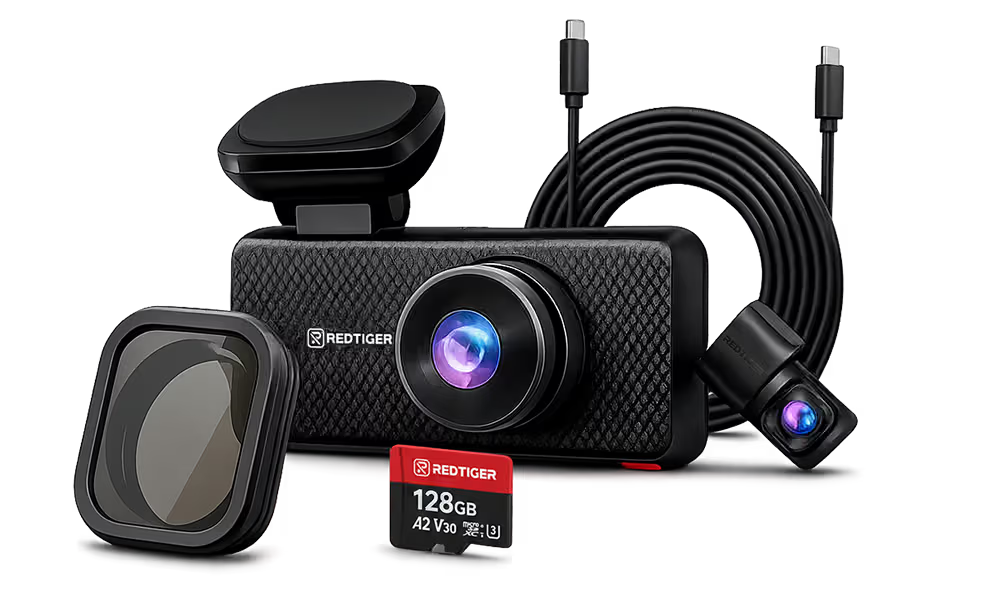





















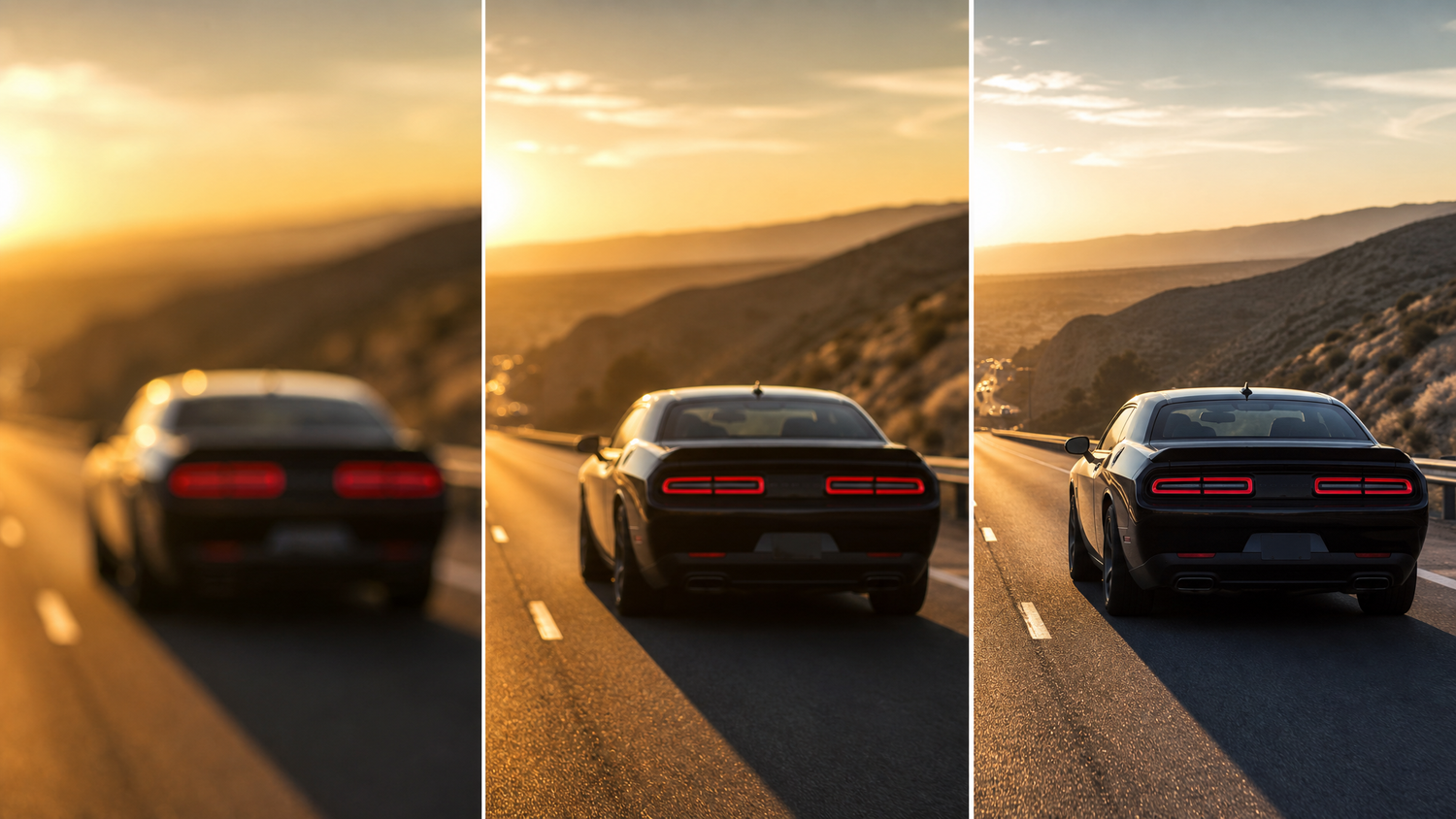
Quick answer: For most drivers, 4K is worth it in 2026 — but only if it’s paired with a good sensor. A native 4K camera with Sony STARVIS 2 captures license plates and road detail that a 1080P camera misses. A 1080P camera is sufficient if budget is the only constraint and you primarily need general incident coverage. 2K sits in between. The full breakdown is below.
What Resolution Actually Means on a Dash Cam
Resolution measures how many pixels the camera captures in each frame. More pixels means more detail — but the number on the box only tells part of the story.
| Resolution | Pixel Count | Pixels vs 1080P |
|---|---|---|
| 1080P (Full HD) | 1920 × 1080 | Baseline |
| 2K (Quad HD) | 2560 × 1440 | 1.8× more pixels |
| 4K (Ultra HD) | 3840 × 2160 | 4× more pixels |
Four times the pixels means four times the potential detail — in theory. In practice, whether you see that detail depends on two things: the image sensor capturing the footage, and whether the 4K label represents native capture or upscaled output.
The Distinction Most Comparison Articles Skip: Native vs Upscaled 4K
Not all 4K dash cams capture footage the same way.
Native 4K: The image sensor physically captures at 3840×2160. Every pixel in the recording is real data from real sensor photosites. When you zoom into a frame to read a license plate, you’re working with genuine full-resolution detail.
Upscaled 4K: The sensor captures at a lower resolution and the camera’s processor scales the output up to 3840×2160 before saving the file. The file is 4K in size; the actual detail level is not.
For reading a license plate at distance after an incident, native 4K delivers real detail that upscaled 4K algorithmically fills in. The difference is visible when you zoom in on the footage.
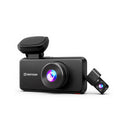
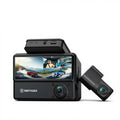
In REDTIGER’s lineup, the F7NA and F77 use native 4K with Sony IMX678 STARVIS 2 sensors. The F7NP uses upscaled 4K with Sony STARVIS 2.
Resolution Tier Breakdown
1080P — When It’s Enough and When It Isn’t
1080P at 1920×1080 is the minimum threshold for usable dash cam footage. At this resolution, footage is sufficient for general incident documentation at typical driving distances. A front-end collision, a lane-change dispute, a car running a red light — 1080P captures all of these clearly.
Where 1080P falls short:
- License plate at distance. Reading a plate on a car that hit you and drove away requires resolving small characters at 30–50+ feet. At 1080P, this becomes difficult past about 20–25 feet depending on speed, weather, and lighting.
- Low light. 1080P sensors on budget cameras typically have smaller pixel sizes than higher-end sensors, producing noisier footage in dawn, dusk, and night conditions.
Right for: Drivers who need basic incident documentation, rarely drive at night, and are working with a tight budget.
2K — The Middle Tier
2K (2560×1440) gives you 1.8× the pixels of 1080P. In practical terms: a modest improvement in license plate legibility and slightly better detail in low-light conditions compared to 1080P on equivalent hardware.
The honest case for 2K: it’s a meaningful step up from 1080P for a moderate price premium. The honest limitation: for the same money, a native 4K camera with a quality sensor often delivers better real-world footage than a 2K camera with mediocre hardware, because sensor quality affects low-light performance more than resolution label.
Right for: Drivers who want better-than-1080P detail without jumping to full 4K pricing.
4K — The Practical Ceiling for Dash Cams in 2026
4K at 3840×2160 is where license plate legibility at real highway distances becomes reliable. Native 4K with a quality sensor — specifically the Sony IMX678 used in REDTIGER’s F7NA and F77 — resolves enough detail to read plates at 40–50+ feet in good lighting.
Combined with Sony STARVIS 2 sensor technology, 4K footage remains useful in low-light conditions. REDTIGER’s published data cites a 30% improvement in low-light performance for IMX678-equipped cameras compared to earlier platforms. For details on the sensor technology, see our Sony STARVIS 2 sensor guide.
Right for: Drivers who need the strongest possible evidence footage — hit-and-runs, parking lot incidents, disputed liability collisions.
Resolution vs Sensor Quality: Which Matters More?
Both matter, but in different ways.
Resolution determines the ceiling — how much detail is theoretically possible in the footage.
Sensor quality determines how close to that ceiling the camera actually performs — particularly in low light, where you most need good footage.
A 4K camera with a poor sensor can produce worse night footage than a quality 1080P camera with a large-pixel, back-illuminated sensor. A native 4K camera with Sony STARVIS 2 gives you both: the resolution ceiling and the sensor quality to approach it. This is why comparing cameras by resolution number alone misses the point. The sensor model matters.
Storage Requirements by Resolution
| Resolution | Approx. Storage Per Hour | 128GB Card Covers |
|---|---|---|
| 1080P | ~5–7 GB | ~18–25 hours |
| 2K | ~8–10 GB | ~13–16 hours |
| 4K | ~12–16 GB | ~8–10 hours |
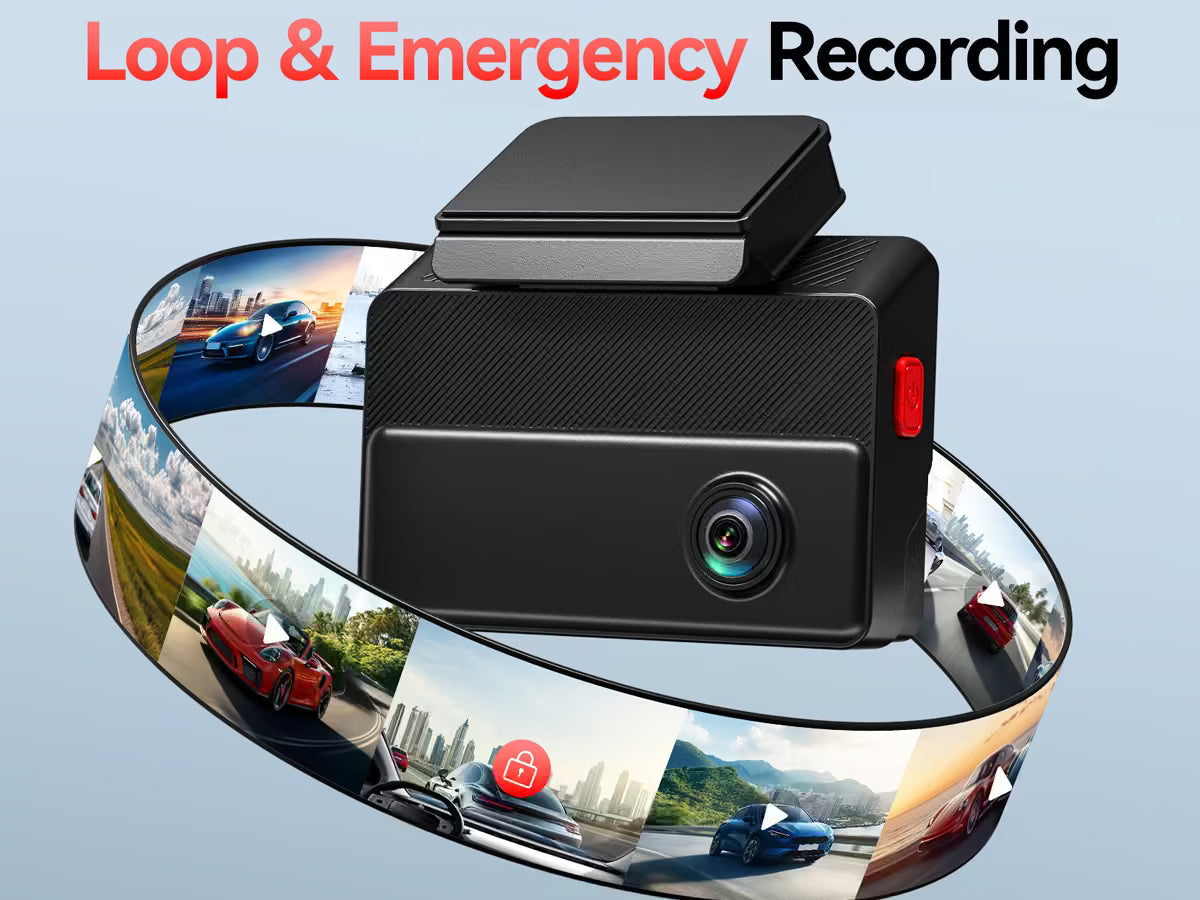
Figures are approximate and vary by codec (H.264 vs H.265) and bitrate settings. Most dash cams use loop recording — overwriting the oldest unprotected footage when the card fills.
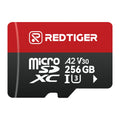
For daily driving, a 128GB card at 4K covers well beyond a full workday before loop overwrite begins. For 24-hour parking mode at 4K, a 256GB card is recommended.
Which Resolution for Which Use Case
| Use Case | Recommended Resolution | Why |
|---|---|---|
| General daily driving documentation | 1080P or 4K upscaled | Sufficient for typical on-road incidents |
| Hit-and-run — reading a distant plate | Native 4K | Resolution matters at distance |
| Night driving, underground parking | 4K + STARVIS 2 sensor | Sensor quality > resolution in low light |
| Long parking mode sessions (8+ hours) | 1080P or 2K | Lower storage extends coverage duration |
| Rideshare / taxi interior | 3-channel + quality sensor | Channel count matters more than front resolution |
| Fleet vehicles, work trucks | Native 4K front | Evidence quality per vehicle justifies cost |

REDTIGER’s 4K Lineup by Resolution Type
| Model | Resolution | Sensor | 4K Type | Price |
|---|---|---|---|---|
| F7NP | 4K front / 1080P rear | Sony STARVIS 2 | Upscaled | $109.99 |
| F7NA ★ | 4K front / 1080P rear | Sony IMX678 STARVIS 2 | Native 4K | $159.99 |
| F17 Elite | 4K front / 1080P int + rear | Sony STARVIS 2 | 4K front | $239.99 |
| F77 | Native 4K front + rear | Dual Sony IMX678 STARVIS 2 | Dual native 4K | $225.99 |
Spring 2026 pricing — verify on each product page before purchasing.
For most drivers: The F7NA at $159.99 is the best balance of native 4K quality and price.
Frequently Asked Questions
Is 4K really worth it on a dash cam, or is 1080P good enough?
It depends on what you need the footage to do. For general incident documentation — a collision, a lane dispute, a traffic violation — 1080P is sufficient in most conditions. Where 4K makes a measurable difference is license plate legibility at distance (a car that hits you and drives away) and footage quality in low light with a quality sensor. If those scenarios concern you, native 4K with Sony STARVIS 2 is worth the price difference. If you primarily need basic coverage and budget is the constraint, a 1080P camera still provides useful evidence.
What is the difference between native 4K and upscaled 4K on a dash cam?
Native 4K means the image sensor captures at 3840×2160 pixels — every pixel is real sensor data. Upscaled 4K means the sensor captures at a lower resolution and the output is algorithmically enlarged to fill a 4K file. Native 4K delivers better detail when you zoom into footage to read a license plate or identify a vehicle at distance. The REDTIGER F7NA and F77 use native 4K (Sony IMX678 STARVIS 2); the F7NP uses upscaled 4K with Sony STARVIS 2.
Does higher resolution mean better night footage on a dash cam?
Not directly. Night footage quality is primarily determined by the image sensor — its pixel size, sensitivity, and whether it uses back-illuminated CMOS technology. A 4K camera with a poor sensor can produce worse night footage than a quality 1080P camera with a large-pixel sensor. Resolution determines daytime detail; sensor quality determines low-light performance. The best combination is native 4K resolution paired with a quality sensor — which is what the REDTIGER F7NA and F77 provide with the Sony IMX678 STARVIS 2.
How much SD card storage do I need for a 4K dash cam?
For daily driving at 4K, a 128GB card typically covers approximately 8–10 hours of continuous recording before loop overwrite begins (exact figure varies by compression settings). For 24-hour parking mode at 4K, a 256GB card is recommended. REDTIGER cameras support loop recording, which automatically overwrites the oldest unprotected footage when the card fills.
Is 2K better than 1080P for a dash cam?
Yes, but the improvement is moderate. 2K (2560×1440) provides 1.8× the pixels of 1080P, which translates to modest gains in license plate legibility at distance. Whether 2K is worth the premium over 1080P depends on the sensor hardware it’s paired with. In 2026, the price gap between 2K and 4K has narrowed enough that 4K with Sony STARVIS 2 is often the better value at the same price tier — you get both better resolution and better low-light sensor performance.
Ready to upgrade to 4K? The REDTIGER F7NA at $159.99 delivers native 4K with Sony IMX678 STARVIS 2 — the highest resolution and sensor quality combination in its price bracket. For the best value entry into 4K, the REDTIGER F7NP starts at $109.99 with Sony STARVIS 2 and WiFi 6.

Leave a comment
All comments are moderated before being published.
This site is protected by hCaptcha and the hCaptcha Privacy Policy and Terms of Service apply.