































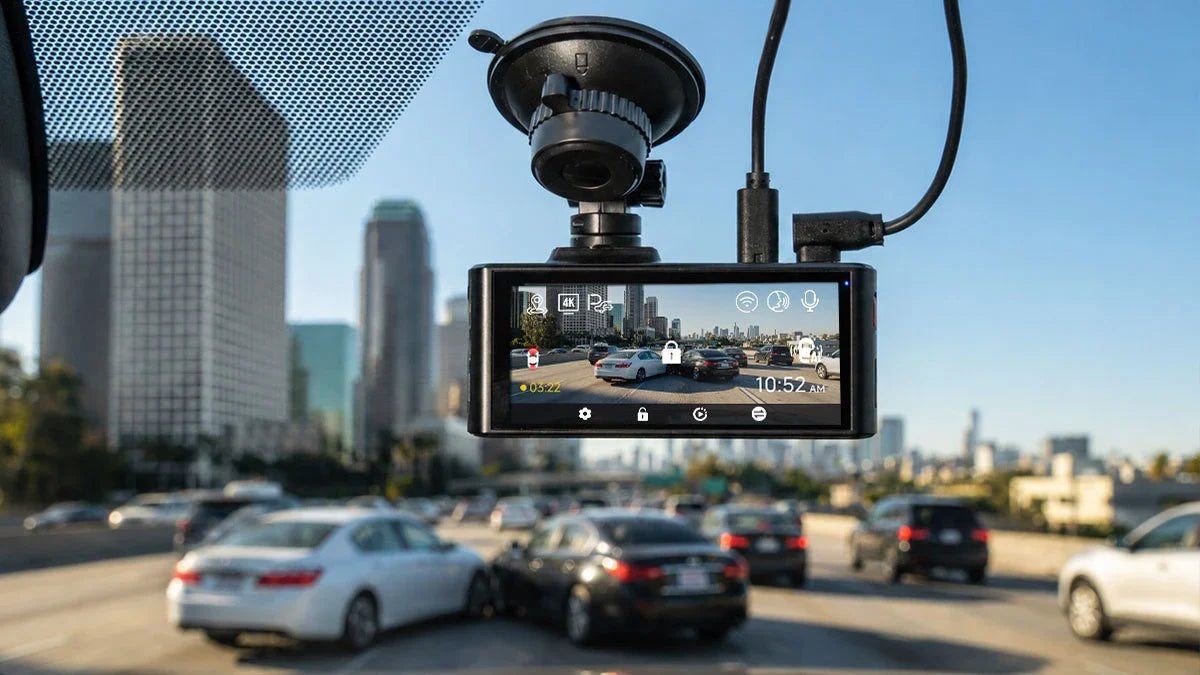
Many drivers still wonder whether dash cams help with car accidents. And the answer is yes. A dash cam gives you a visual record of what happened right before, during, and after a collision. That one record can make a real difference when it's your word against someone else's.
Then, you may wonder which one is worth mounting on your windshield. The short answer: choose one that offers an upgrade at low cost and saves you a lot of stress.
This guide walks through how dash cam footage helps with insurance claims and legal disputes. You'll know what to do with it, which features matter, and what US law says about recording. We aren't here to provide legal advice; we're here to give you a practical overview of the basics.
Do Dash Cams Help with Car Accidents?
To be clear: Yes, dash cams help significantly with car accidents from legal/evidentiary aspects. Dash cams can provide a visual record of any incident, making them some of the most persuasive evidence in a dispute. You have a timestamped video of the actual event without relying on memory.
Accident scenes are chaotic, and even honest people remember details differently under stress. One driver swears the light was green; the other swears it was red. A witness remembers a car swerving but can't say which one. Dash cam footage cuts through that confusion by showing exactly what happened.
How Dash Cams Can Help with Insurance Claims
Dash cam footage complements, not replaces, the other evidence in your claim. The accident report, photographs, and witness statements carry massive significance. Insurance adjusters weigh video heavily because it's objective. However, it works best with the rest of your documentation, not instead of it.
Do Insurance Companies Accept Dash Cam Footage?
Generally, yes. Insurance companies routinely review dash cam footage as part of their claims investigation process. It gives adjusters a clearer picture of fault than statements alone (Vaziri Law LLP). Some insurers offer a modest discount for installing a dash cam, though policies vary by company and state.
What Information Can Dash Cam Footage Provide?
Good footage can capture the sequence of events. Farah & Farah implies that your footage can capture the impact, traffic signal, lane position, crashing speed, and road or weather conditions. Some cameras also log GPS data to verify your location, route, and speed independently, adding further credibility.
Can Dash Cam Footage Be Used as Evidence?
Yes. Dash cam footage is commonly accepted as evidence in insurance disputes and legal proceedings, as long as it's clear, relevant, and properly preserved. How much weight it carries, though, depends heavily on the recording quality and how carefully you protect the original file.
What Makes Dash Cam Footage More Useful?
Not all footage is equally convincing. The clips that hold up best share a few traits. Clear resolution that keeps faces, plates, and signals legible matters from the start. Edited or cropped footage is the opposite. Accurate timestamps and GPS data let anyone independently verify when and where the event happened.
Why You Should Preserve the Original Recording
Most dash cams use loop recording. It means the camera continuously records over old footage to make room for new clips. Your dash cam settings don't automatically lock any clip. Some drivers keep driving after the accident without saving the file.
In such cases, the footage may get overwritten before you use it. Protect the original, unedited file, not a screen recording or a re-compressed copy. Insurers and courts verify the recording using embedded metadata like GPS coordinates and timestamps.
What Should You Do with Dash Cam Footage After an Accident?
The moment an accident happens, your dash cam has already done its job. What you need to determine is whether the footage helps you. Follow this simple, five-step process to make sure you don't lose anything important.
- Protect the Footage: Some dash cams come with a manual lock or emergency-record button. Use it immediately so loop recording doesn't overwrite the clip.
- Back up the Original: Transfer the raw file to your phone or a computer as soon as possible. Don't leave it only on the camera's memory card.
- Photograph the Scene: Dash cam video is powerful and credible. Still photos of vehicle damage, license plates, and road conditions add valuable supporting detail.
- Collect Other Evidence: Get witnesses' contact information. Also, note the responding officer's report number and write down your own account while it's fresh.
- Share with Appropriate Parties: Send the original file to your insurance company. Get it to your attorney in case you're pursuing a claim,
It's more like a simplified summary of the process. Check out Redtiger's guide on how to use dash cam footage after a car accident, which explains the full process.
Which Dash Cam Features Matter Most After a Car Accident?
Four features consistently determine whether footage is useful after a crash: front and rear coverage, 4K resolution with strong low-light performance, automatic G-sensor protection, and GPS logging. Skimping on one of those can leave you with not-so-helpful footage.
Front + Rear Recording
A front-only camera misses rear-end collisions. It can't show what happened if another vehicle approached from behind. Front and rear recording covers both directions, since accidents can happen from any angle.
4K Resolution and Low-Light Recording
Resolution determines whether a license plate remains readable after the fact. That detail makes the difference between identifying a hit-and-run driver and having nothing to go on. Strong low-light and HDR performance is equally crucial. Many accidents happen at dawn, dusk, or night, when a weaker sensor struggles.
G-Sensor and Automatic Incident Protection
A G-sensor detects sudden impacts or hard braking and automatically locks that clip. Therefore, loop recording can't overwrite it. Without this feature, you have to manually save footage in the middle of a stressful, chaotic moment.
GPS
Built-in GPS logs your speed, route, and exact location at the time of the incident. As mentioned already, it gives you independently verifiable data to support your account of the event(s). It's especially useful when speed or location becomes a point of dispute in a claim.
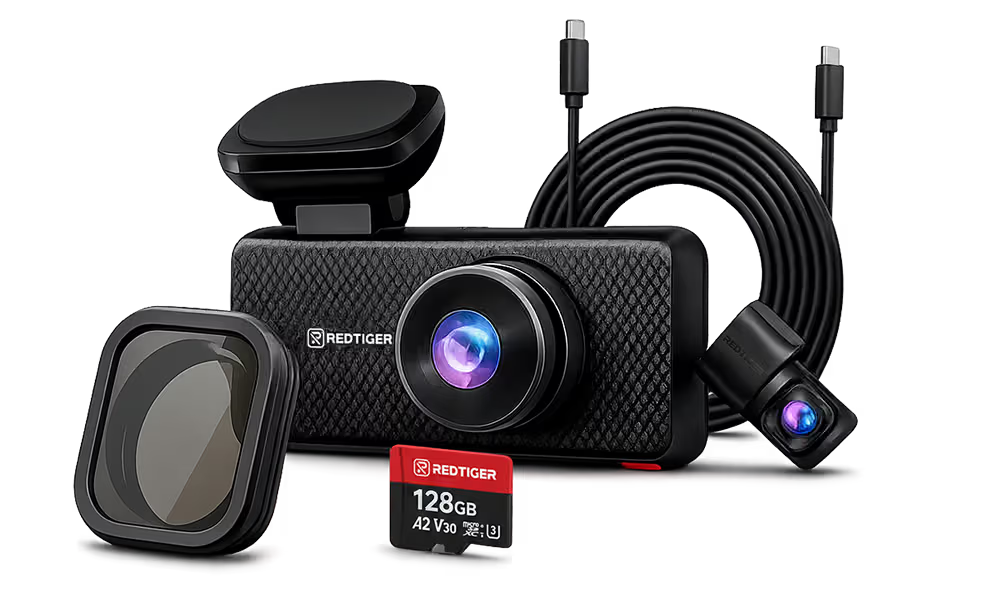
The REDTIGER F7NA comes with all four features. Its true 4K front camera, powered by the Sony STARVIS 2 IMX678 sensor, supports WDR + HDR processing for balanced exposure in glare and darkness.
It also includes GPS tracking and G-sensor incident detection. It's a solid front-and-rear setup for drivers who want dependable documentation without unnecessary extras.

Why a 3-Channel Dash Cam Can Provide More Accident Context
A 3-channel system records front, rear, and interior simultaneously. This setup fills a gap a standard two-camera setup can't cover (what happened inside). That extra context becomes crucial until most people realize it.
- Family Vehicles: Interior footage documents exactly what happened in the cabin during a crash. It matters for both insurance and peace of mind.
- Rideshare Drivers: Recorded interior footage protects against false claims about driver conduct and provides a clear record of passenger interactions.
- Taxi Drivers: The same protection applies for commercial drivers who interact with the public throughout their shift.
- Parents: Interior recording offers reassurance and documentation when kids or a new teen driver are in the car.
- Drivers into Interior Context: Sometimes incidents happen inside the vehicle. It confirms who was driving, where hands were, or what happened before impact.
- Disputes Involving the Vehicle's Interior: Many disputes involve behavior or events inside the cabin. Interior footage settles the question directly.
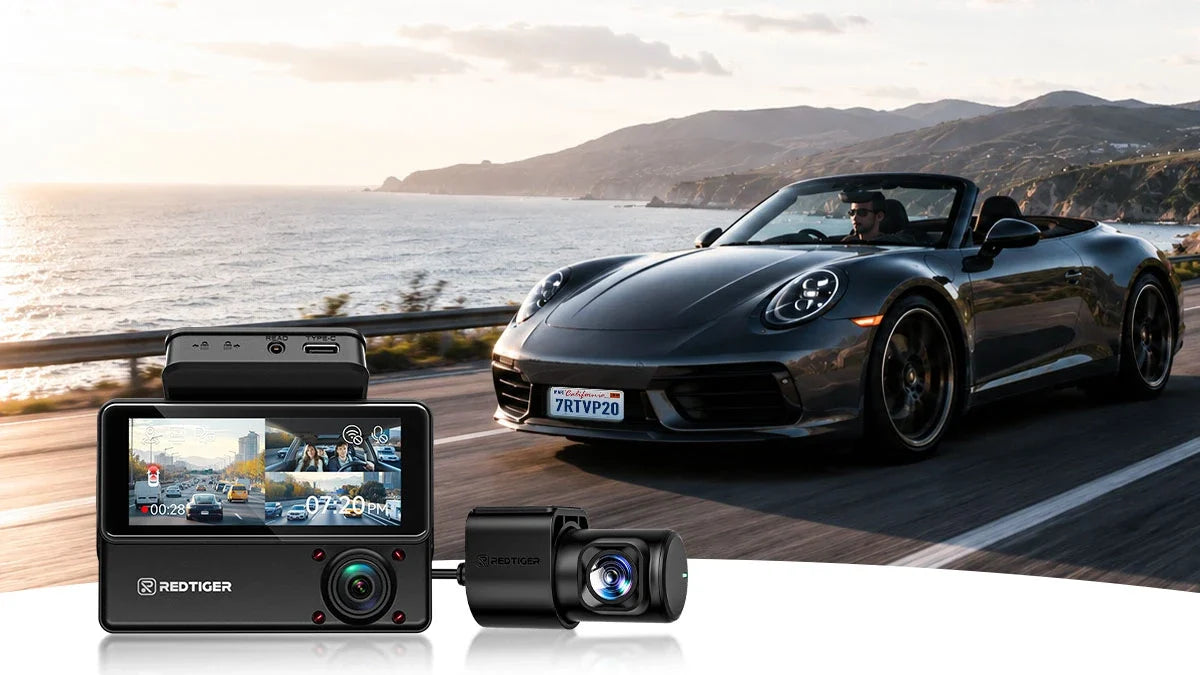
The REDTIGER F17 Elite specifically delivers such complete coverage. It records front, rear, and interior simultaneously in 4K with full night color and Wi-Fi 6 for fast footage transfer.

Are Dash Cams Legal in the US? Video, Audio, and Placement Rules
Dash cams are widely used and legal across the US. But drivers should still follow their state's specific rules on audio recording and windshield placement. We've covered the general landscape here. Always double-check your own state's current law if you're unsure/confused.
Is Dash Cam Video Legal?
Recording video from inside your own vehicle is legal in every US state. RecordingLaw.com says there's no reasonable expectation of privacy for anything visible from a public road. The legal questions that come up center on audio recording and where the camera is mounted.
Is Dash Cam Audio Legal?
It depends on your state's consent law. Most states follow one-party consent, meaning you can legally record audio of a conversation you're part of without notifying anyone else in the car. A few states like California, Florida, Illinois, and several others require all-party consent.
It means everyone being recorded needs to know about it. These laws vary and change, so you should check your state's current regulations. It seems almost mandatory when you regularly carry passengers or drive for rideshare work.
Can a Dash Cam Block Your View?
Most states regulate where objects can be mounted on or near the windshield. According to Nexar, it ensures they don't obstruct the driver's required field of view. Mounting the camera behind the rearview mirror in a compact size keeps it compliant in most states. Still, placement laws vary, so it's worth a quick check if you're unsure.
Best Practice for US Drivers
You may still be uncertain about your state's specific rules, especially around audio recording. That's okay. The safest approach is to check your current state law directly or turn off the microphone. This article serves general informational purposes only; it is not legal advice for anything case-specific.
Conclusion
Though dash cams may feel like an optional gadget, more drivers are installing them for good reason. A dash cam is a relatively small investment that makes a massive difference if you're in a dispute over what happened on the road. It could be an insurance claim, a legal case, or simply proving your side of the story.
And you'd better invest in one with front and rear coverage, sharp resolution with low-light performance, an automatic G-sensor, and GPS logging. Meanwhile, a 3-channel setup adds valuable interior context for family drivers and rideshare drivers. The same goes for anyone who wants the most complete picture of an incident possible.
Redtiger offers a top-tier dash cam lineup to meet drivers' distinctive needs at reasonable prices. The F7NA delivers a basic upgrade to get the job done, while the F17 Elite offers full coverage. You can compare other options to see which dash cam is best for your ride.
Frequently Asked Questions (FAQs)
Can dash cam footage be used in court?
Yes. Dash cam footage is admissible in court as evidence. The footage has to be authentic (raw), relevant, and properly obtained under your state's recording laws. Admissibility rules vary by jurisdiction; it is a question you should bring to an attorney if your case goes that far.
Will my insurance company give me a discount for having a dash cam?
Some insurers offer a discount for dash cam installation. However, the amount significantly varies by company and state. Ask your provider whether they offer one and what documentation they require.
Should I turn off dash cam audio?
It's a reasonable precaution while driving regularly in an all-party consent state with passengers. Disabling audio or posting a visible notice is a low-effort way to stay compliant. The video alone is usually sufficient for accident documentation anyway.
Can the other driver request my dash cam footage?
During a claim investigation or legal proceeding, the other party's insurer or attorney can request your footage through normal discovery or claims processes. The court can compel production if it's relevant to the case. It's another area where speaking with an attorney is worthwhile.
Disclaimer: This article is for general informational purposes only and does not constitute legal advice. Laws on recording, evidence, and insurance vary by state and change over time. Consult a licensed attorney in your state for advice about your specific situation.

Leave a comment
All comments are moderated before being published.
This site is protected by hCaptcha and the hCaptcha Privacy Policy and Terms of Service apply.