



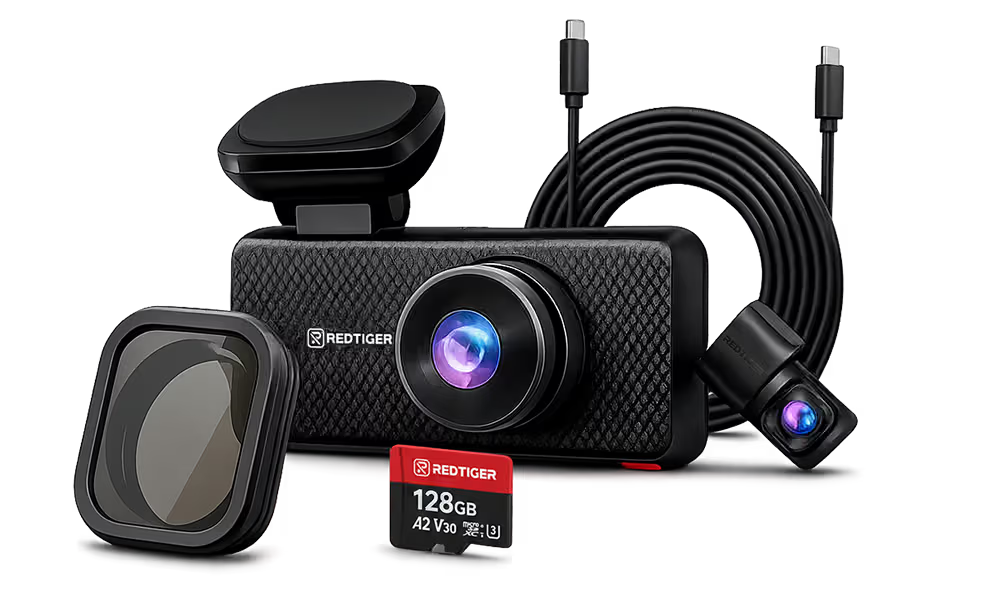




























Parking Mode Guide
Keep Watch After You Park
Parking mode lets a compatible dash cam monitor your vehicle after the engine is off. Compare recording modes, understand protected power, and check what matters before installation.

The quick answer
Three parts make parking mode work.
A parking-mode setup needs a compatible dash cam, a supported parking recording mode, and a protected power source that remains available after ignition-off. REDTIGER says parking monitoring can be enabled with a compatible hardwire kit connected through the fuse box or an OBD connector. Exact modes and connections vary, so confirm both product specifications and the matching manual before installation. REDTIGER Hardwire Kit FAQ
-
01
Detect
Impact, visible motion, time-lapse, or a model-specific combination.
-
02
Record
Save an event clip or a compressed record of the parked period.
-
03
Protect power
Use compatible ignition-off power with the kit’s battery safeguards.
Compare the modes
Choose the recording behavior—not just the feature label.
| Mode | How it works | Best for | Main tradeoff |
|---|---|---|---|
| Impact / G-sensor | Detects a physical bump above the selected sensitivity and protects an event recording. | Hit-and-runs, door dings, and collision evidence. | It may not capture activity that happens without a meaningful impact. |
| Motion detection | Starts or saves recording when the camera detects movement in view. | Driveways, quieter lots, and activity near the vehicle. | Busy scenes can create frequent triggers; support varies by model. |
| Time-lapse | Captures frames at intervals to create a compressed overview of the parking period. | Longer parked periods and general activity context. | It is not the same as normal full-frame-rate continuous video. |
REDTIGER describes G-sensor, motion-detection, and time-lapse approaches, while individual product support differs. Choose the behavior you want, then verify the exact options in the user manual or read the REDTIGER parking mode guide.
Battery and power
Protection reduces risk. It does not create unlimited runtime.
Parking mode draws power while the engine is off. A compatible hardwire kit with low-voltage protection can stop supplying power when voltage reaches the kit’s cutoff, reducing the risk of excessive discharge.
Duration still depends on battery age and condition, temperature, camera draw, active channels and features, recording mode, and the kit’s protection behavior. A weak battery may reach cutoff sooner.
If your vehicle sits unused for long periods, has an aging battery, or has sensitive electrical systems, ask a qualified installer which power method is appropriate.
- 01
Confirm camera support
Check the product page and manual for the parking modes available on your exact model.
- 02
Match the power kit
Verify the connector, camera compatibility, supported vehicle voltage, fuse or OBD method, and cable length. REDTIGER’s FAQ lists a 3.5 m / 11.5 ft cable for the kit it describes, but other kits may differ.
- 03
Plan the cable route
Keep the cable clear of the driver’s view, pedals, moving controls, and airbag deployment paths.
- 04
Install and configure
Follow the exact camera, kit, and vehicle instructions. Fuse locations and circuits are vehicle-specific; use the vehicle manual rather than copying another car’s fuse assignment.
- 05
Test before relying on it
Turn the vehicle off, confirm that the camera enters the intended parking state, review a test event, and check normal startup afterward.
REDTIGER notes that fuse-box installation can be complex and recommends professional installation if you are not familiar with automotive electronics. It also advises checking applicable vehicle and insurance terms before hardwiring. Hardwire Kit FAQ
Match your parking pattern
Start with where—and how long—you usually park.
Busy street or public garage
Start with
Time-lapse for a broad overview, with impact protection if the model supports both.
A scene with constant pedestrian and vehicle movement can create many motion triggers. A lower-rate overview may be easier to review, while impact detection prioritizes collision events.
Driveway or quiet residential lot
Start with
Motion detection or impact detection.
With less background movement, event-triggered recording can focus on activity close to the vehicle. Adjust sensitivity after testing so ordinary movement does not create unnecessary clips.
Workplace or shopping-center lot
Start with
Impact detection, or a supported combination mode.
Door dings and parking contact are the central concern. Position the camera for a clear field of view and confirm that important event files are protected from normal loop overwriting.
Airport or multi-day parking
Start with
A conservative power plan.
Low-voltage cutoff still limits recording according to available battery reserve. For long unattended periods, consult a qualified installer about whether a dedicated dash-cam battery or another supported power approach is more appropriate than relying only on the starter battery.
Before you buy
Check the complete setup for compatibility.
- Does the exact dash cam support the parking behavior you want?
- Is the hardwire or OBD kit listed as compatible with that camera and connector?
- Does the kit support your vehicle’s voltage system?
- Is the cable long enough for a safe, hidden route?
- Does the kit specify low-voltage protection or another battery safeguard?
- Are you comfortable installing it, or should a professional handle the fuse box?
- Have you checked the vehicle manual, warranty terms, and any relevant insurance requirements?
Build a Parking-Ready Setup
Choose a compatible REDTIGER dash cam first, then match it with the correct power kit and installation instructions.
FAQ
Parking mode, answered.
Does a dash cam record when the engine is off?+
Only when the camera supports parking mode and still has an appropriate power source after ignition-off. A standard accessory socket may turn off with the vehicle.
Do I always need a hardwire kit?+
A hardwire kit is a common way to supply protected ignition-off power. Some compatible systems may use an OBD cable or dedicated battery instead. Follow the power options approved for the exact camera and vehicle.
How long will parking mode record?+
There is no universal runtime. It depends on battery condition, temperature, camera draw, active channels and features, recording mode, and the kit’s cutoff or timer behavior.
Do all REDTIGER dash cams use the same parking modes?+
No universal set of modes is verified. REDTIGER offers multiple parking-capable models, but available options vary. Check the model specification and manual before purchasing accessories.
Can I install a hardwire kit myself?+
Only if you are comfortable identifying vehicle-specific circuits, making a safe ground connection, routing around airbags, and testing the result. REDTIGER recommends professional installation for people without automotive-electronics experience. Hardwire Kit FAQ
What type of memory card is best for parking recording?+
Use a card that meets the exact camera’s capacity and speed requirements. REDTIGER’s existing guide recommends a high-endurance card for frequent recording and overwriting, but the supported capacity still depends on the camera. REDTIGER parking mode guide